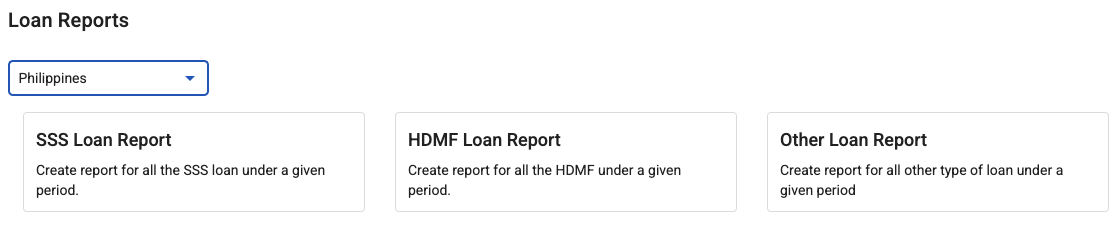
Benefit reports
Benefit reports tell you what is currently lent out, what is being repaid, and what is at risk. If you lend to employees at any scale, this is the view that keeps it a managed programme rather than a collection of individual arrangements.
Where: Benefits › Reports You need: benefits rights covering the employees reported on
What to get out of them
Total outstanding. What the company currently has lent. This is a real balance-sheet figure and finance will want it, whether or not they have asked yet.
Repayments in the period. What came back through payroll, which should reconcile against the deductions on payslips.
Loans by status. Anything stuck in a pending status, and anything in Error. These are the ones costing somebody something — a person waiting for money, or a loan not repaying.
Advances outstanding. What has been drawn against earned wages and not yet recovered.
How to run one
- Open Benefits › Reports.
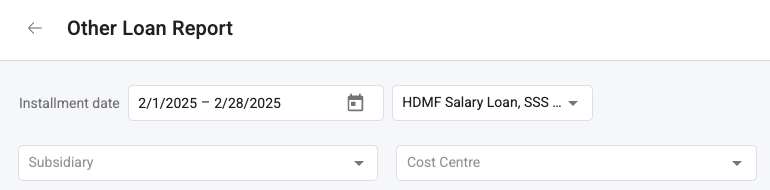
- Choose the report and the period.
- Select the employees or groups in scope — you will only see those your rights cover.
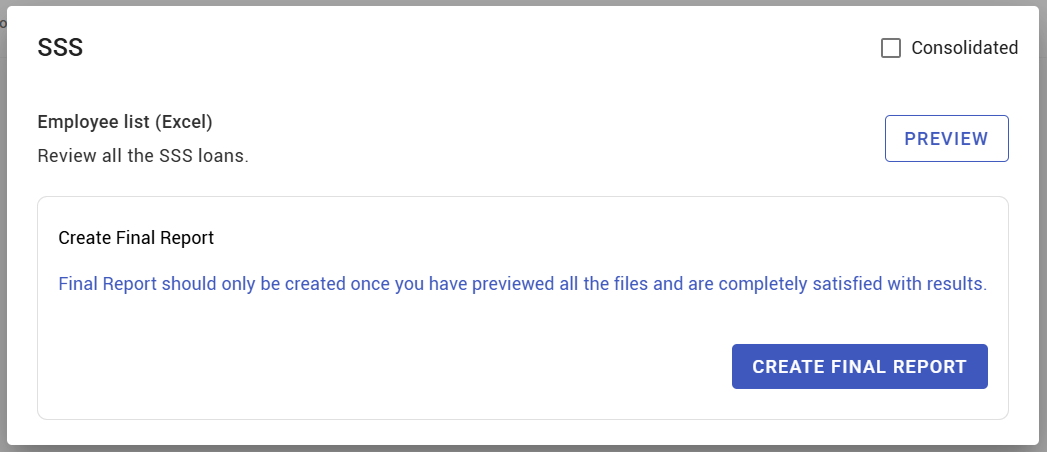
- Generate and export.
Reconcile against payroll
The check worth doing every period: repayments in the benefit report should match the loan and advance deductions on payslips. If they do not, one of three things is true — a loan is not deducting, a deduction was taken against no loan, or someone adjusted a payslip by hand.
All three are worth knowing about, and all three are invisible unless you compare.
What Happens Next
- Reports reflect balances as they stand when you run them; a loan disbursed after you export will not be in it.
- Exports are what you give finance. Keep them with the date they were generated.
- Outstanding balances feed final pay for leavers.
Tips
- Give finance a standing export. They need the outstanding total, and providing it monthly is easier than answering the question ad hoc.
- Review pending and Error statuses every week, not from the report but because the report shows how long they have been there.
- Check leavers against outstanding balances before final pay is calculated, every cycle. This is the single highest-value use of these reports.
- Track the trend, not just the balance. A steadily rising outstanding total means lending is growing faster than repayment, which is a policy question.
Troubleshooting / FAQ
Q: The report total does not match payroll deductions. Check for paused plans, loans in Error, and any payslip that was hand-adjusted.
Q: An employee is missing from the report. Your benefits rights may not cover them, or their loan may not be Live yet.
Q: The outstanding total changed after payroll ran. Expected — instalments were deducted and balances fell.
Q: Can I report across all companies or entities? Only across the employees your rights cover.
Screenshots
These screenshots came from our previous help centre and may show an earlier version of the interface.