Setting up your organisation structure
Your organisation structure is the skeleton everything else hangs off. Employees are assigned to it, approvals route through it, reports group by it, and payroll and attendance take real settings from it — a branch is not a label, it carries a timezone and a tax registration.
Where: My Team › Settings › Organization
You need: the Team organisation right; cost centres have their own right 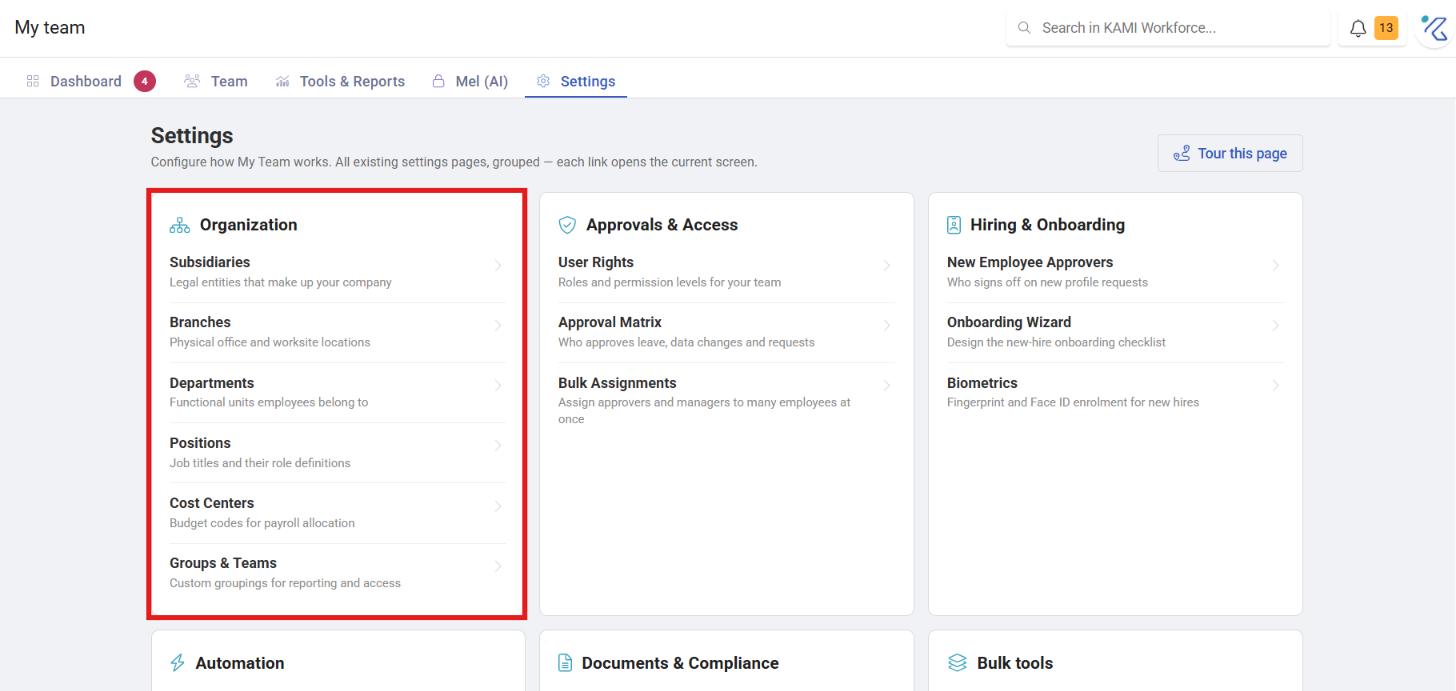
When to use which
| You want to represent | Use |
|---|---|
| A separate legal entity | Subsidiary |
| A physical work location | Branch |
| A functional grouping | Department |
| A job title | Position |
| A financial allocation | Cost centre |
| Anything cutting across the hierarchy | Group / Team |
The distinction people get wrong: divisions are departments, offices are branches, and only genuinely separate registered companies are subsidiaries. Creating a subsidiary to represent a division produces tax and payroll settings you did not intend.
Before You Start
Build this before you add employees. Every employee is assigned to a branch, department and position, so if those do not exist you will either create them hurriedly while adding someone, or go back and edit every profile afterwards.
An hour spent here saves a day of profile edits later, and prevents the far more expensive version — discovering after payroll that half a department was on the wrong branch.
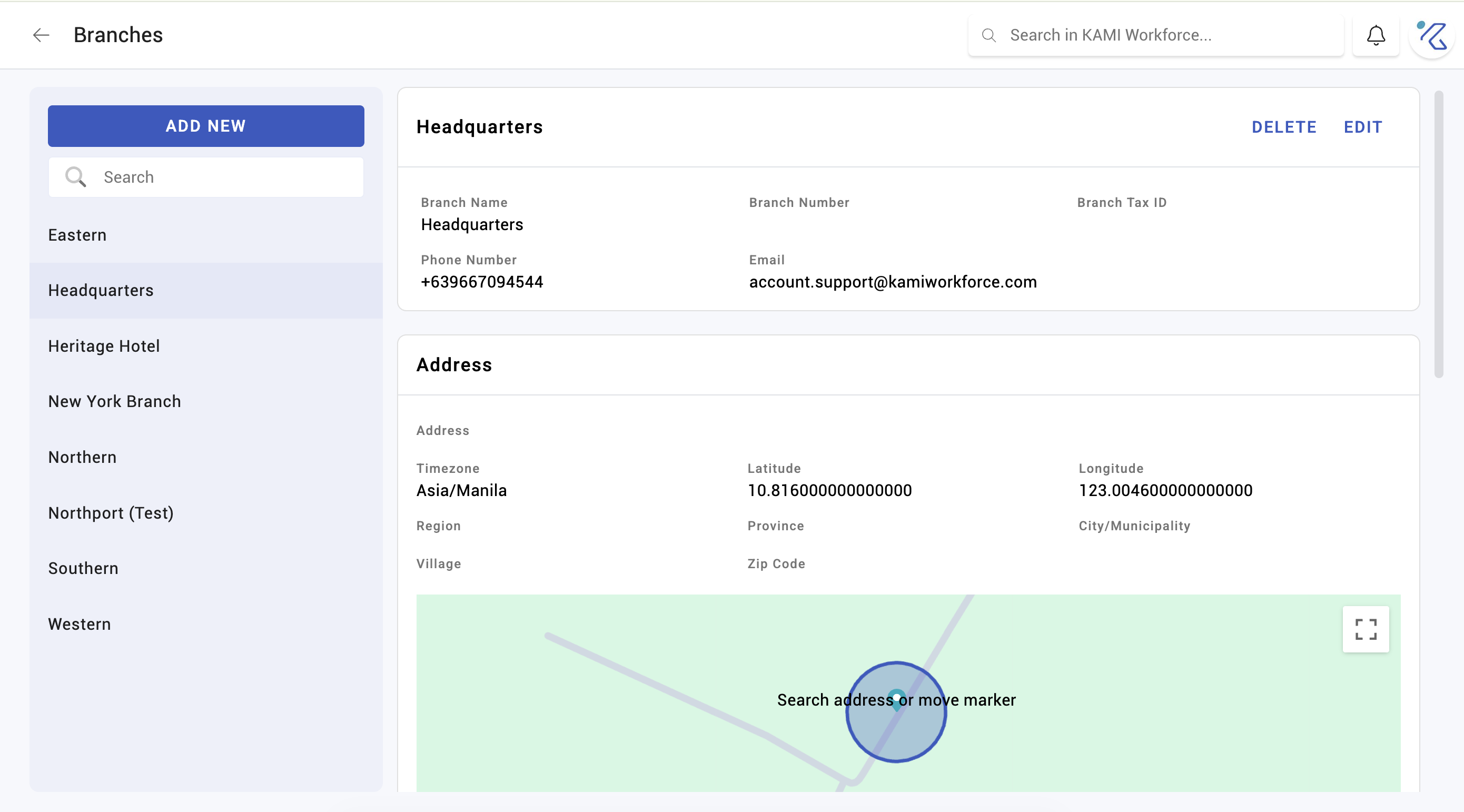
Branches carry more than a name
A branch holds:
- Location coordinates — used to check where employees clock in from
- A timezone — attendance is interpreted against the branch's local time, not the company's
- A tax registration number — used by payroll
Two consequences, and both cause confusion when missed:
- A branch with the wrong timezone produces attendance that looks wrong for everyone assigned to it. If a whole location's clock-ins are shifted by hours, check the branch before investigating individuals.
- A branch with no coordinates cannot support location-based clock-in checks at all — see Checkpoints and geo-tracking.
Set these when you create the branch rather than after people are assigned.
Departments, positions and groups
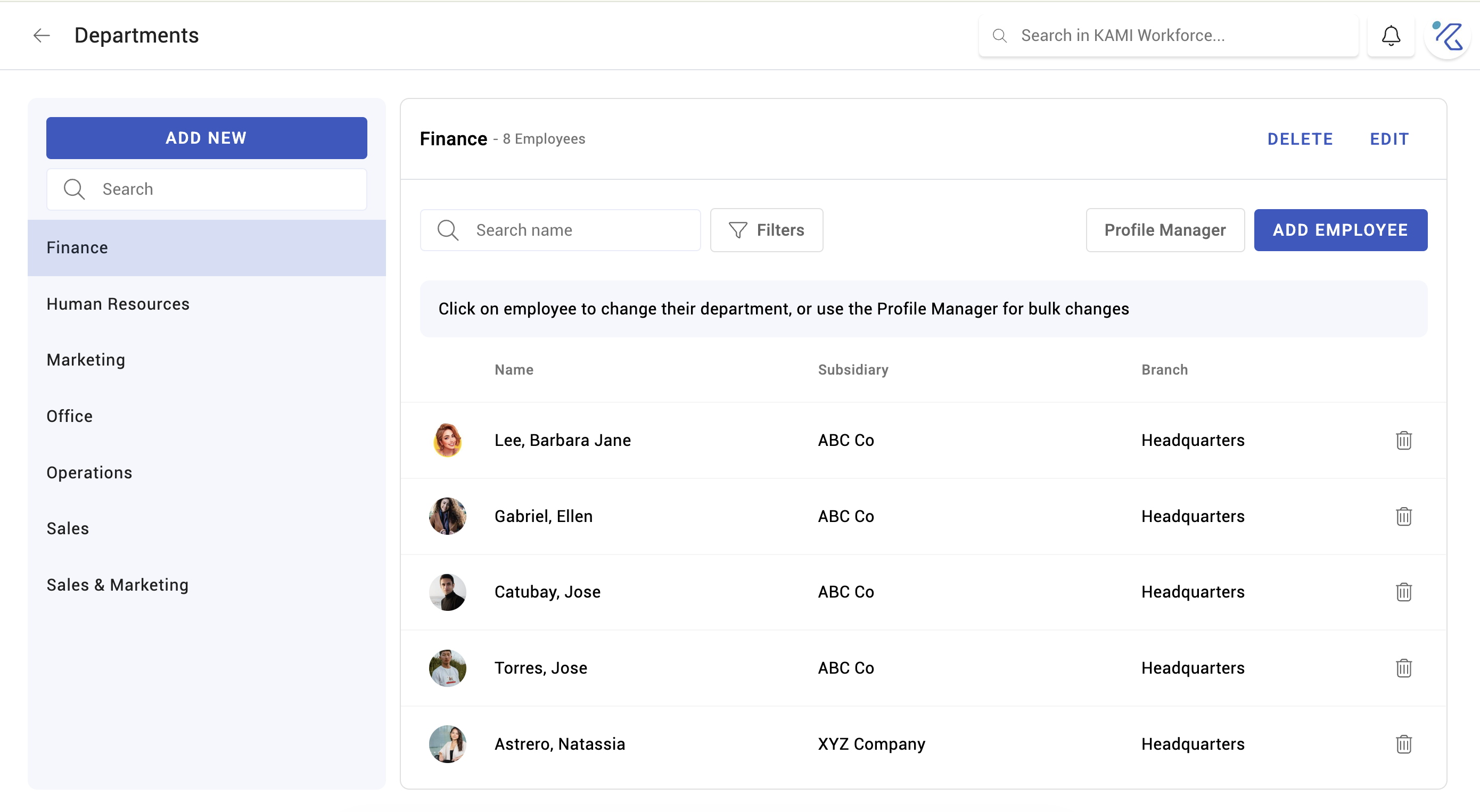
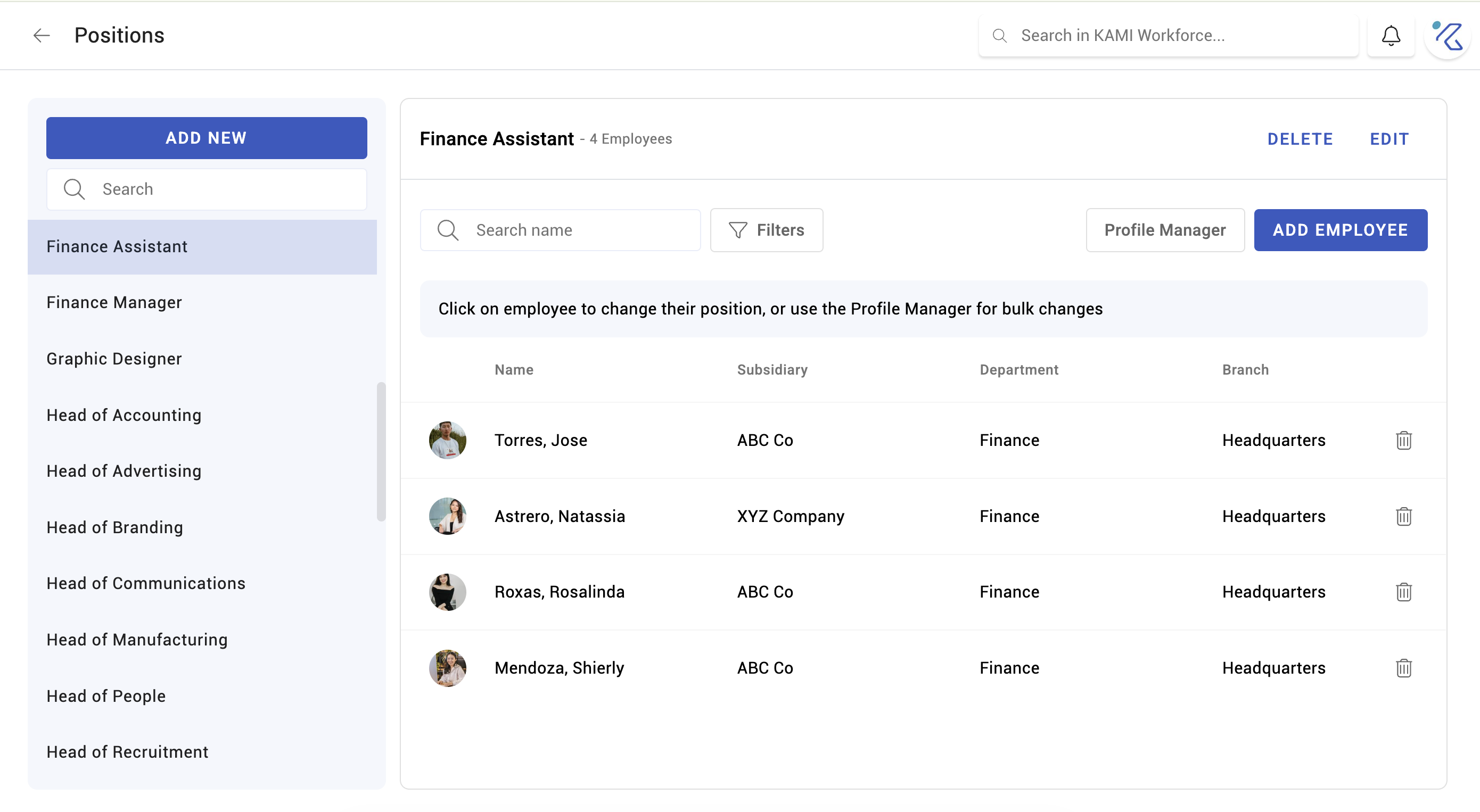
Departments and positions are the two most used, because approvals, reports and automation rules key off them. Keep the names consistent — "Finance" and "Finance Dept" as two departments will split every report that groups by department, permanently.
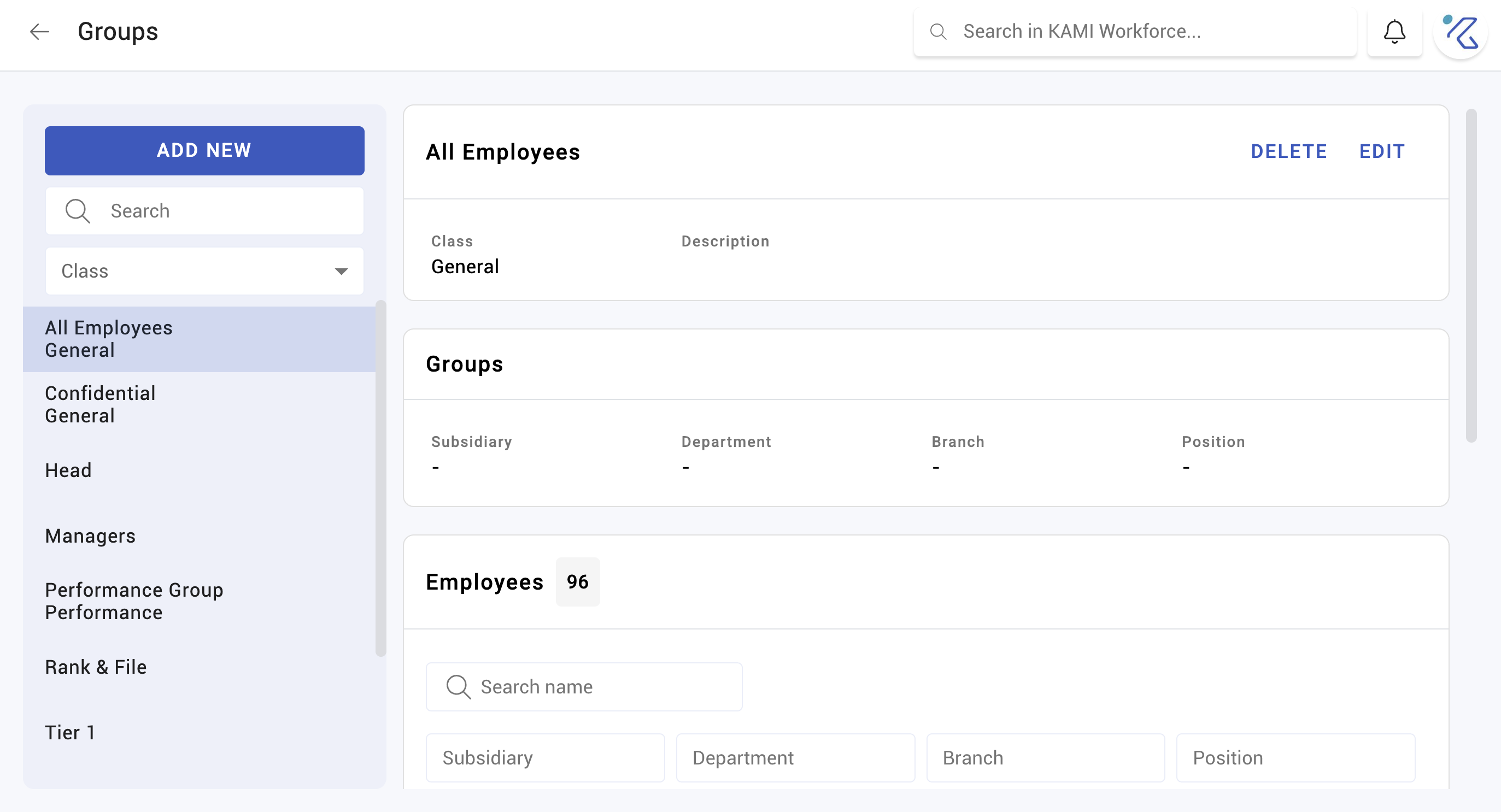
Groups and Teams exist for groupings that do not fit the hierarchy: a project team, a shift crew, a committee. Use them when the grouping is real but cuts across departments.
Cost centres
Cost centres allocate labour cost. They have their own permission because they usually belong to finance rather than HR, and getting them wrong misstates the accounts rather than just a report.
What Happens Next
- New employees can be assigned to the structure immediately.
- Renaming flows through to reports at once — usually what you want, though historical exports keep the old name.
- Moving an employee between branches or departments changes what they are subject to: attendance timezone, payroll tax registration, approval routing, and any Profile Automations that key off placement.
- Where automations exist, a move can change someone's settings automatically. That is the intent — but know it before moving a group of people.
Once the structure exists
- Profile Automations — automatically apply the right settings when someone is placed in a given department or branch, instead of setting them by hand each time
- Bulk Assignments — move many employees between groups at once
Tips
- Agree the naming convention before creating anything. Inconsistent names are the single most common structural problem, and they are painful to fix once reports and automations reference them.
- Set branch timezone and coordinates at creation. Retrofitting a timezone means recalculating attendance for everyone on that branch.
- Do not create a subsidiary you do not legally have. It carries its own address and tax registration, and payroll will use them.
- Keep positions meaningful but few. A position per person is not a structure, it is a list of names.
Troubleshooting / FAQ
Q: A whole site's attendance is shifted by hours. The branch timezone. Check it before looking at any individual's records.
Q: Reports split one department into two rows. Two departments with near-identical names. Merge them and reassign.
Q: Location check-in does not work at one site. That branch has no coordinates configured.
Screenshots
These screenshots came from our previous help centre and may show an earlier version of the interface.