Importing historical payslips
When you move to KAMI part-way through a year, the payslips already paid elsewhere still matter. Importing them gives KAMI the year-to-date figures it needs so that tax, contributions and year-end reporting describe the whole year rather than the part you ran here.
Where: Payroll › Tools › Import payslips You need: payroll rights, including the right to import
Why it matters more than it looks
KAMI taxes on an annual basis. Without the earlier part of the year, a mid-year migration produces an annual estimate built from a few months as though they were twelve — and every payslip after that is withheld on the wrong basis.
The same applies to contributions with annual caps, and to year-end certificates, which are supposed to state the full year.
⚠️ If you go live mid-year and do not import history, your first year-end will not reconcile and your employees' certificates will understate their earnings. This is the migration step most often skipped and most expensive to fix later.
Which one, when
| You are | Do |
|---|---|
| Migrating mid-year from another system | Import historical payslips |
| Recording one joiner's pay from a previous employer | Previous-employer income on their record |
| Correcting a KAMI payslip | Recalculate, or a wage adjustment |
Historical import is for payslips KAMI did not produce. Do not use it to fix payslips it did.
Before You Start
Reconcile the source data first. Whatever you import becomes your year-to-date truth, and errors are inherited silently.
Agree the level of detail. Gross, tax and contributions at minimum; more detail gives better year-end reporting.
Do it before the first live run, so the first KAMI payslip is calculated on a complete year.
How to import
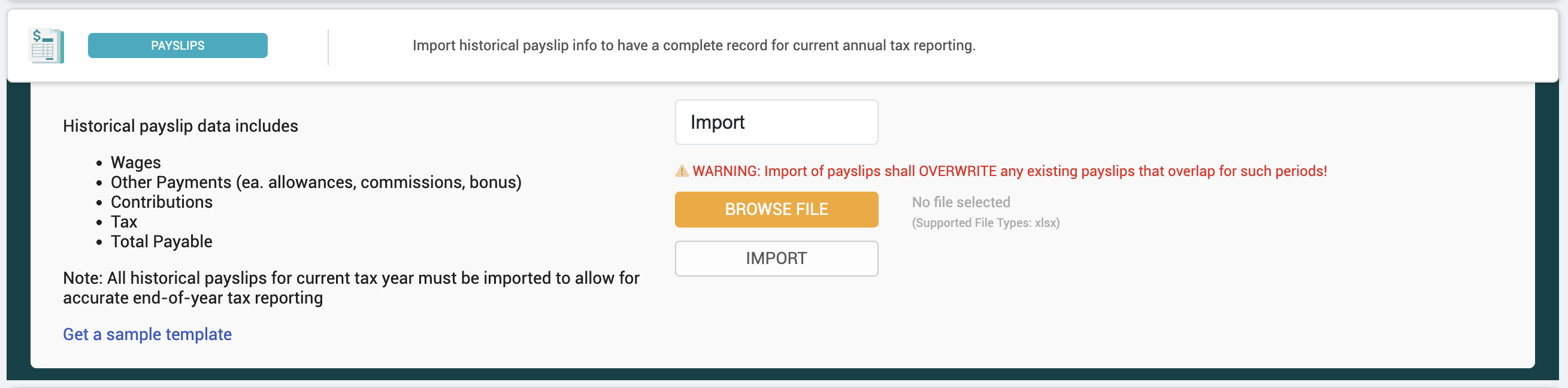
- Prepare the file from your previous system, per period per employee.
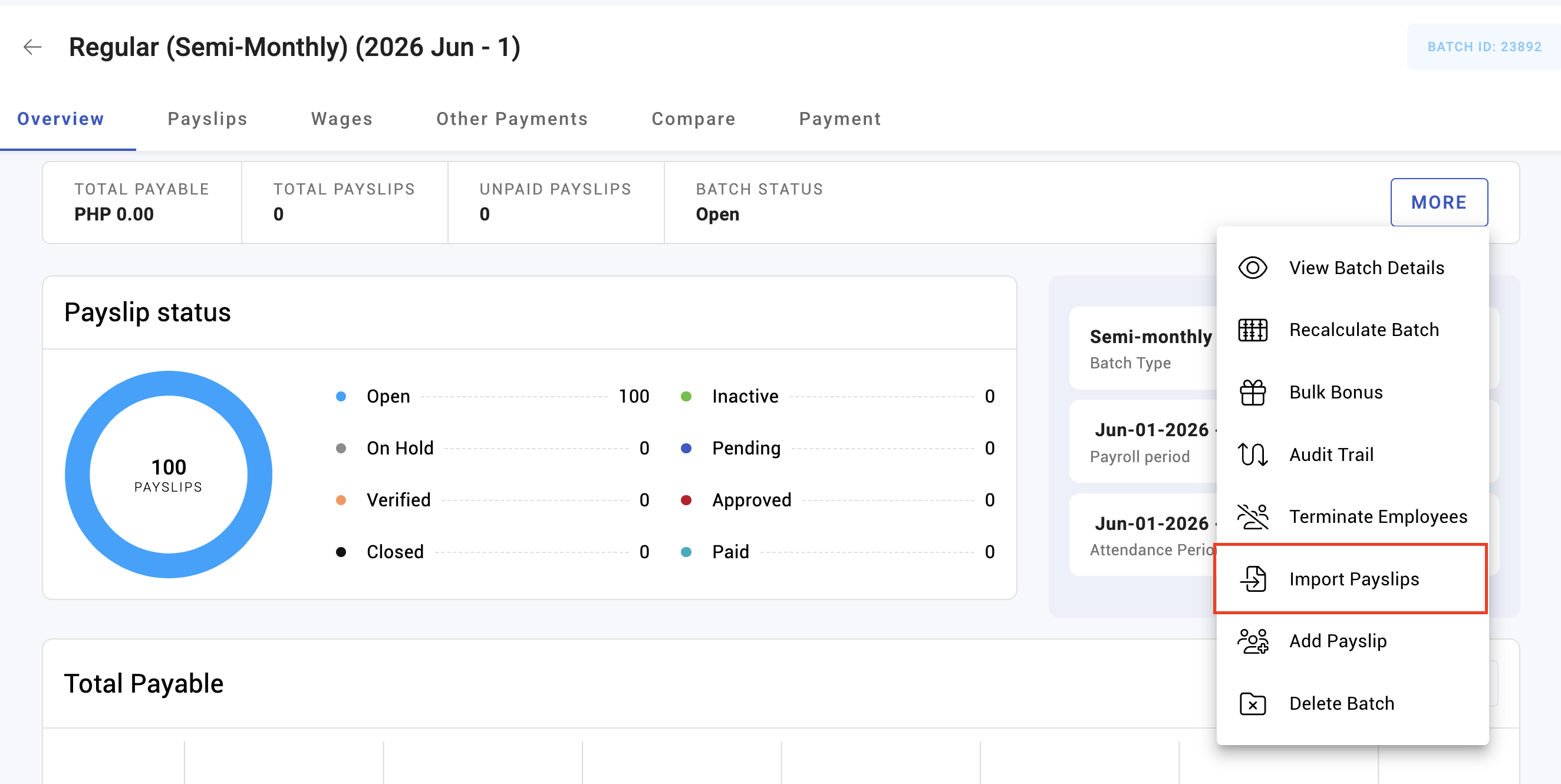
- Open Payroll › Tools › Import payslips.
- Upload and review the validation output before committing — this is the point at which mistakes are cheap.
- Import.
- Check a sample of employees' year-to-date figures against the source.
What Happens Next
- Imported payslips contribute to year-to-date totals, annual tax estimation and contribution caps.
- They appear in year-end reporting for the year they belong to.
- Subsequent KAMI payslips are calculated on an annual basis that now includes them.
Tips
- Import before the first live run. Importing afterwards means recalculating everything so the annual basis is right.
- Reconcile totals before and after — gross, tax and contributions, for the whole population. If the totals do not match the source, stop.
- Check the highest earner. Annual caps and tax brackets bite at the top, and that is where a missing period shows.
- Keep the source files. They are the evidence behind your first year-end in KAMI.
- Do not import partial periods. A half-imported month is worse than none, because it looks complete.
Troubleshooting / FAQ
Q: Tax on the first KAMI payslip looks wrong. Check the history imported. Without it, the annual estimate is built from an incomplete year.
Q: Year-to-date figures do not match the old system. Reconcile the import against the source period by period; a missing period is the usual cause.
Q: Can we import after going live? Yes, but recalculate afterwards so the annual basis includes it.
Q: Does this replace previous-employer income? No. Historical import is for payslips from your company in another system; previous-employer income is for a joiner's pay from a different employer.
Screenshots
These screenshots came from our previous help centre and may show an earlier version of the interface.