Contribution types
A contribution type defines a statutory or company deduction — how it is calculated, what it is calculated on, and where it stops. These are the settings that make statutory deductions correct, and they are the ones auditors ask about.
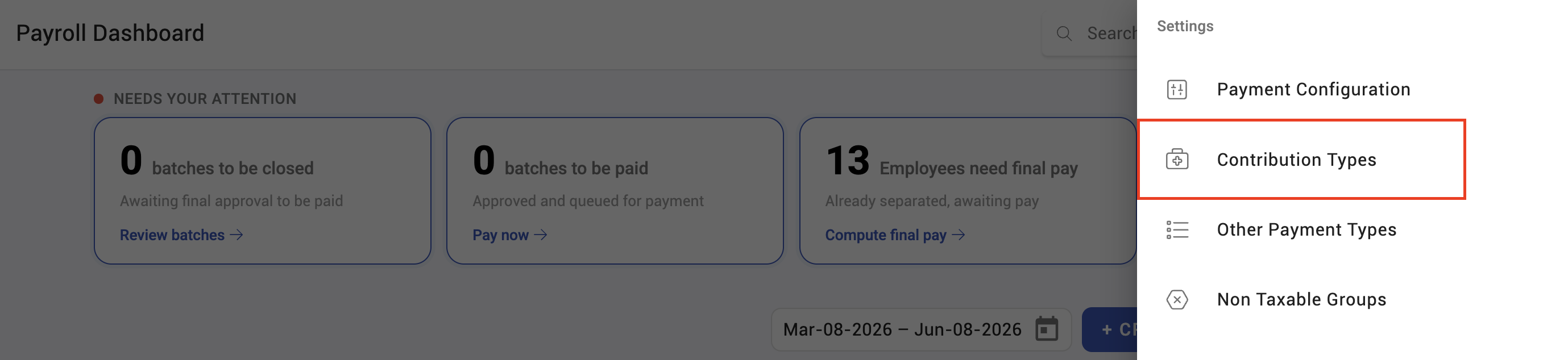
Where: Settings › Payroll › Contribution types You need: the payroll settings right
Before You Start
Contribution rules are statutory. Get the current rates and thresholds from the authority or your compliance adviser before configuring anything — KAMI applies what you configure, it does not know the law.
Have to hand: the rate or fixed amount, what it is calculated on, any floor and cap, and whether there is an annual limit.
What a contribution type controls
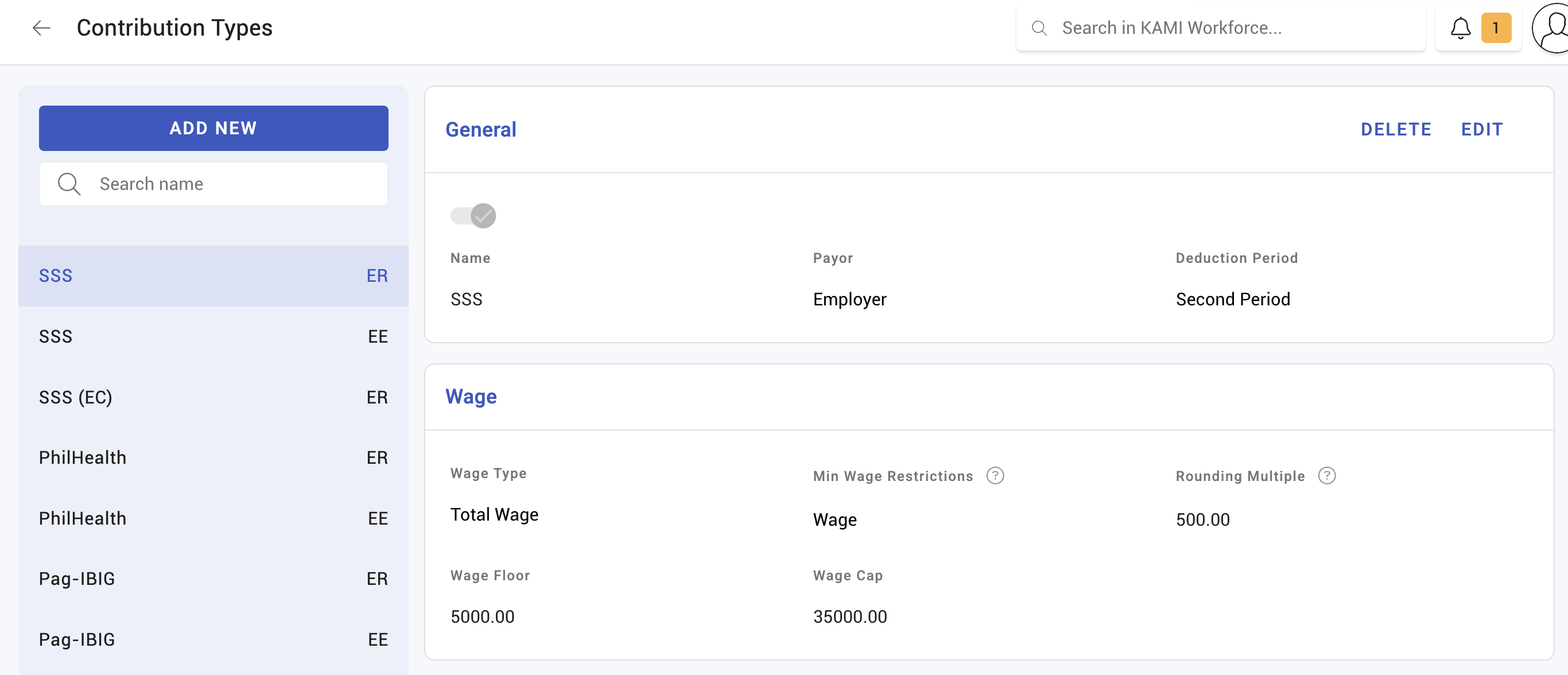
| Setting | Decides |
|---|---|
| Wage type | Which wage the contribution is calculated from |
| Basis | Wage, minimum wage, or a minimum-wage floor |
| Rate type | A percentage rate, or a fixed amount |
| Wage floor | The wage below which the floor applies |
| Wage cap | The wage above which no more is counted |
| Minimum wage requirement | A minimum wage threshold for the rule |
| Amount floor / cap | Limits on the resulting contribution itself |
| Yearly amount cap | An annual ceiling across the year |
| Rounding method and multiple | How the result is rounded |
| Threshold period | Whether limits are monthly or yearly |
| Deduction period | When it is deducted |
| One-time deduction | Deducted once rather than every cycle |
| Active | Whether it applies at all |
The pairing that causes most confusion is wage cap and amount cap. A wage cap limits the income the rate applies to; an amount cap limits the contribution that comes out. They produce different results and statutes use both.
Rounding is part of the rule
Contributions are rounded by a method you choose — none, round down, round up, or to the nearest half — and to a multiple you set.
This is not cosmetic. Where a statutory table expects contributions in fixed steps, the rounding method and multiple are what produce those steps. Getting them wrong produces figures that are close to right and fail reconciliation against the authority's schedule.
How to configure a contribution type
- Open Settings › Payroll › Contribution types.
- Create or open the type and give it a clear name.
- Set the wage type and basis — what the calculation runs on.
- Set the rate type and the rate or fixed amount.
- Apply floors, caps and the yearly cap as the statute requires.
- Set the rounding method and multiple.
- Mark it active.
What Happens Next
- The contribution is applied when payslips are calculated, and stored on them. Changing a rate does not alter payslips already calculated — recalculate them if the change should apply.
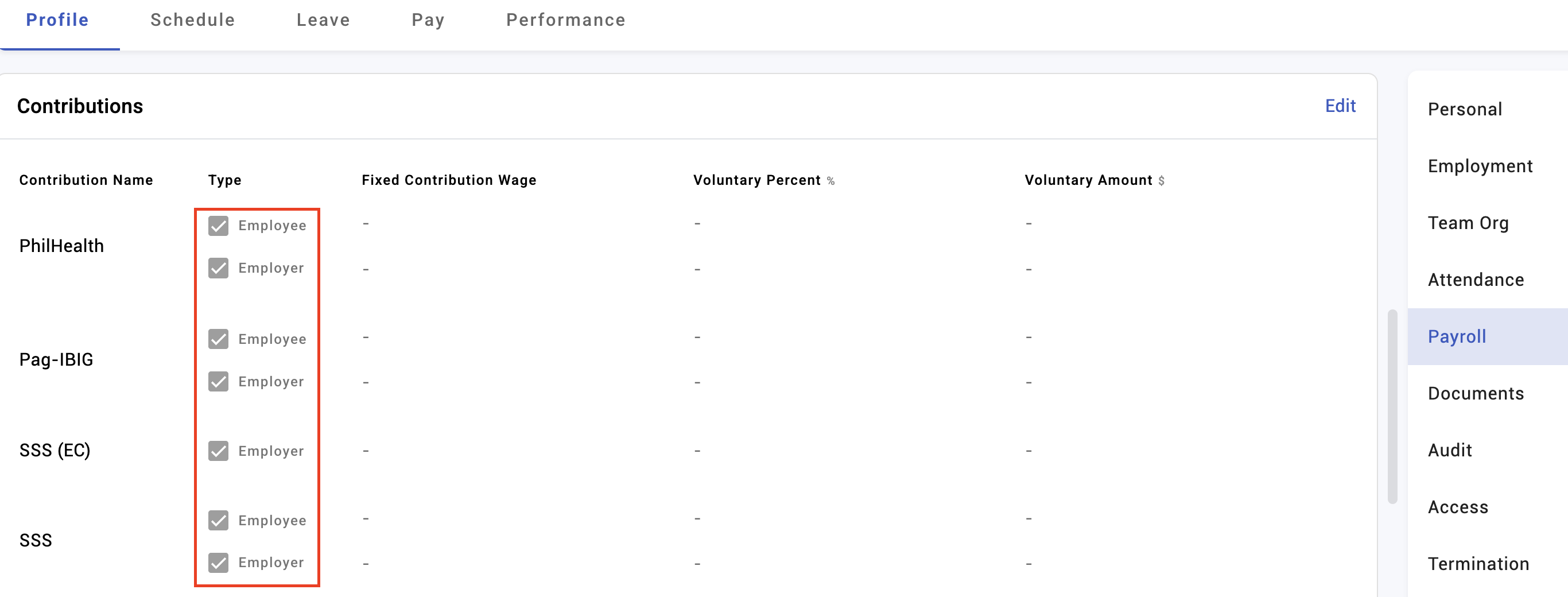
- Employee and employer portions are tracked separately and appear separately in reporting.
- Whether a contribution reduces taxable income depends on the income tax type, not on the contribution type — see Income tax types.
Tips
- Reconcile against the authority's own schedule for one employee at each bracket before your first live run — a low earner, a middle earner, and one above the cap. Those three catch nearly every misconfiguration.
- Diary the rate changes. Statutory rates change on known dates, and a stale rate is only discovered when a filing is rejected.
- Do not edit a rate mid-period without deciding what happens to payslips already calculated. Recalculating changes them; not recalculating leaves the run inconsistent.
- Name types so anyone can tell them apart — including the year or version if you keep historical ones.
- Deactivate rather than delete anything that has been used. History needs to keep making sense.
Troubleshooting / FAQ
Q: The contribution is a few units out from the official table. Almost always rounding. Check the rounding method and the multiple against the schedule.
Q: A high earner's contribution stopped rising. A wage cap or amount cap is applying. Confirm which, and that the threshold is current.
Q: Contributions changed for everyone after we edited a type. Only on recalculation. Payslips already calculated hold the old figures until rebuilt.
Q: An employee has no contribution at all. Check the type is active, that the employee's contribution settings include it, and any minimum wage requirement.
Q: Does a contribution reduce tax? Only if the income tax type lists it as deductible. That is configured separately.
Screenshots
These screenshots came from our previous help centre and may show an earlier version of the interface.