List and Timeline views
The board is for working a sprint. These two views are for everything the board is bad at: the List is every ticket as a table you can slice and bulk-edit, and the Timeline lays work out over time.
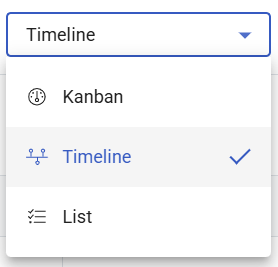
Where: List and Timeline in the main menu You need: access to the project
Which view, when
| The question | View |
|---|---|
| What am I doing today? | My Work |
| How is the sprint going? | Board |
| Show me all tickets matching X — and change them together | List |
| What lands when, and what waits on what? | Timeline |
| How did the sprint go? | Insights |
The List view
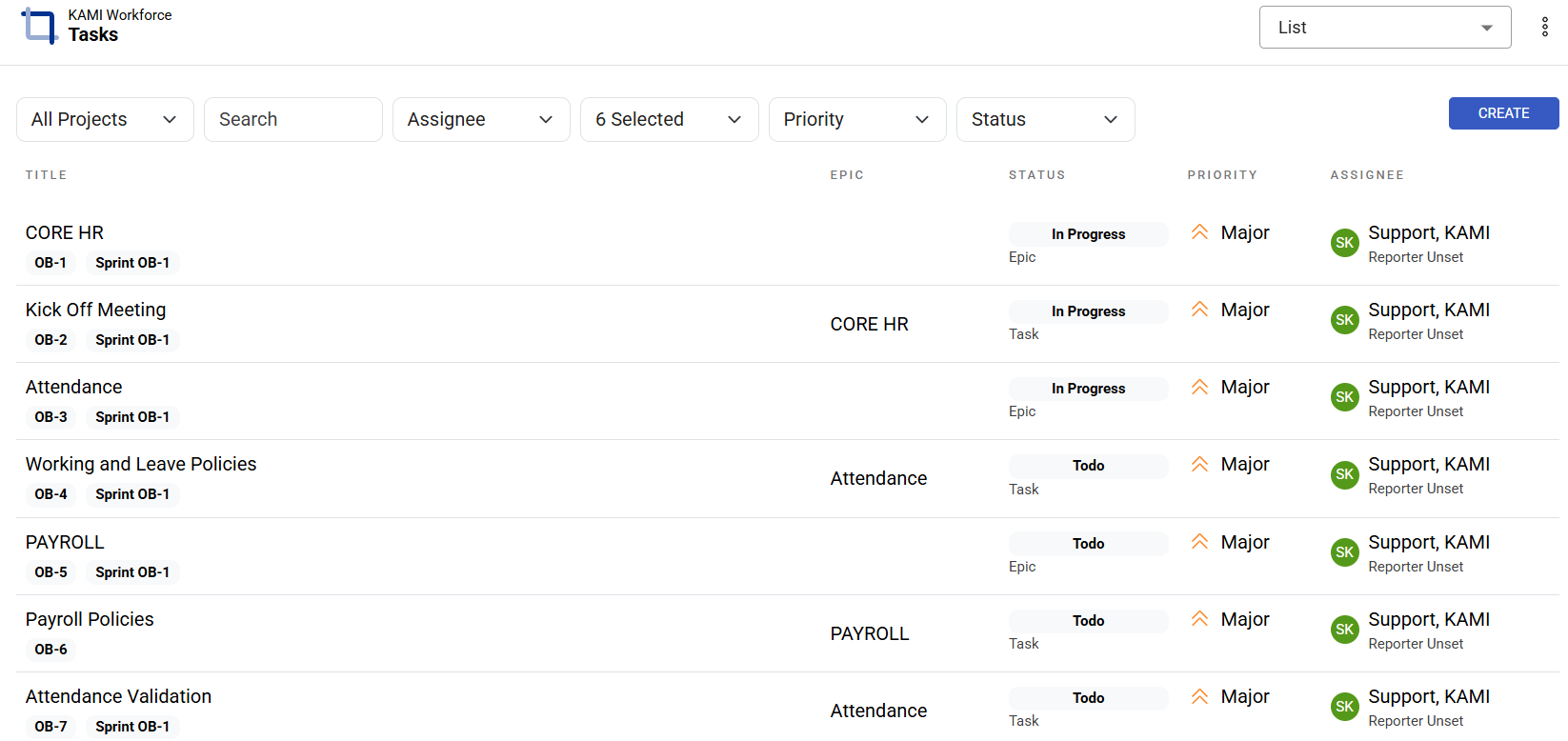
Every ticket in one table, with the controls that make a table useful:
- Filters to narrow, and Include done when you want history rather than only open work
- Group by to fold the table into sections
- Copy key and copy link on any row, and Create issue without leaving the view
Bulk edit
Select multiple tickets and change them in one action — status, assignee, priority or epic.
This is the tool for the jobs that are miserable one ticket at a time: reassigning a leaver's tickets, sweeping a finished feature's stragglers into Done, re-triaging priorities after a plan change.
⚠️ Bulk edit is powerful in exactly the way that deserves a second look. Fifty tickets change as easily as one, every edit lands in every ticket's history, and there is no undo. Check the filter before you press it.
The Timeline
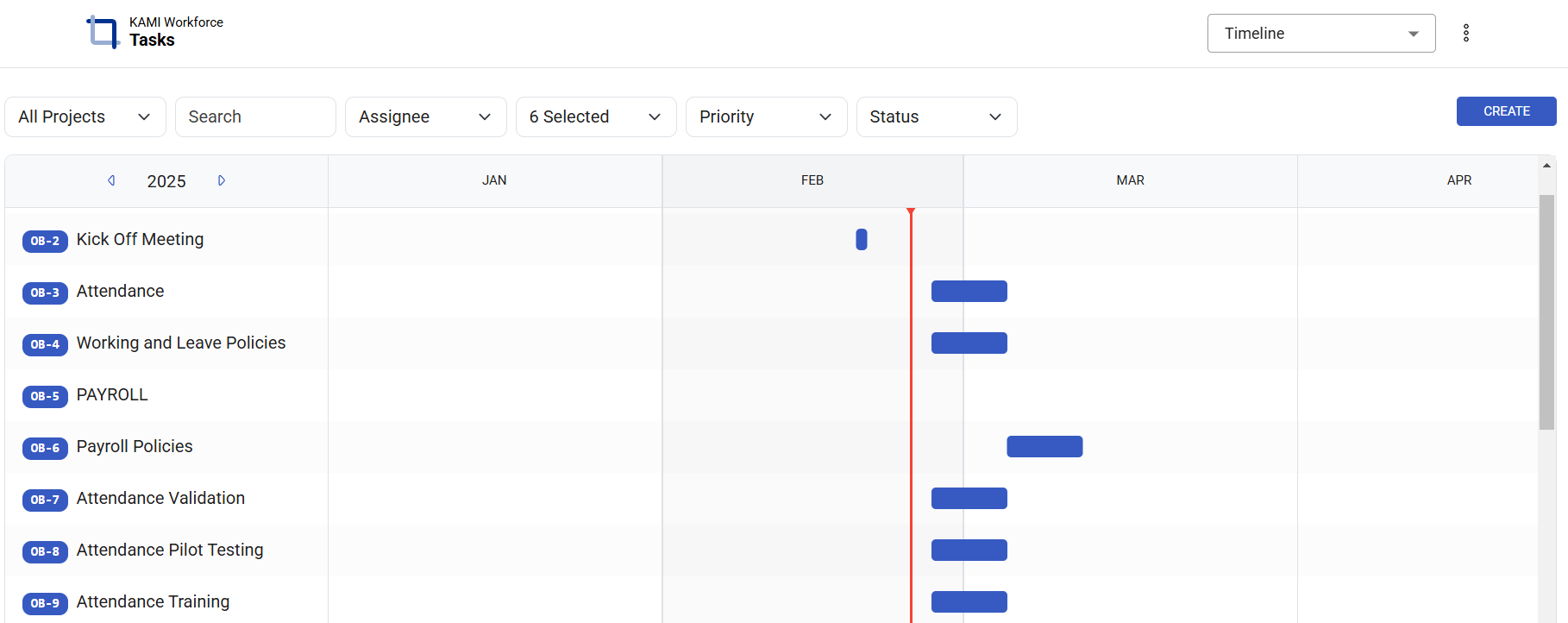
The Timeline shows work laid out over time — releases at the top (collapsible), sprints as bands beneath, tickets with their progress and assignee, and dependencies marked where one piece waits on another. You can add tasks directly from it.
Use it when the question is about time rather than status: what is in flight this month, in what order, and what is waiting on what? It is the view for planning conversations, and for spotting the dependency that quietly makes a deadline impossible.
What Happens Next
- Bulk changes take effect immediately and appear in every affected ticket's history with your name on them.
- Status changes made in bulk can trigger automations — fifty tickets moved to Blocked may generate fifty notifications.
- Timeline changes are ordinary ticket changes: moving a ticket's dates updates the ticket.
Tips
- Filter first, then select. The bulk-edit accident is always the same shape: someone selects all with a filter they had forgotten was off.
- Use the List for tidying, the board for working. Trying to run a sprint from the table loses the visual sense of where work is stuck.
- Read the Timeline before committing to a date. A dependency you cannot see is the most common reason a plausible plan fails.
- Include done when investigating. The default hides completed work, which is exactly what you need when reconstructing what happened.
Troubleshooting / FAQ
Q: A bulk edit changed more tickets than I meant. Selection follows the current filter. There is no undo — reverse it with another bulk edit, using a filter that matches only the affected tickets.
Q: A ticket is missing from the List. Almost always Include done being off, or a filter.
Q: The Timeline shows nothing for a project. Tickets need dates to be placed on a timeline. Undated tickets have nowhere to sit.
Screenshots
These screenshots came from our previous help centre and may show an earlier version of the interface.
Timeline View in Tasks
Task Lists