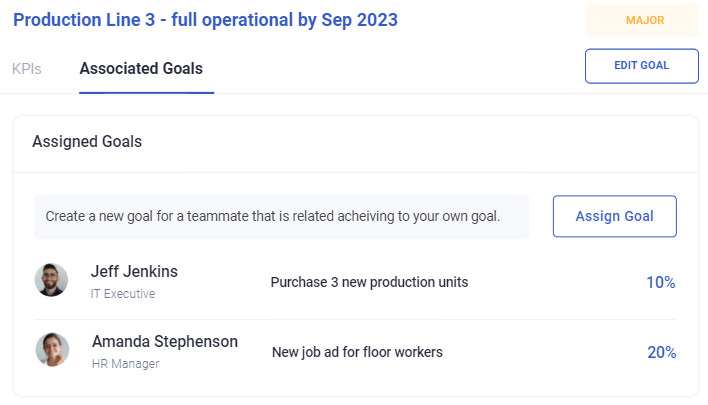
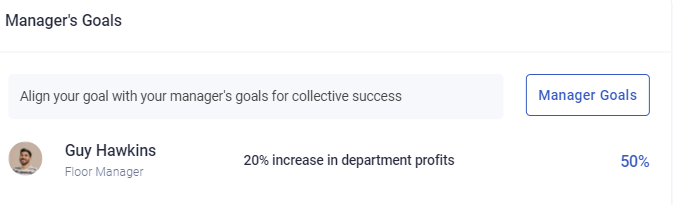
Reviewing and tracking team goals
Goals are worth tracking through the period, not just rated at the end. A goal first looked at in the final week is a report on what happened rather than something anyone could have influenced.
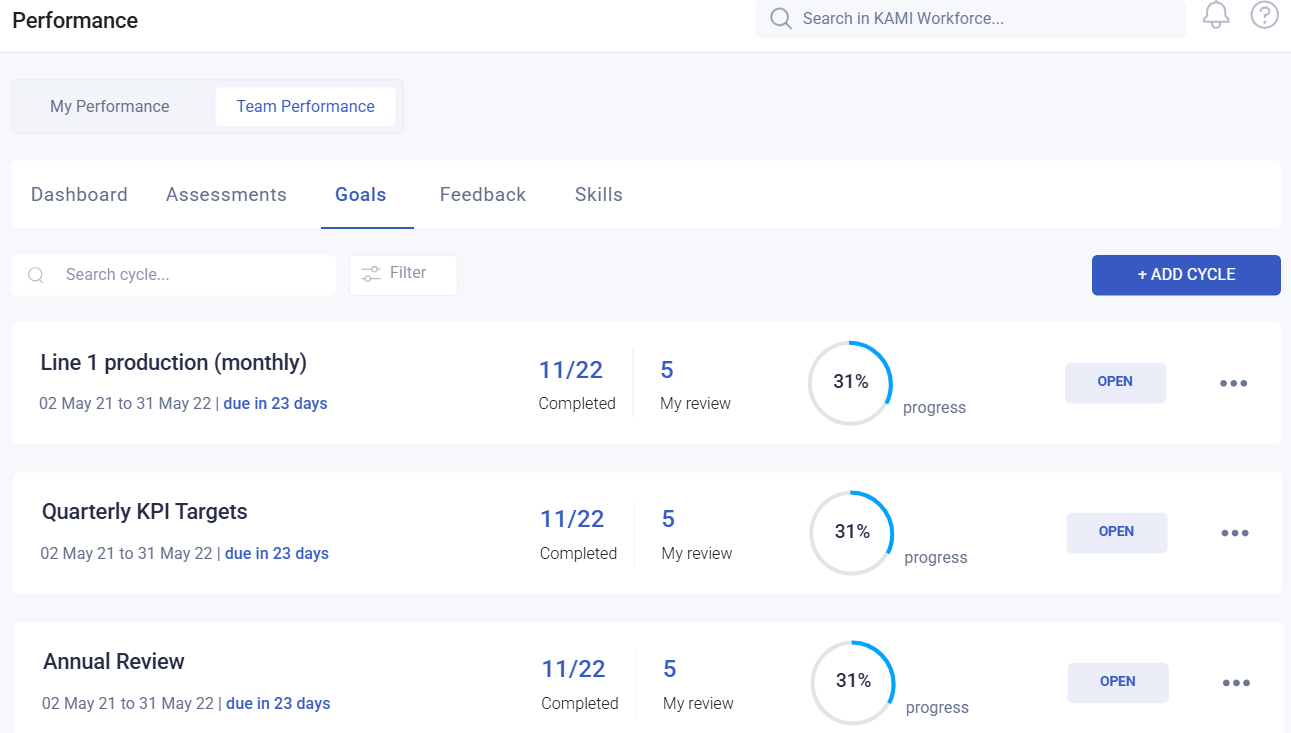
Where: Performance › Team › Goals You need: performance rights covering your team
During the period
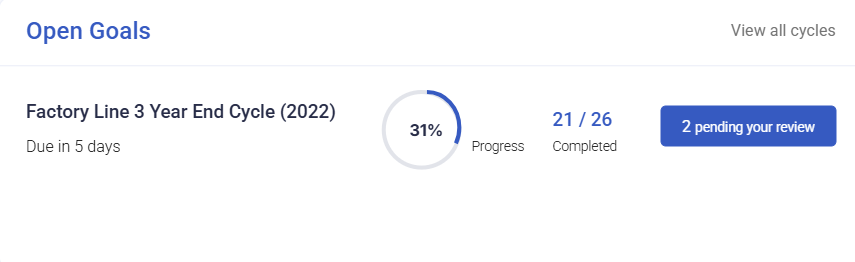
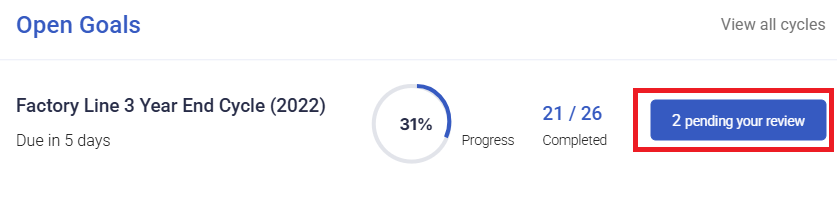
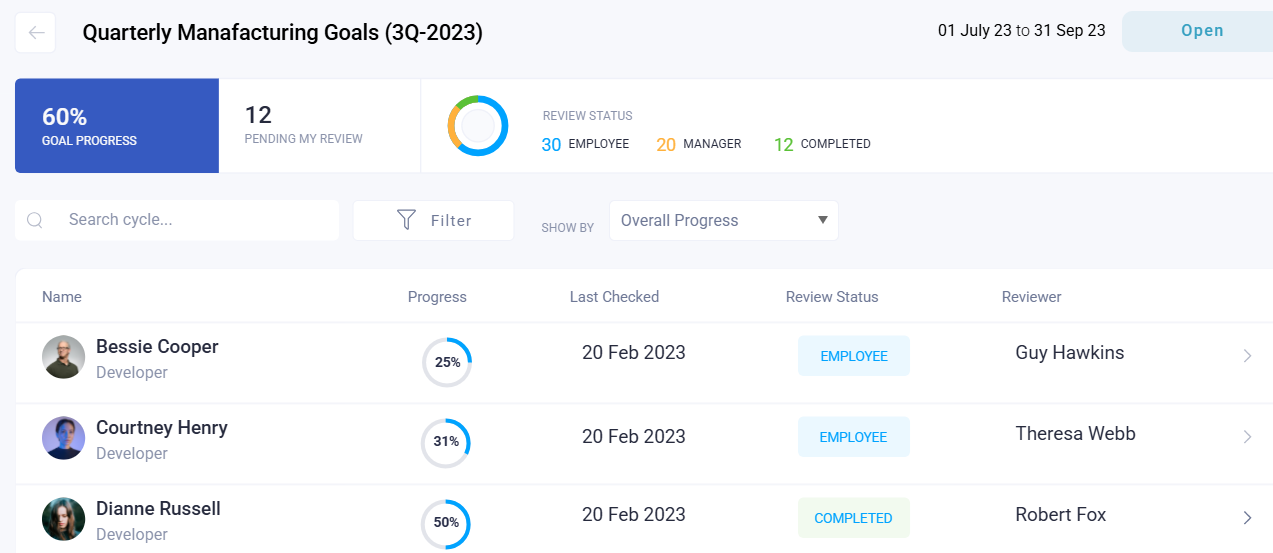
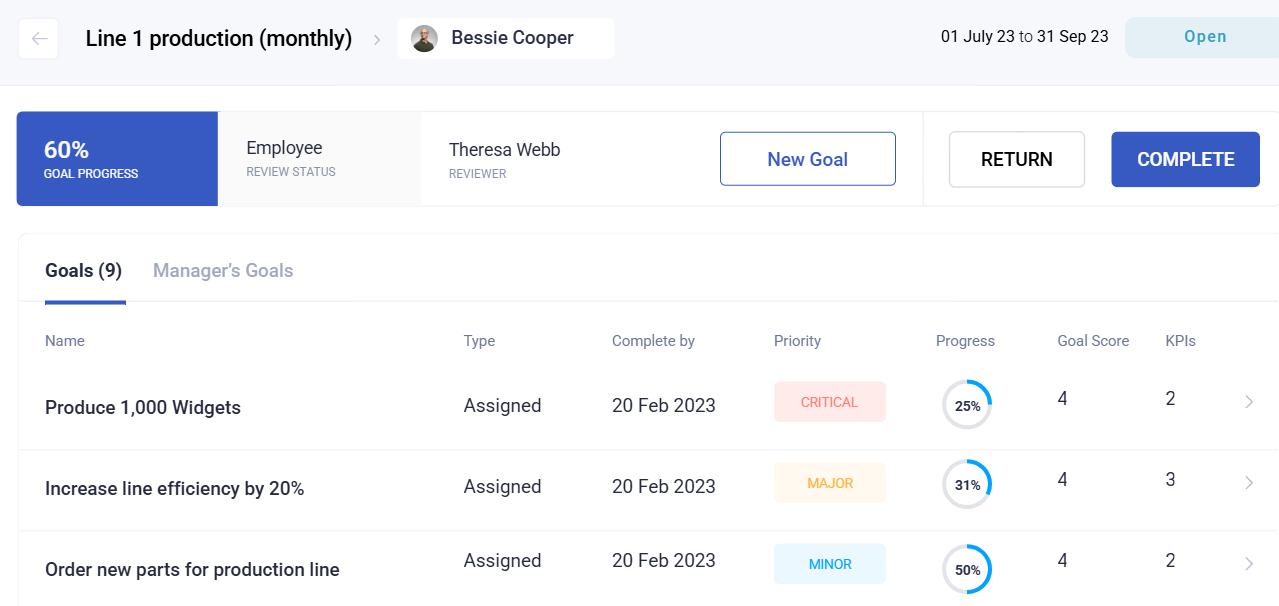
Open Performance › Team › Goals and look at progress against each KPI. Progress is recorded against the KPI's maximum value, so it tells you both where someone is and whether the target was set sensibly.
Two things to watch for:
- A goal at zero progress well into the period. Either it has stalled, or nobody is recording progress. Both are worth a conversation now rather than at the review.
- A goal already at 100% early. The target was probably set too low, and the remainder of the period has nothing to aim at.
At the end of the period
Rate each goal from 1 to 5. Remember that priority weights the result:
| Priority | Weight |
|---|---|
| Critical | 1.0 |
| Major | 0.5 |
| Minor | 0.25 |
A Critical goal counts four times a Minor one, so the rating you give a Critical goal matters four times as much.
💡 Ratings feed the talent grid, where 3 is the bottom of Meets and 4 is the bottom of Exceeds — see Performance scores and the talent grid. Reviewers should know this before rating, not after.
What Happens Next
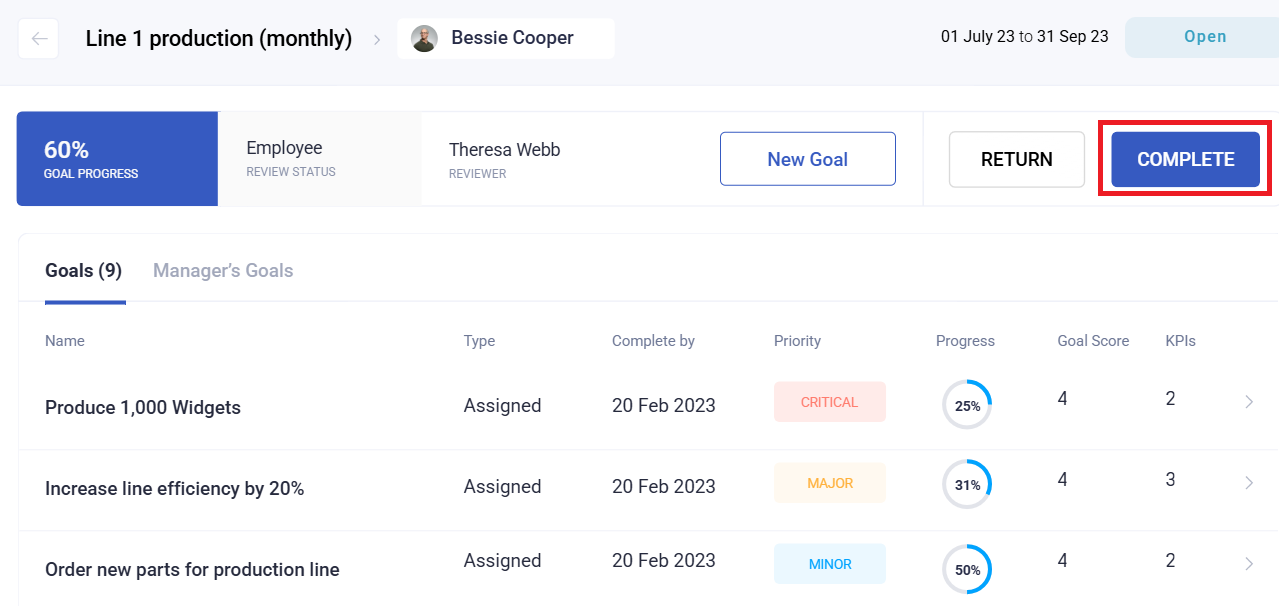
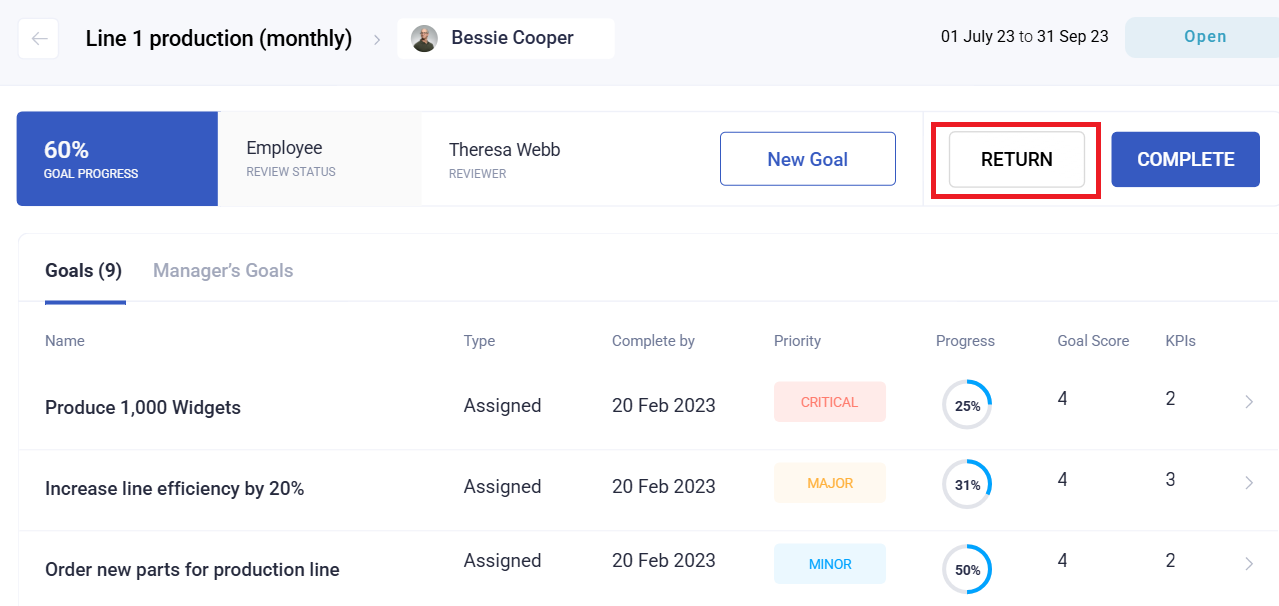
- The cycle moves from pending on the employee, to pending on the reviewer, to completed.
- Ratings feed team reporting and the talent grid.
- Progress and ratings become the record of that cycle.
Tips
- Check progress monthly, not at the end. The value of a goal is that it can change what someone does, and that requires looking while there is still time.
- Ask about goals with no recorded progress before assuming they stalled. Very often the work happened and the recording did not.
- Rate against the goal as agreed, not as you would set it now. Moving the target retrospectively is the fastest way to lose trust in the process.
- Note where the target was wrong. A goal that was unachievable or trivially easy is a lesson for the next cycle, and worth writing down while you remember.
- Be consistent across your team. Rating one person against a harder set of goals than another is invisible in the data and obvious to them.
Troubleshooting / FAQ
Q: A goal shows no progress but the work was done. Progress has to be recorded against the KPI. Ask the employee to update it.
Q: Progress is above the target. The KPI maximum was set lower than what was achieved. Note it for next cycle.
Q: Two team members hit their targets and scored differently. Check goal priorities — the weighting differs.
Q: I cannot see someone's goals. Check your rights cover them and that they are a participant in the cycle.
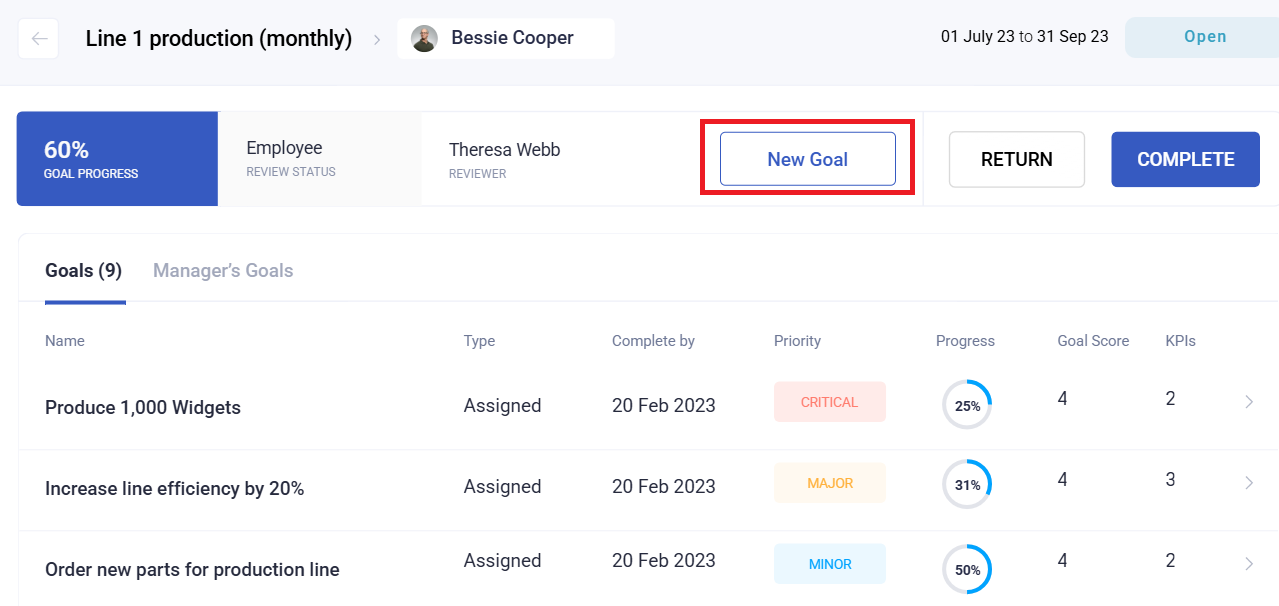
Q: An employee added goals I did not agree to. Personal goals are allowed if the cycle permits them. Whether they count toward review is your decision to make explicit.
Related articles
- Goals and KPIs: how progress is calculated
- Creating a goal cycle
- Performance scores and the talent grid
Screenshots
These screenshots came from our previous help centre and may show an earlier version of the interface.