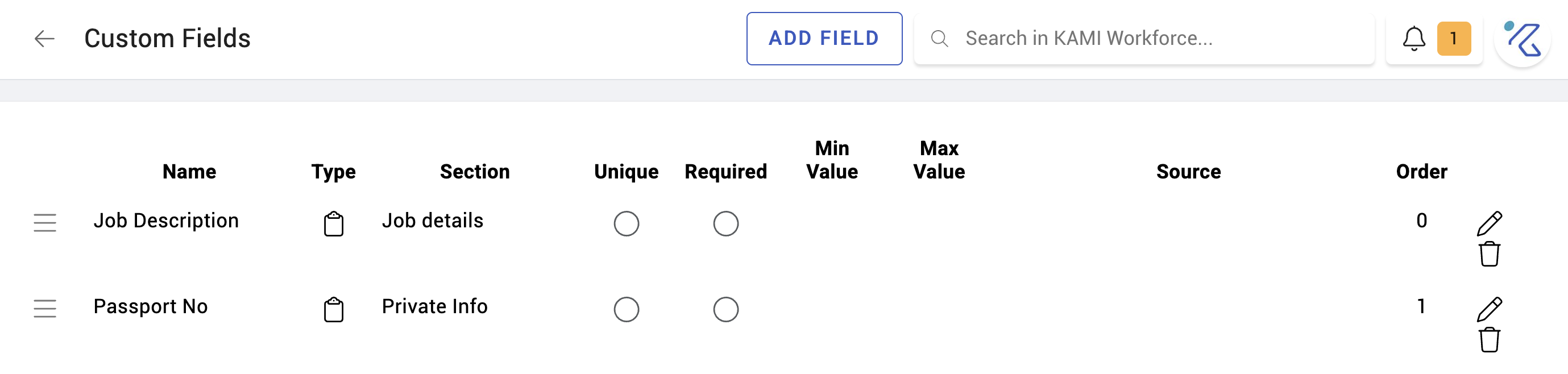
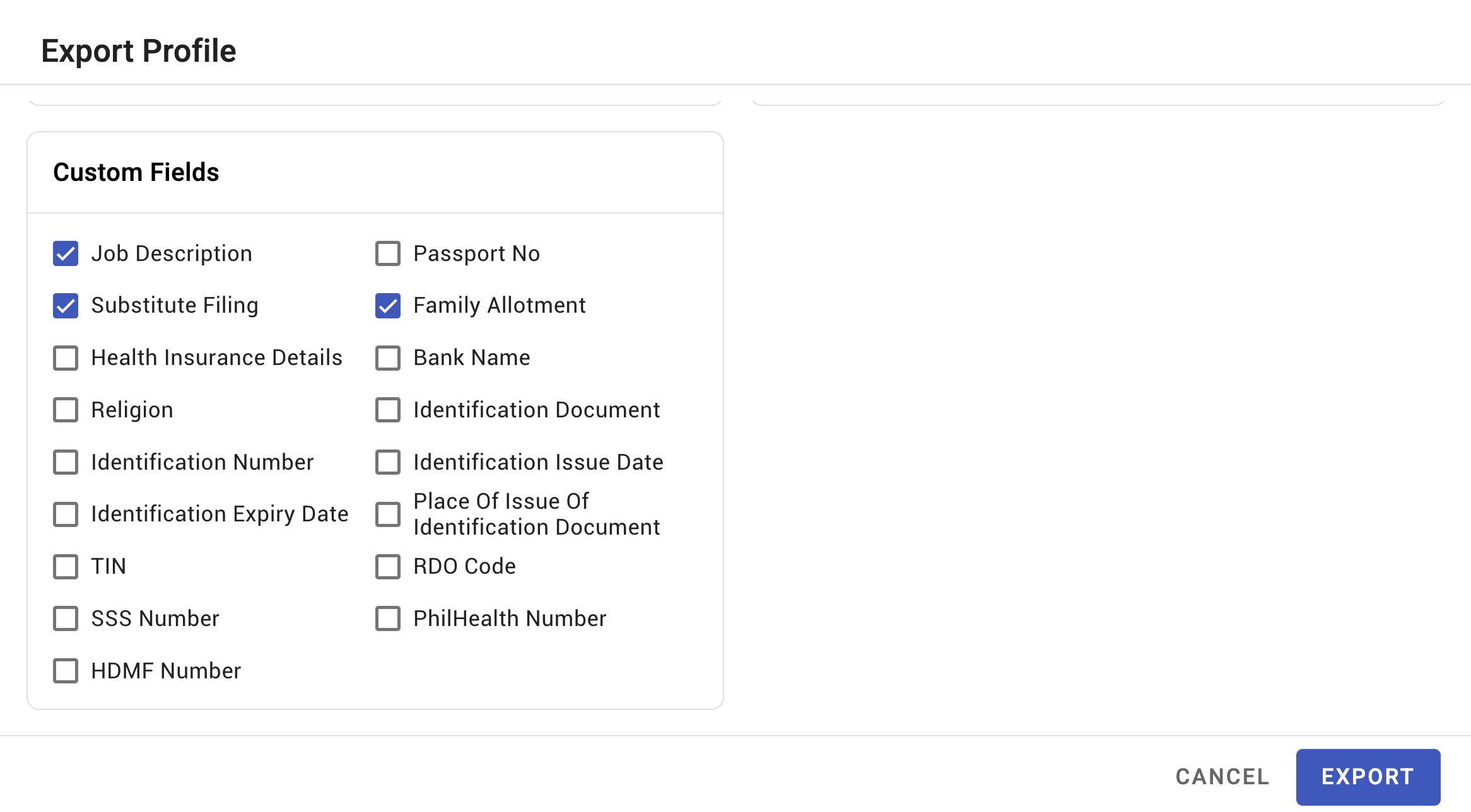
Custom fields
Custom fields let you record information KAMI does not hold as standard — a professional licence number, a locker number, a client code, whatever your organisation actually needs. Once defined, they behave like any other profile field: they can be imported, reported on, and merged into documents.
Where: 3 dots at the lower left corner "More" › Settings › Custom Fields 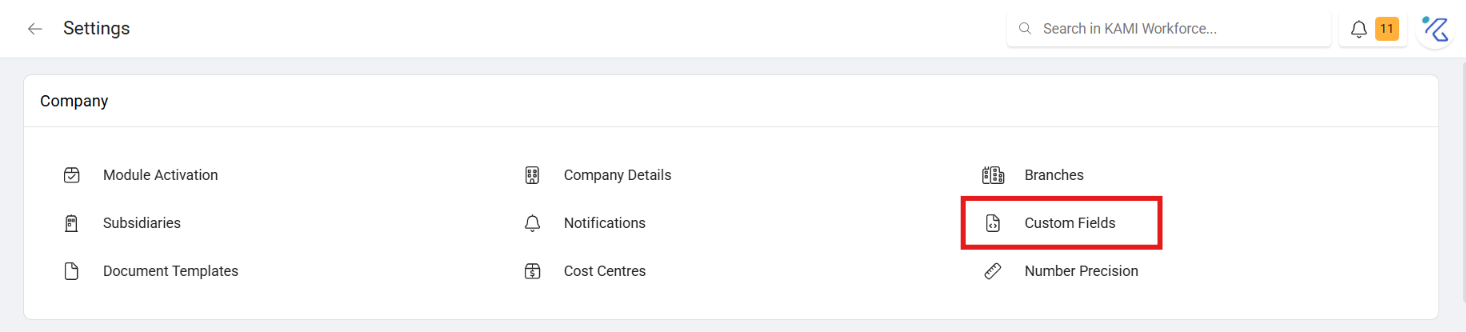
When to use this, and when not to
| You want to record | Use |
|---|---|
| Structured data about a person, not covered by standard fields | A custom field |
| A document about a person | An upload on their profile, or Document Templates |
| A one-off note | The notes on their record |
| Something about their job rather than them | Consider whether it belongs on the position or department |
A custom field is worth creating when you will filter, report or merge on it. If you would only ever read it on one profile, a note is cheaper and does not become a field everyone must maintain forever.
Creating a field
Define the field with its name and type. It then appears on employee profiles for people with the rights to see it.
What Happens Next
Once a field exists it is available across My Team, and this is the reason to create one rather than keeping a spreadsheet:
- In bulk data import — so it can be populated for the whole company at once, and updated in bulk later
- In document templates — merged into generated contracts and letters
- In reporting — including Demographics, where custom fields appear as breakdown dimensions
- On profiles, for anyone with the rights to that data
Tips
- Decide who may see it before you create it. A custom field holding sensitive information inherits whatever visibility you give it — think about that at creation, not after someone has seen something they should not.
- Name it for what it holds, precisely. "Licence number" invites the question "which licence?"; "PRC licence number" does not. Fields are hard to rename once imports and templates reference them.
- Do not create a field you have no plan to populate. An empty field on every profile is a permanent reminder of an unfinished job, and it dilutes the Missing Data report.
- Populate by import, not by hand. Adding a field to four hundred profiles individually is the work custom fields exist to avoid.
- Review annually. Fields created for a project that ended are clutter that new joiners keep being asked to complete.
Troubleshooting / FAQ
Q: A custom field is not appearing in a document template. The field must exist before the template references it. Create the field, then update the template.
Q: It is not showing in reports. Check the field exists at company level and has values — a field nobody has populated has nothing to break down by.
Q: Someone cannot see a field I created. Field visibility follows profile data rights. See User rights and access control.
Screenshots