Payment settings
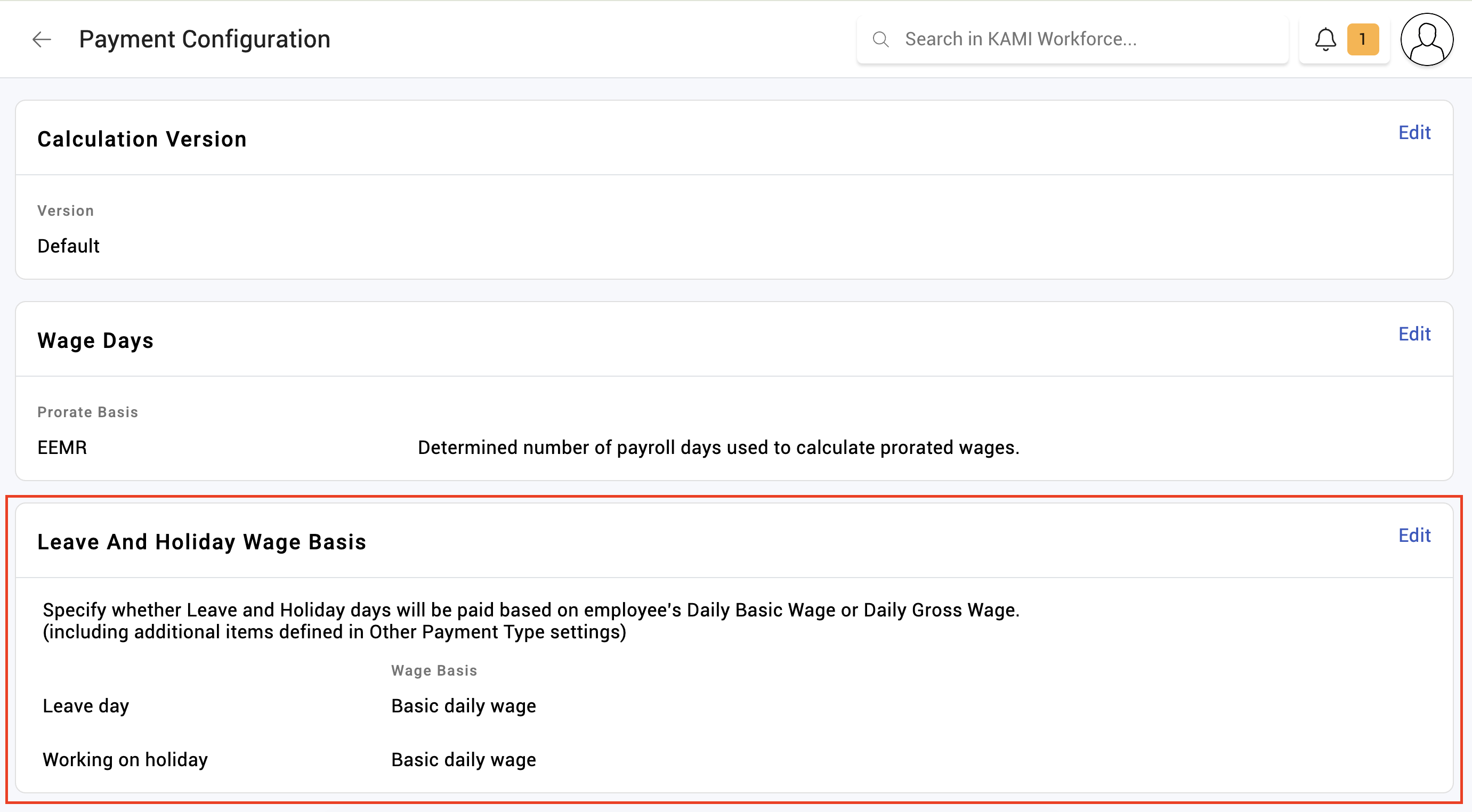
Payment settings are the company-wide payroll rules: what overtime is priced from, which payments count toward which wage bases, how contributions are based, and a handful of behaviours that apply to every payslip.
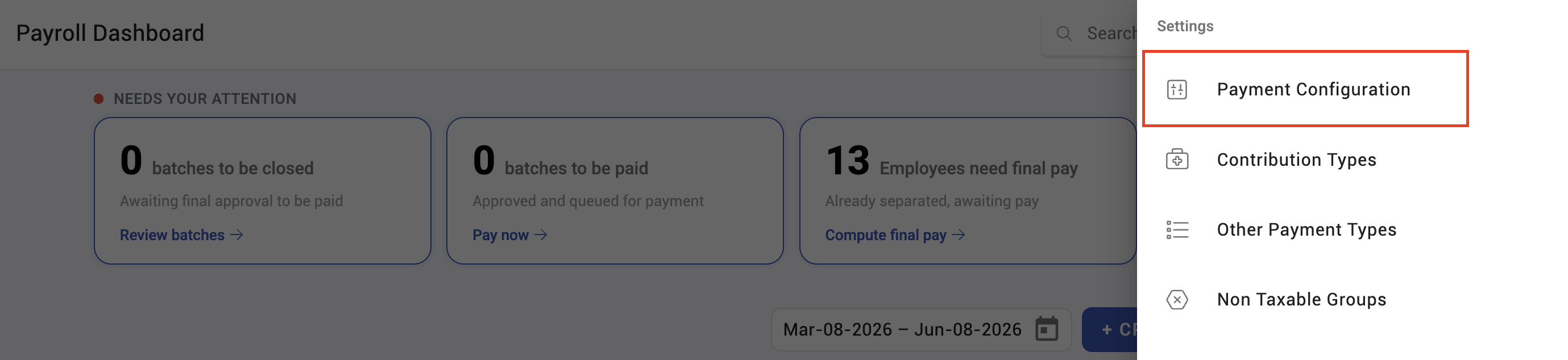
Where: Settings › Payroll › Payment configuration You need: the payroll settings right
What lives here
| Setting | Decides |
|---|---|
| Overtime wages | Whether overtime prices off basic, basic plus fixed allowances, or the standard basis |
| Contribution basis | Whether contributions are based on wage, minimum wage, or a minimum-wage floor |
| Gross daily wage inclusions | Whether allowances, commissions and non-taxable pay count toward the gross daily wage |
| Gross hourly wage inclusions | The same, for the gross hourly wage |
| Exclude holidays | Whether holidays are excluded from certain calculations |
| Mid-cycle wage change | Whether a wage change inside a period splits the calculation |
| Notify employees | Whether employees are notified when payslips are released |
| Payslip layout | How the payslip itself is laid out |
⚠️ Several of these are region-dependent and may be ignored where local rules override them. Do not assume a toggle here changes behaviour in every country you operate in — verify on a real payslip for each.
The settings that move money
Overtime wages decides what overtime is priced from. Moving from basic to a gross basis raises overtime pay for everyone with allowances, in every future run. This is a policy decision.
Gross wage inclusions decide whether allowances, commissions and non-taxable pay feed the gross daily and hourly wages. Those wages price other things, so switching one on has effects beyond the line you were thinking about.
Mid-cycle wage change decides what happens when someone's salary changes part-way through a period. With it off, the period is calculated on one wage; with it on, the period splits. Which is correct depends on your policy — but it should be a decision, not a discovery.
What is not here
The monthly wage basis — the divisor that turns a monthly wage into a daily rate — is on the employee, not here. An older company-level copy of this setting is deprecated and should not be relied on. See Employee payroll settings.
How to configure payment settings
- Open Settings › Payroll › Payment configuration.
- Set overtime wages to the basis your policy requires.
- Set the contribution basis.
- Decide the gross daily and hourly wage inclusions.
- Decide mid-cycle wage change and the employee notification behaviour.
- Recalculate a test payslip and confirm the effect before a live run.
What Happens Next
- Settings apply at calculation. Payslips already calculated keep the rules they were calculated under.
- A change here affects every employee in the company at once, which makes it the highest-leverage and highest-risk page in payroll settings.
- Region-specific rules can override some settings, so the same configuration can behave differently in different countries.
Tips
- Change one setting at a time, and recalculate a test payslip after each. Changing three and finding the total moved tells you nothing about which one did it.
- Record why each setting is what it is. These are policy decisions and the reasoning is not recoverable from the value.
- Never change overtime wages mid-year without deciding what happens to the runs already done. Consistency across a tax year matters more than the setting being ideal.
- Verify per country if you operate in several. A setting that is honoured in one may be overridden in another.
Troubleshooting / FAQ
Q: Overtime changed for everyone and nobody changed a salary. Check the overtime wages basis. Moving between basic and gross does exactly this.
Q: A setting appears to have no effect. It may be overridden by regional rules. Confirm on a real payslip for that country.
Q: An employee's salary changed mid-period and the payslip used only one wage. Mid-cycle wage change is off. Turn it on if the period should split.
Q: Where do I set the daily wage divisor? On the employee, not here. The company-level version is deprecated.
Screenshots
These screenshots came from our previous help centre and may show an earlier version of the interface.