Non-taxable groups
A non-taxable group is a named ceiling for pay that is exempt from tax up to a limit. It is how statutory exemptions — the kind with a fixed annual or monthly threshold — get applied consistently instead of being judged payslip by payslip.
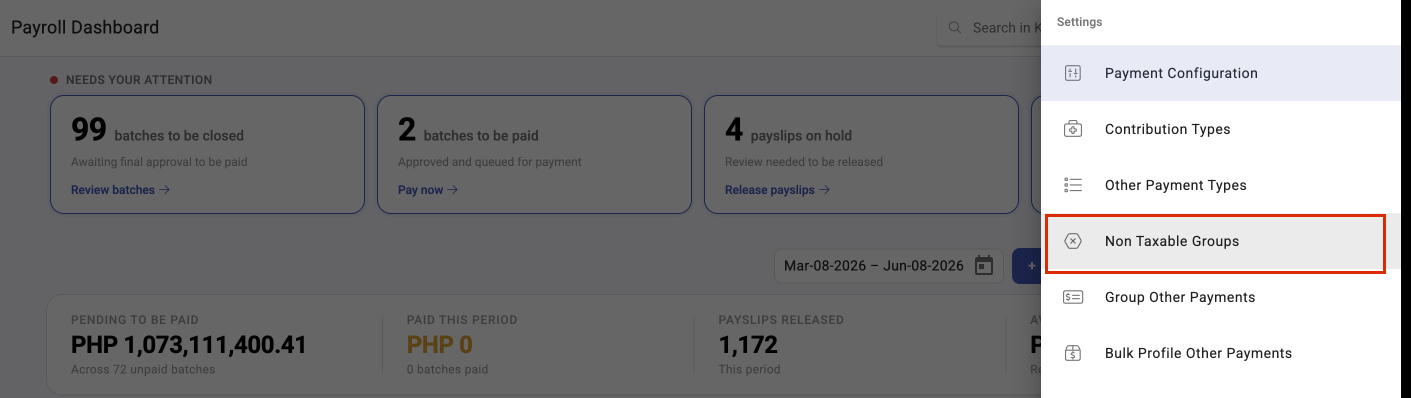
Where: Settings › Payroll › Non-taxable groups You need: the payroll settings right
What it is for
Some pay is exempt from tax up to an amount, and taxable beyond it. Rather than expecting whoever enters an allowance to remember the threshold, you define the group once with its limit, and payments assigned to it are treated against that limit automatically.
Each group has a name and an amount — the ceiling.
Which one, when
| You want | Use |
|---|---|
| An exemption with a statutory ceiling | A non-taxable group |
| A payment that is simply never taxed | A non-taxable other payment type |
| A contribution that reduces taxable income | The deductible lists on the income tax type |
These three are different mechanisms and they are not interchangeable. A group applies a limit; a non-taxable type applies an unconditional treatment; a deductible contribution reduces taxable income from a different direction entirely.
How to set one up
- Open Settings › Payroll › Non-taxable groups.
- Create the group, named for the exemption it represents.
- Set the amount — the ceiling from the statute.
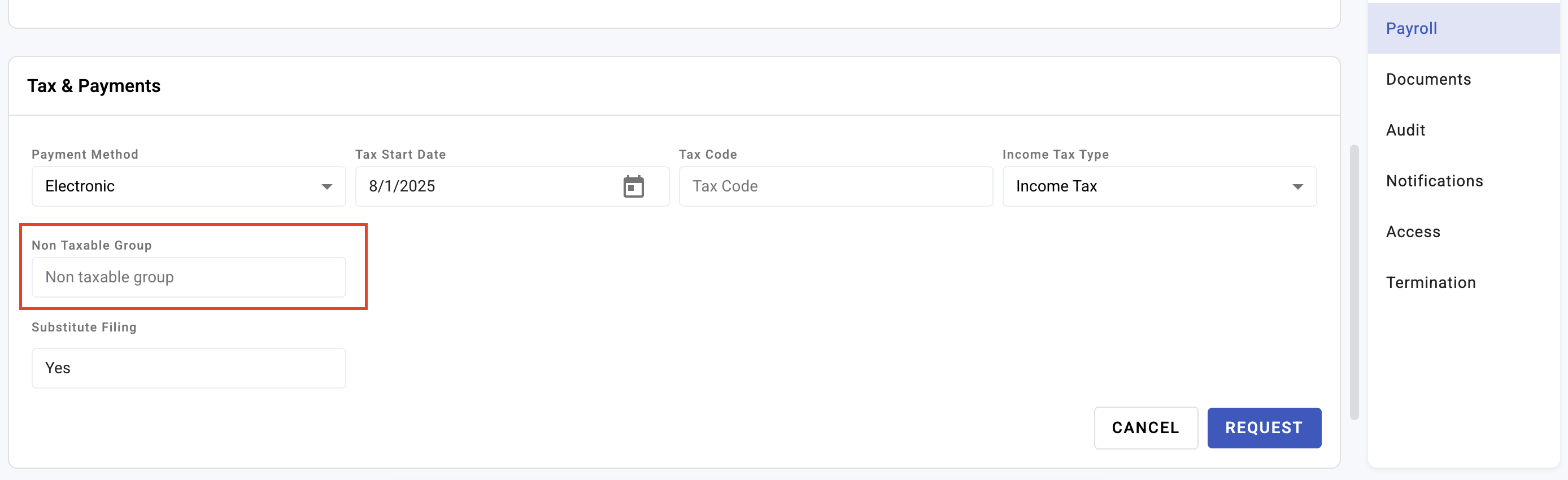
- Assign the relevant payments to it.
- Recalculate any payslip that should reflect the change.
What Happens Next
- The exemption applies at calculation and is stored on the payslip. Changing the ceiling does not alter payslips already calculated.
- Amounts within the ceiling reduce taxable income; amounts beyond it do not.
- The treatment appears in the payslip's tax detail and in year-end reporting.
Tips
- Name the group after the statutory exemption, not after the allowance you happen to pay against it. The statute is what changes, and you want to find it when it does.
- Diary the ceilings. They are set by statute and revised periodically. A stale ceiling under-taxes quietly, which is the expensive direction.
- Check one employee who is over the ceiling after setting it up. Employees under it all look the same whether the limit works or not.
- Do not use a group to make an allowance untaxed when it should simply be a non-taxable type — you will be relying on a ceiling that has nothing to do with it.
Troubleshooting / FAQ
Q: An allowance is being taxed when we expected it to be exempt. Check it is assigned to the group, and that the employee has not already used the ceiling this period.
Q: Part of an allowance is taxed and part is not. That is the ceiling working. The amount within the limit is exempt; the excess is taxable.
Q: We raised the ceiling but nothing changed. Recalculate. Payslips hold what was true when they were calculated.
Q: Does this apply per employee or across the company? The ceiling is defined once and applied to the employees whose payments reference it.
Screenshots
These screenshots came from our previous help centre and may show an earlier version of the interface.