Bulk Documents
Bulk Documents uploads many employee documents at once, matching each file to the right person. It is the tool for the day you arrive with a folder of two hundred signed contracts and no wish to open two hundred profiles.
Where: My Team › Settings › Bulk Documents
You need: the documents right and the bulk data right 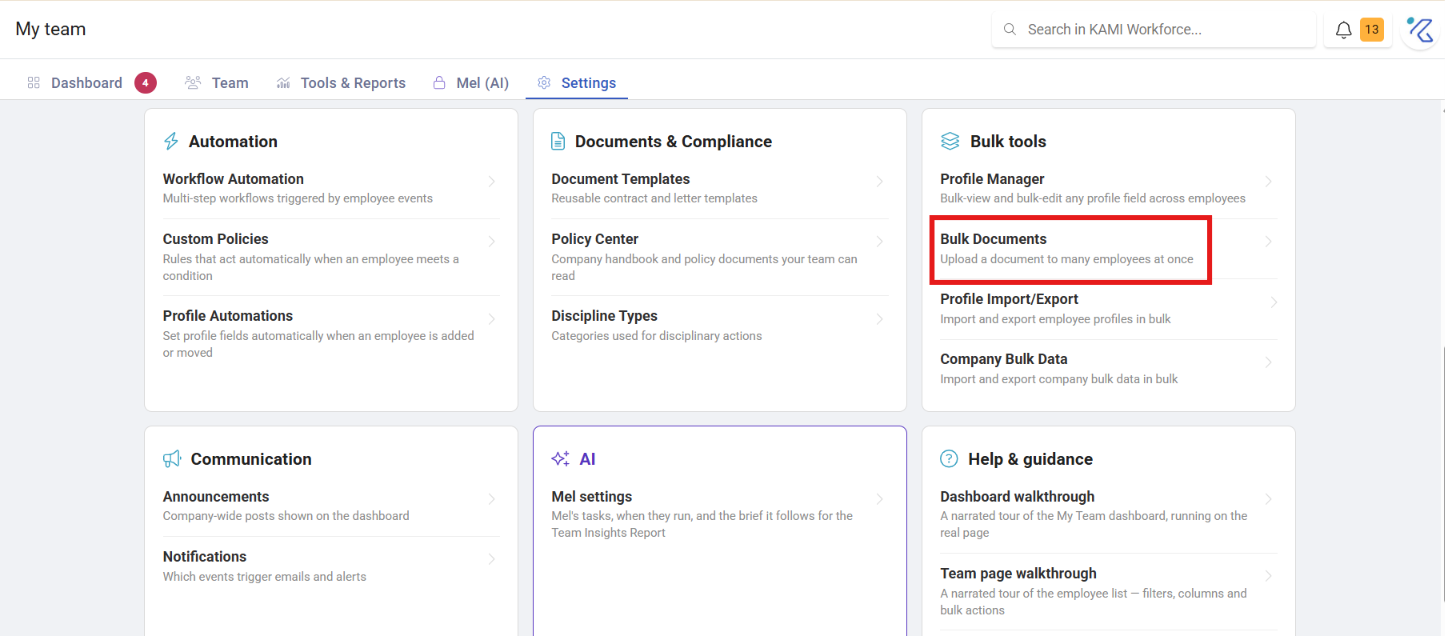
When to use this, and when not to
| You have | Use |
|---|---|
| Many files, one per employee | Bulk Documents |
| One document to personalise per employee | Document Templates |
| A document everyone reads | Policy Center |
| One file for one person | Upload it on their profile |
Before You Start
The whole job succeeds or fails on file naming, so get this right before you start:
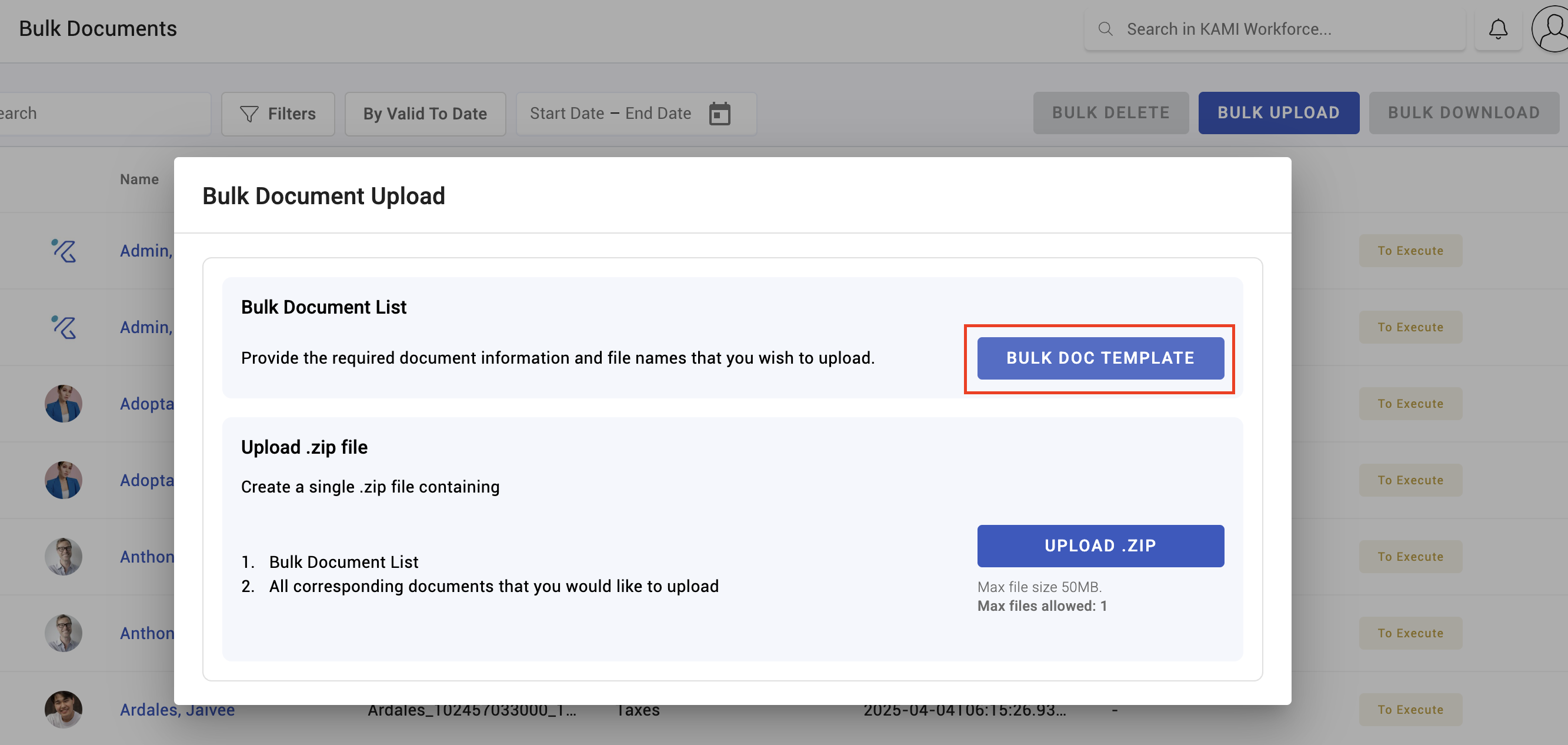
- Download the template — it defines how files are matched to employees.
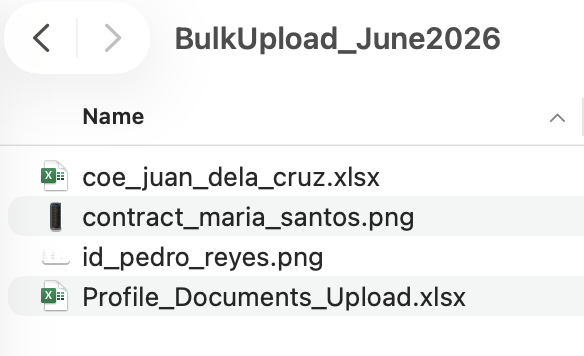
- Create your upload folder and put the files in it, named as the template requires.
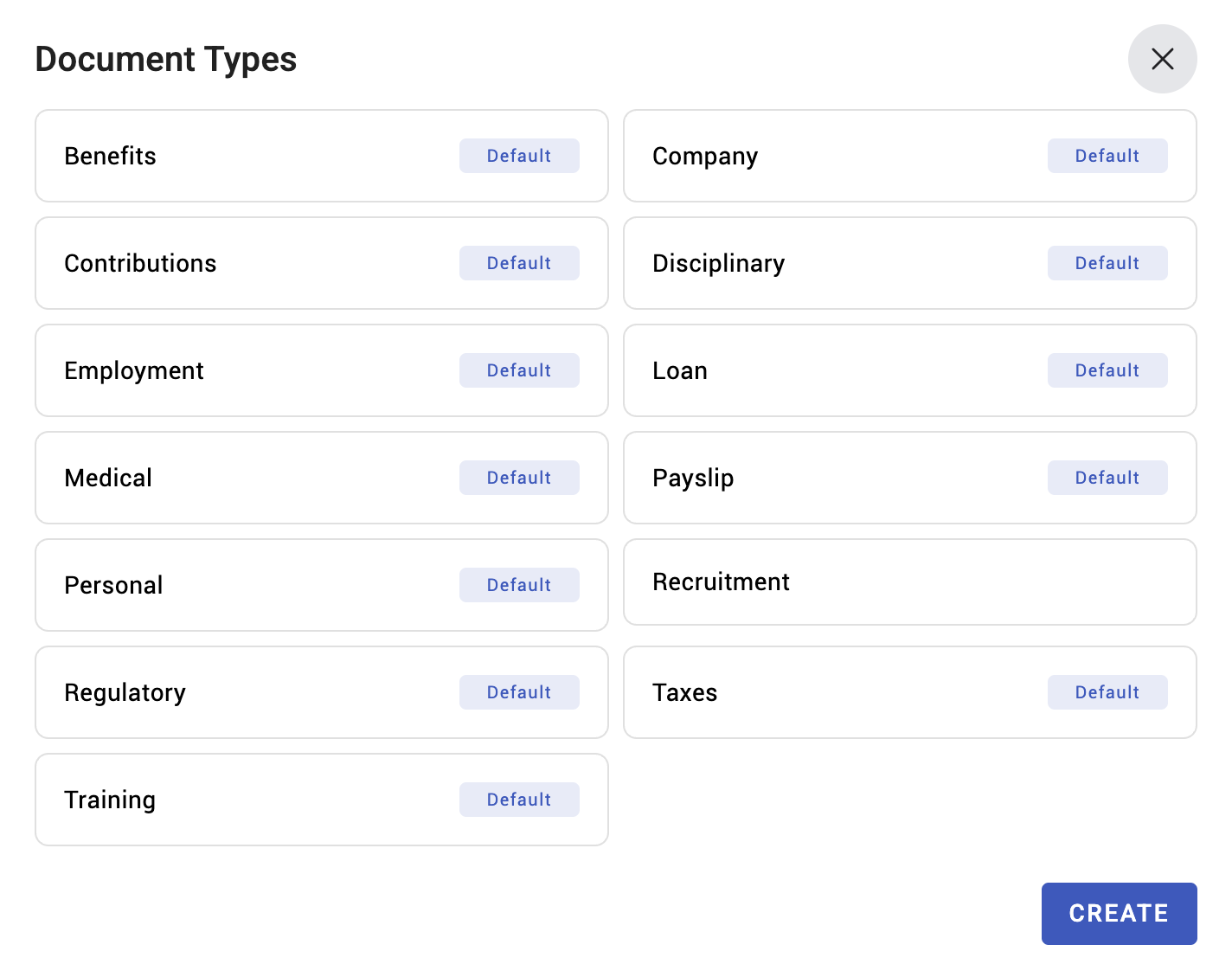
- Fill in the template, listing each file against its employee and document category.
- Compress the folder into a ZIP — on Windows, right-click → Send to → Compressed folder; on Mac, right-click → Compress.
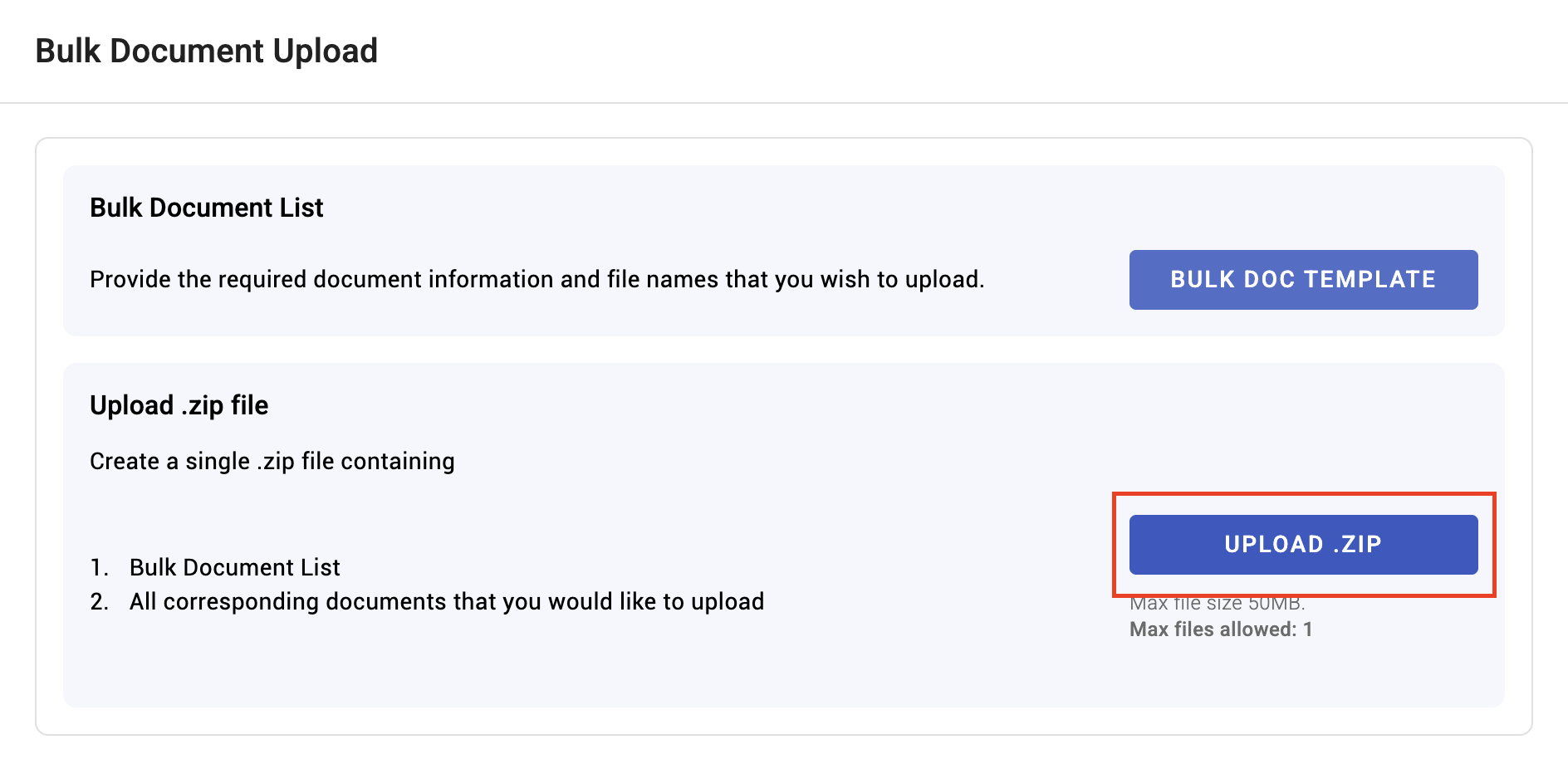
- Upload the ZIP.
What Happens Next
- Matched files are attached to their employees' profiles under the category you specified.
- Files that do not match an employee are skipped. The upload reports success for what worked, so a partially-matched batch looks like a successful one.
- Documents land subject to your approval configuration — where document approval is in use, they may queue rather than attach directly.
Tips
- Test with five files before doing two hundred. A naming mismatch found on five costs minutes; found on two hundred it costs the whole exercise twice.
- Compare the attached count against your file count. This is the check that catches skipped files, and it is the one people skip.
- Get the categories right at upload. Recategorising afterwards is per-document, and nobody does it — so documents land in the wrong place permanently.
- Keep the ZIP and the template. If the match goes wrong you will want to re-run rather than reconstruct.
- Check a few profiles afterwards, by eye. Confirm the right document landed on the right person — a systematic off-by-one in a spreadsheet attaches everyone's contract to their neighbour, and nothing in the process will tell you.
Troubleshooting / FAQ
Q: The upload succeeded but some documents are missing. Those files did not match an employee — usually a filename or identifier mismatch. Compare counts.
Q: Documents attached to the wrong people. A row misalignment in the template. Remove them and re-run with a corrected file.
Q: Documents are not appearing on profiles at all. Check whether document approval is enabled — they may be queued rather than attached.
Screenshots
These screenshots came from our previous help centre and may show an earlier version of the interface.