Attendance user rights
Attendance rights decide who can see whose attendance, who can change it, and who can approve it. They matter more than most permissions because attendance feeds payroll: the ability to amend an event is, indirectly, the ability to change what someone is paid.
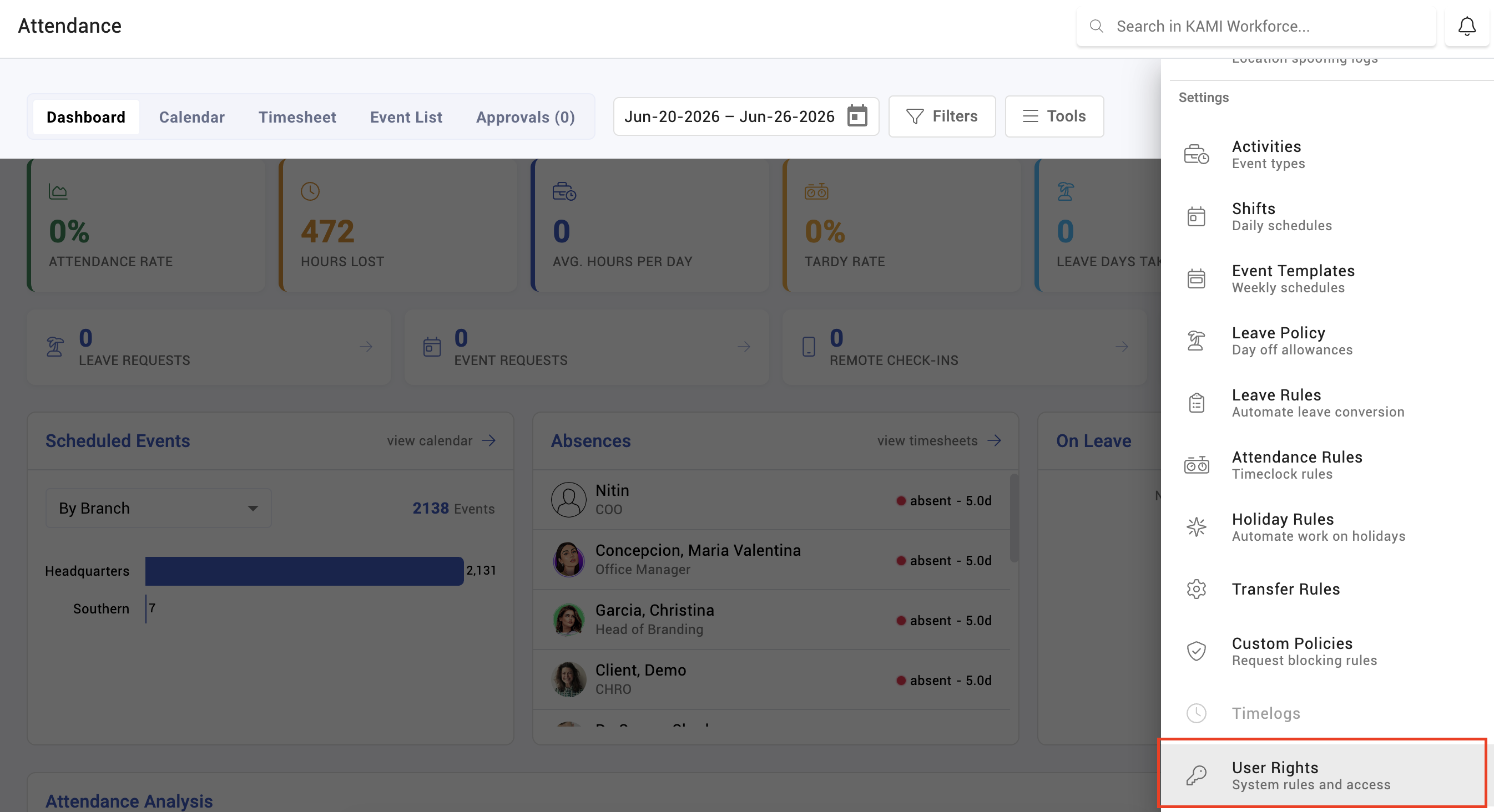
Where: Settings › Approvals & Access › User Rights You need: the user rights permission
Two questions, not one
Attendance access is decided by two separate things, and confusing them causes nearly every "why can't they see this" question:
- The right — what this person can do: view, edit, approve, configure.
- The scope — whose records they can do it to: only their own, their team's, or everyone's.
Someone can hold a right and still see nothing, because their scope is themselves. Someone else can have company-wide scope and still be blocked, because they lack the right. When access looks wrong, establish which of the two is missing before changing anything.
The three levels of attendance access
Rights group roughly by whose attendance is involved:
| Level | Covers |
|---|---|
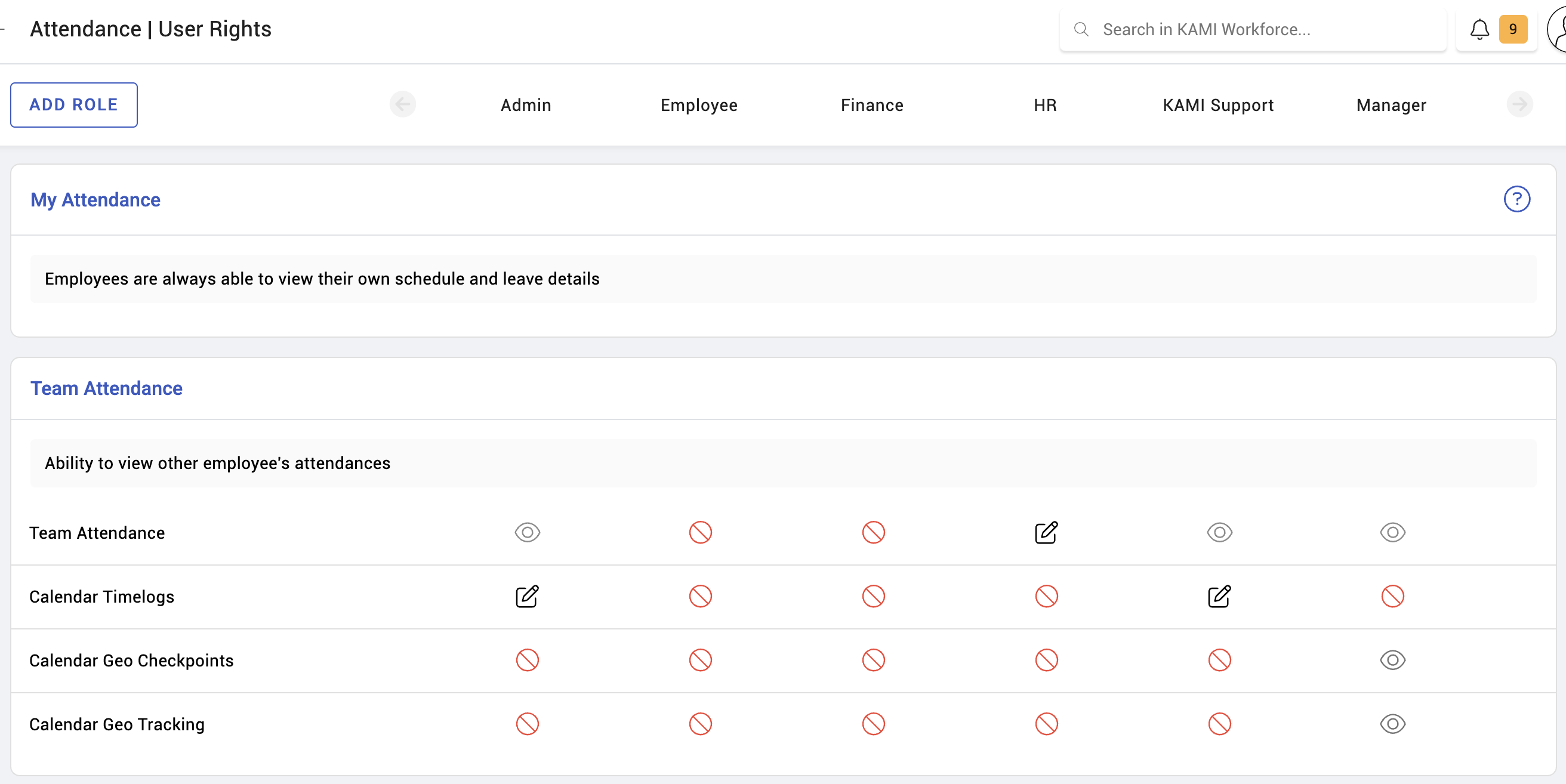
| My attendance | The employee's own records — their calendar, their time logs, their requests |
| Team attendance | The records of people they manage or whose scope they hold — reviewing, amending, approving |
| Schedule management | Creating and changing schedules, shifts and rotas |
Configuration rights — activities, shifts, holiday rules, calendar rules — sit separately under the settings permissions, and are worth treating as a distinct tier: they change behaviour for everybody rather than records for someone.
Who needs what
A workable default, adjusted to your organisation:
- Employees — my attendance only. They see their own days, raise their own corrections.
- Team leads — my attendance plus team attendance for their scope, including approving requests. Not schedule management unless they build the rota.
- Schedulers / supervisors — the above plus schedule management.
- HR / attendance admins — the above plus the settings rights for activities, shifts, holidays and calendar rules.
- Payroll — read access broadly, since they need to see what they are paying, and generally no amendment rights.
What Happens Next
- KAMI hides what a person cannot use rather than greying it out. A missing tab or button means a missing right, not a fault.
- A tab can appear and be nearly empty: it shows if the person can reach at least one thing inside it, so two people can both see Reports and find different contents.
- Rights are read when a session loads. Someone whose rights change must sign out and back in before the change appears — this is the explanation for "you gave me access and nothing happened".
Tips
- Separate approving from amending. Someone who can both amend a record and approve their own amendment has no check on them at all. On a system that feeds payroll, that separation is the whole point of having approvals.
- Grant to roles, not individuals. Rights set per person drift, and nobody remembers why one supervisor has an unusual permission.
- Start narrow. It is easier to add a right than to discover months later that a whole department could edit attendance.
- Review after any reorganisation. People who change role keep whatever they were given in the old one — and attendance scope follows the org structure, so a department move silently changes whose records someone can reach.
- Watch configuration rights especially. Amending one event affects one payslip; changing an activity's overtime window affects everybody's, every period, until someone notices.
Troubleshooting / FAQ
Q: A manager cannot see their team's attendance. Check scope before rights. They may hold team attendance rights but have a scope limited to themselves, or their team may not be linked to them in the org structure.
Q: We granted access and nothing changed. They need to sign out and back in. Rights load with the session.
Q: Someone can see attendance but not approve it. Approving is a separate right from viewing, deliberately.
Q: A tab is missing entirely. KAMI hides rather than disables. The tab appears when they can use at least one thing inside it.
Screenshots
These screenshots came from our previous help centre and may show an earlier version of the interface.