Leave balances and accrual
A leave balance is not a number someone types in — it is calculated from the policy: how often leave accrues, from when, capped at what, and what carried over from last year. This article explains how a balance gets to the figure it shows, how to read the Time Off Balances report, and how to correct a balance properly when it is genuinely wrong.
Where: Calendar › Reports › Time off balances You need: the attendance reports right; adjusting balances needs the leave settings right
When to use this, and when not to
| You want to | Do this |
|---|---|
| See where everyone's balances stand | The Time Off Balances report, below |
| Change how much leave people earn | The policy — Leave types and policies |
| Correct one person's balance | A balance adjustment, below |
| Load balances from your old system | Importing leave data |
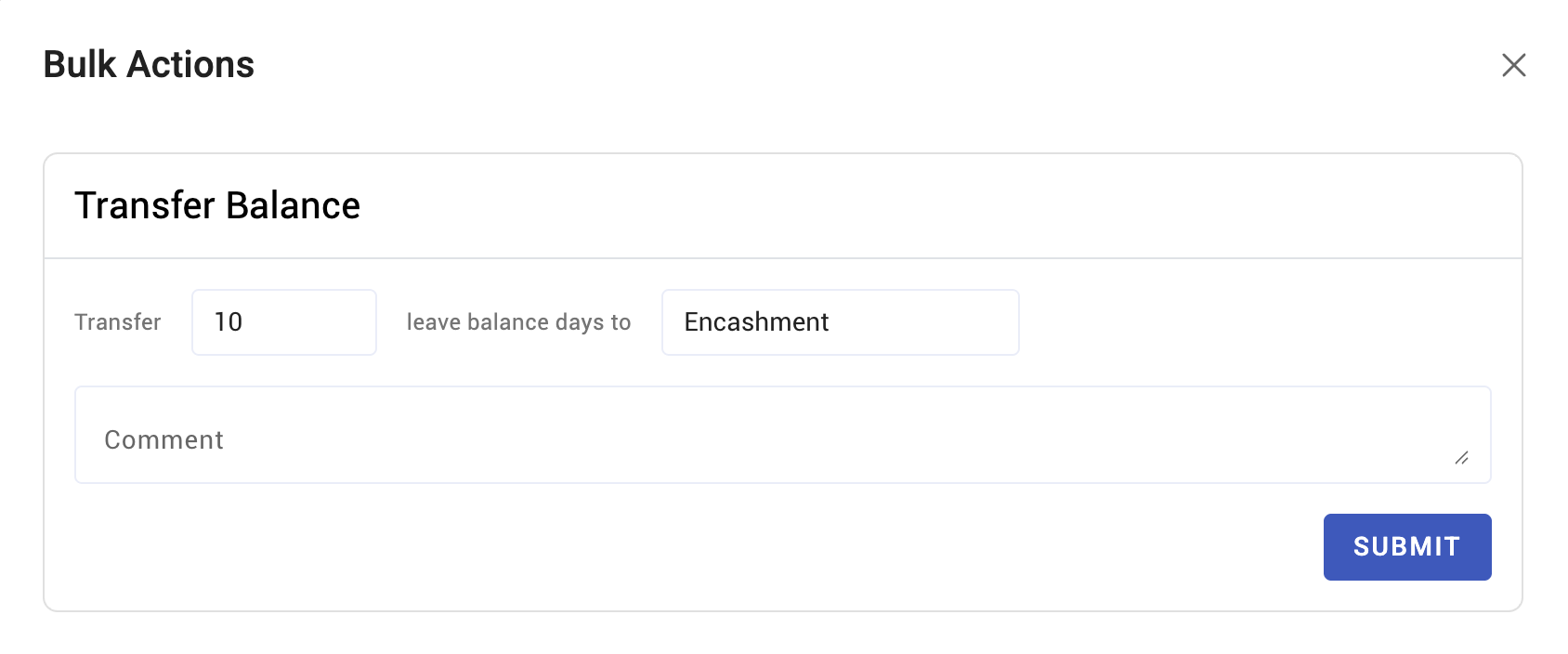
| Pay out unused leave | Leave conversion and encashment |
How a balance is built
Four things decide the number:
- The starting balance. Some types grant a default balance up front. Accruing types start at zero.
- Accrual. The balance grows at the policy's interval — monthly, quarterly, bi-annually or annually — from the employee's start date, subject to any probation period. Where the policy accrues during probation, those days are held and released when probation ends.
- The accrual limit. A cap. Once reached, further accrual stops rather than continuing to build.
- Carry over. At the anniversary, unused days carry according to the policy: all of them, a capped number, or none. Carried days then expire after a set number of months — the default is three.
Leave taken is deducted; leave cancelled returns.
Because all four are policy-driven, a balance that looks wrong is usually a policy question, not a data-entry one. Check the policy before adjusting a person.
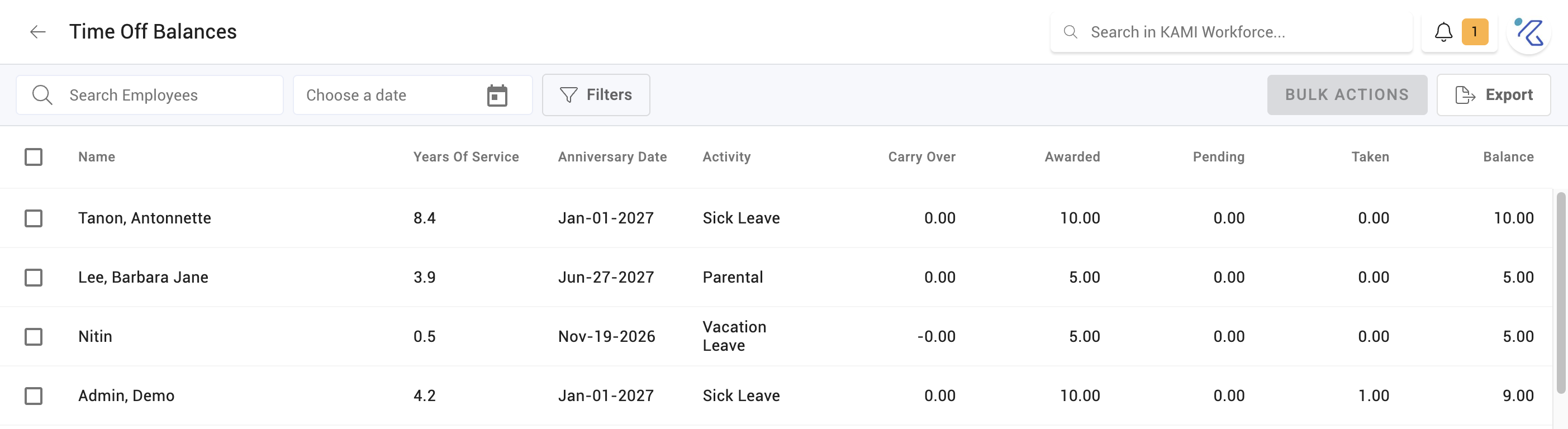
Reading the Time Off Balances report
Choose a date — balances are as-at, not live totals, so the date decides what you see. Then filter by branch, department, position, cost centre or group to narrow to a team.
The report shows each employee's balance per leave type, and exports for payroll, accrual provisioning, or a year-end review.
The date field is the one people miss. Asking "how much leave will this team have at year end" means setting the date to year end, not reading today's figures and estimating.
Adjusting a balance
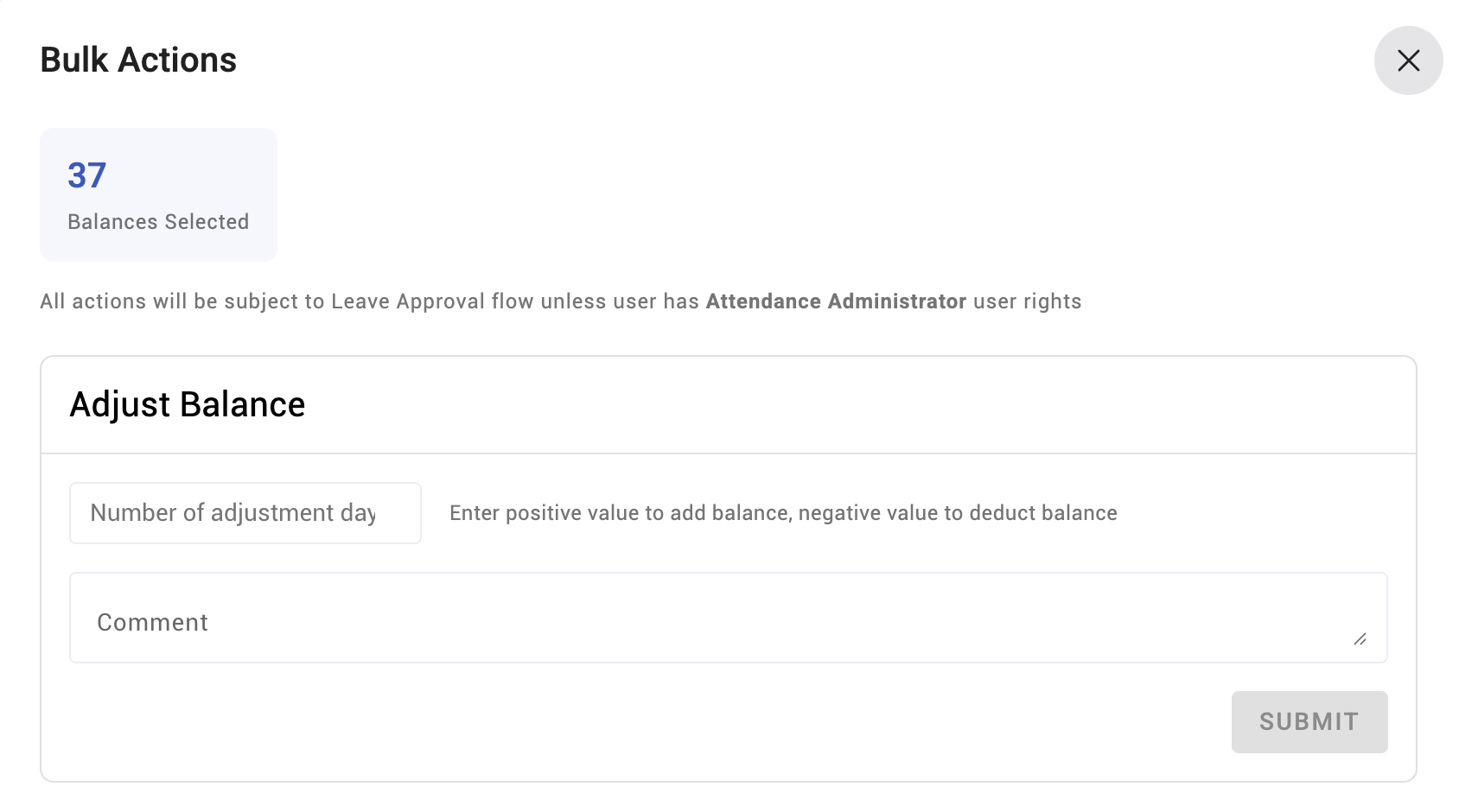
Where a balance is genuinely wrong — a correction from your old system, a goodwill grant, a negotiated settlement — adjust it rather than editing history. Adjustments are recorded as adjustments, which keeps the accrual calculation intact and leaves an explanation behind.
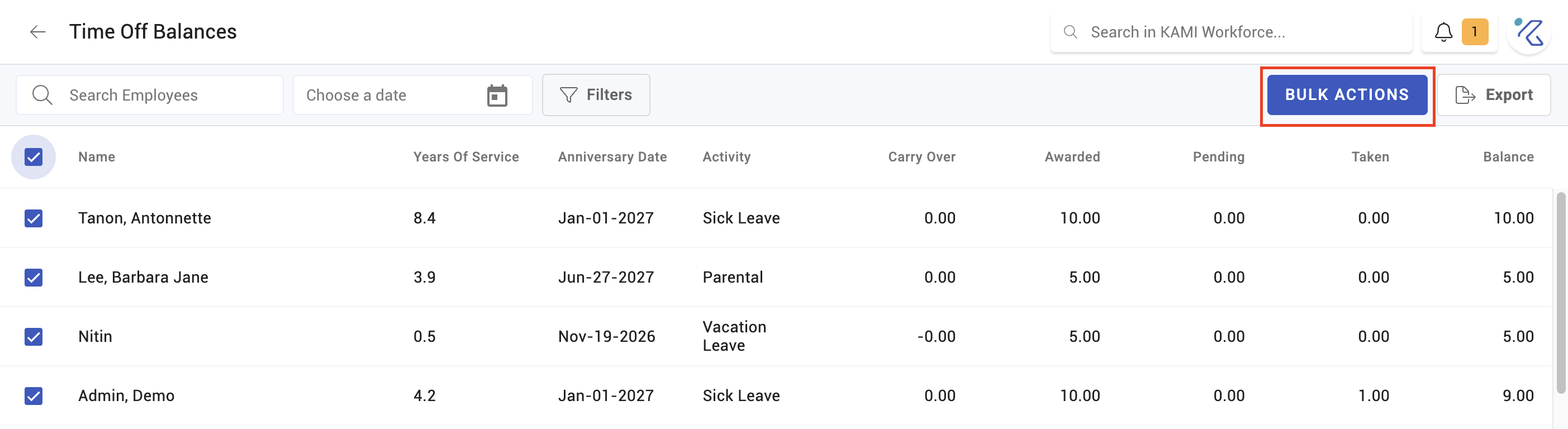
The report also supports bulk balance management for the cases that affect many people at once: a company-wide grant, a correction after a policy error, or loading opening balances for a group.
⚠️ Adjustment is not the tool for fixing a wrong policy. If everyone's balance is wrong the same way, correcting each person leaves the policy still wrong and the problem returns next accrual. Fix the policy, then adjust.
What Happens Next
- Adjusted balances take effect immediately and appear in the employee's own leave view.
- Accrual continues from the adjusted figure — an adjustment changes the balance, not the rule.
- Balances feed leave requests: what someone can book, and what an approver sees when deciding. See Approving attendance and leave requests.
- At termination, remaining balance is what any encashment is calculated from.
Tips
- Reconcile before every year end, not after. Carry-over caps and expiry are applied at the anniversary; discovering a misconfiguration afterwards means restoring days by hand.
- Watch for balances at the cap. People sitting at the accrual limit are earning nothing and usually do not know. That is a retention problem disguised as a settings one.
- Adjust with a reason, every time. Balance adjustments are read months later by someone who was not there.
- Check leavers' balances before their last payroll, not after. Encashment is far easier before the final payslip runs.
Troubleshooting / FAQ
Q: A new joiner shows zero balance. Expected during probation. Check whether the policy accrues during probation — if it does, the days appear in one block when probation ends.
Q: Someone's balance stopped growing. They have hit the accrual limit.
Q: Days vanished a few months into the year. Carried-over days expired. Carry-over has its own expiry, separate from the leave year, defaulting to three months.
Q: The report shows a different figure from the employee's own view. Check the report's as-at date — it defaults to a date, not to today.
Screenshots
These screenshots came from our previous help centre and may show an earlier version of the interface.