Workflow Automation
Workflow Automation reacts to things happening in My Team — someone joins, a date arrives, a record changes — and takes an action without anyone remembering to. It is the difference between a process that depends on somebody's diary and one that runs.
Where: My Team › Settings › Approvals & Access › Workflow Automation
You need: the Team organisation right 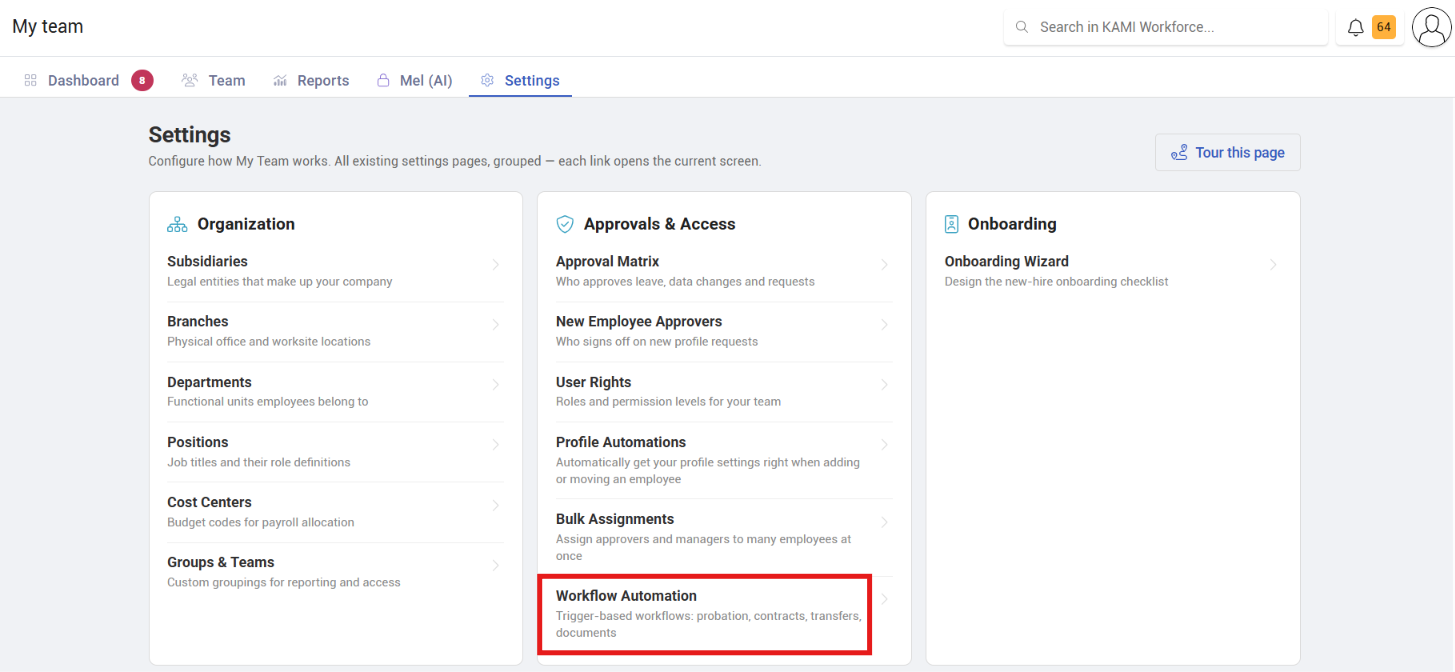
Which automation, when
KAMI has three things called automation and they do different jobs:
| You want | Use |
|---|---|
| Settings applied when someone is placed somewhere | Profile Automations |
| Something to happen when an event occurs | Workflow Automation |
| To be chased about tickets | Tasks automations — a different module |
The distinction that matters: Profile Automations answer "what settings should this person have?"; Workflow Automation answers "what should happen when this occurs?"
What it is for
The recurring administrative sequences that follow an event — a joiner needing steps completed, a probation date arriving, a record changing in a way somebody should know about. Each is small; together they are most of the work of running an HR function, and each is a thing to forget.
What Happens Next
- Rules act when their trigger occurs, from the moment they are active. They do not act on history — turning a rule on does not process everyone who already met its condition.
- Actions are recorded like any other change, in the Audit Trail.
- Notifications reach people through their notification settings, so someone who has muted a channel will not see them.
Tips
- Automate the sequence you already run manually, not the one you wish you ran. A rule modelled on an aspiration produces surprising behaviour; one modelled on your real process just does it faster.
- Start with one rule and watch it for a cycle. Automations that act on employee records are hard to un-notice when wrong.
- Send notifications to whoever can act, not to everyone who might care. Broadcast automation is how teams learn to ignore automated messages.
- Review rules after a reorganisation. Anything keyed to a department or role stops matching when those change names.
- Write down what each rule is for, somewhere durable. A rule nobody understands is a rule nobody dares switch off.
Troubleshooting / FAQ
Q: A rule did not fire for someone who clearly matched. Check whether they met the condition after the rule was activated — rules do not act retrospectively. Then check the placement or field the rule keys on.
Q: People say they are not receiving automated notifications. Check their notification settings. A rule can fire correctly and still be muted at the recipient's end.
Q: We do not know what a rule is doing. Check the audit trail for changes attributed to automation, and switch the rule off while you work it out. An unexplained rule acting on employee records is worth pausing.