The Team page: finding and working with employees
The Team tab is the list of everyone you manage and the way into any individual profile. It is the page you will open most often in My Team, and the one where filters matter most — because what you cannot see is usually filtered, not missing.
Where: My Team › Team
You need: access rights; your scope decides who appears 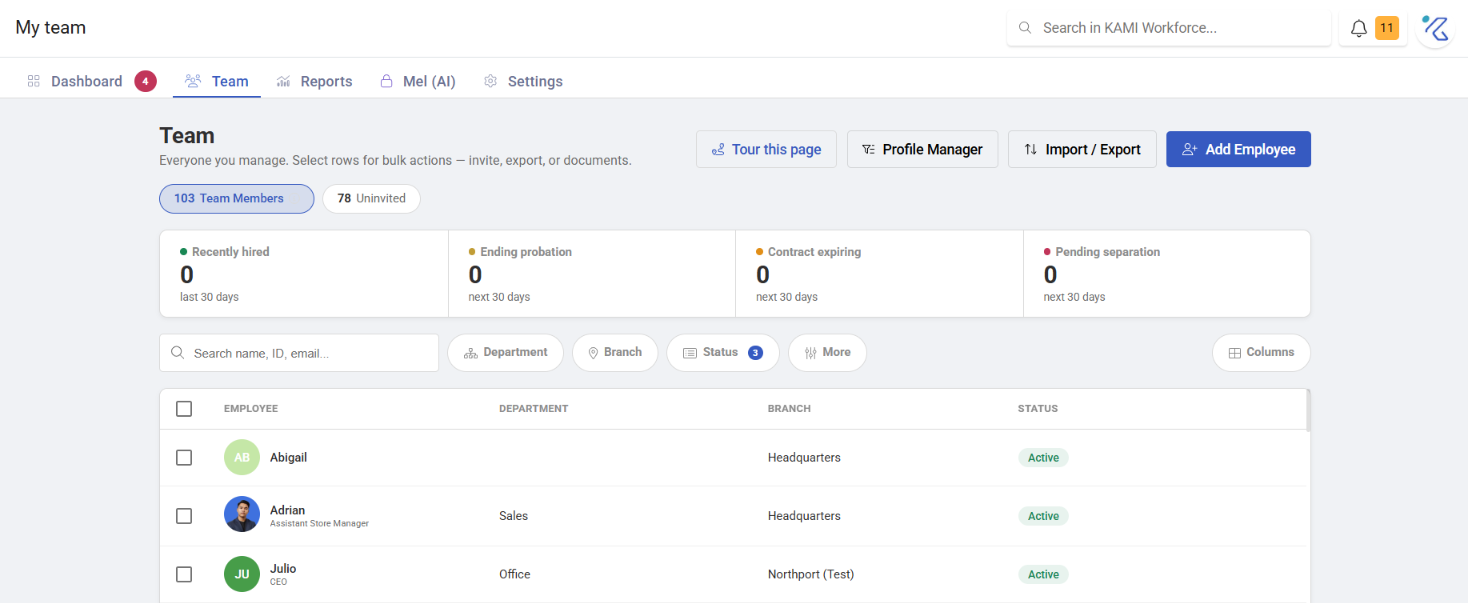
Finding people
Search by name, and filter by branch, department, position, cost centre and group.
The default view hides some people. Employees who are Deactivated or Unapproved do not appear unless you include those statuses in the filters. That is the answer to most "I added someone and they are not there" questions:
| Status | Meaning |
|---|---|
| Uninvited | Created, no invite sent |
| Invited | Invite sent, waiting for them to activate |
| Active | They have set a password and can log in |
| Deactivated | No longer has access |
| Unapproved | Waiting on new-employee approval, and hidden by default |
Getting into a profile
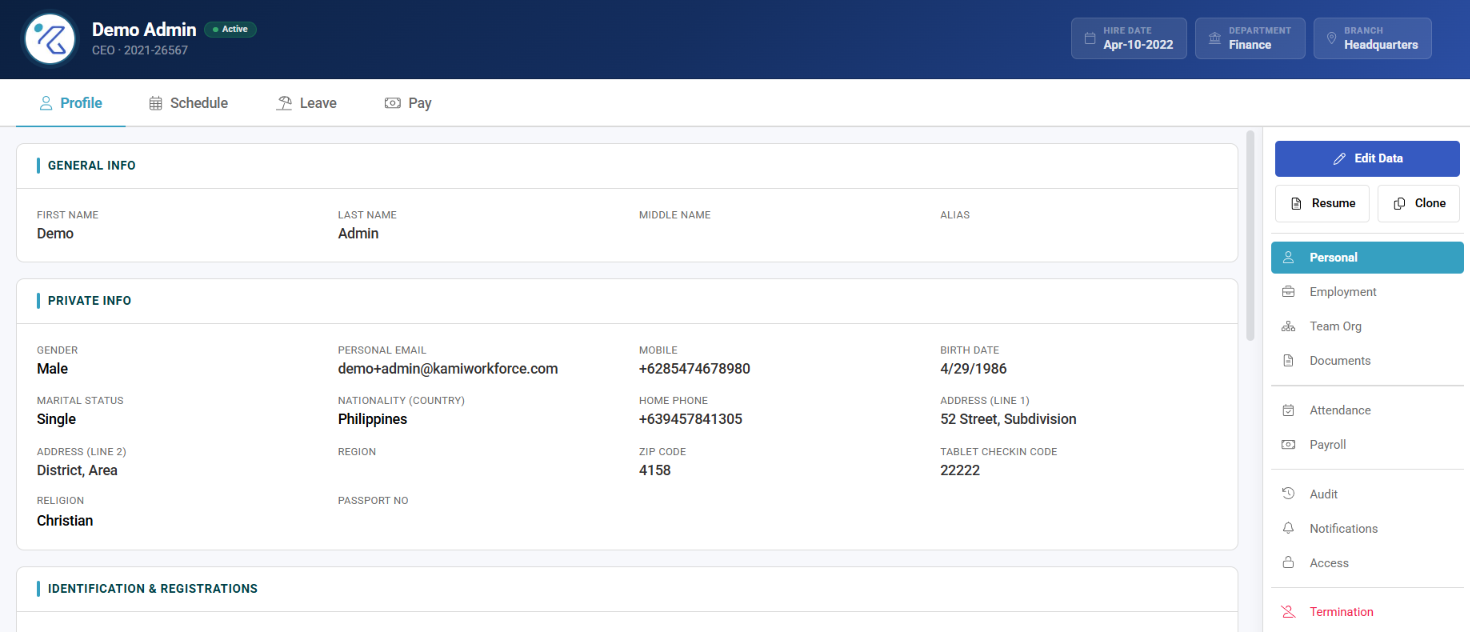
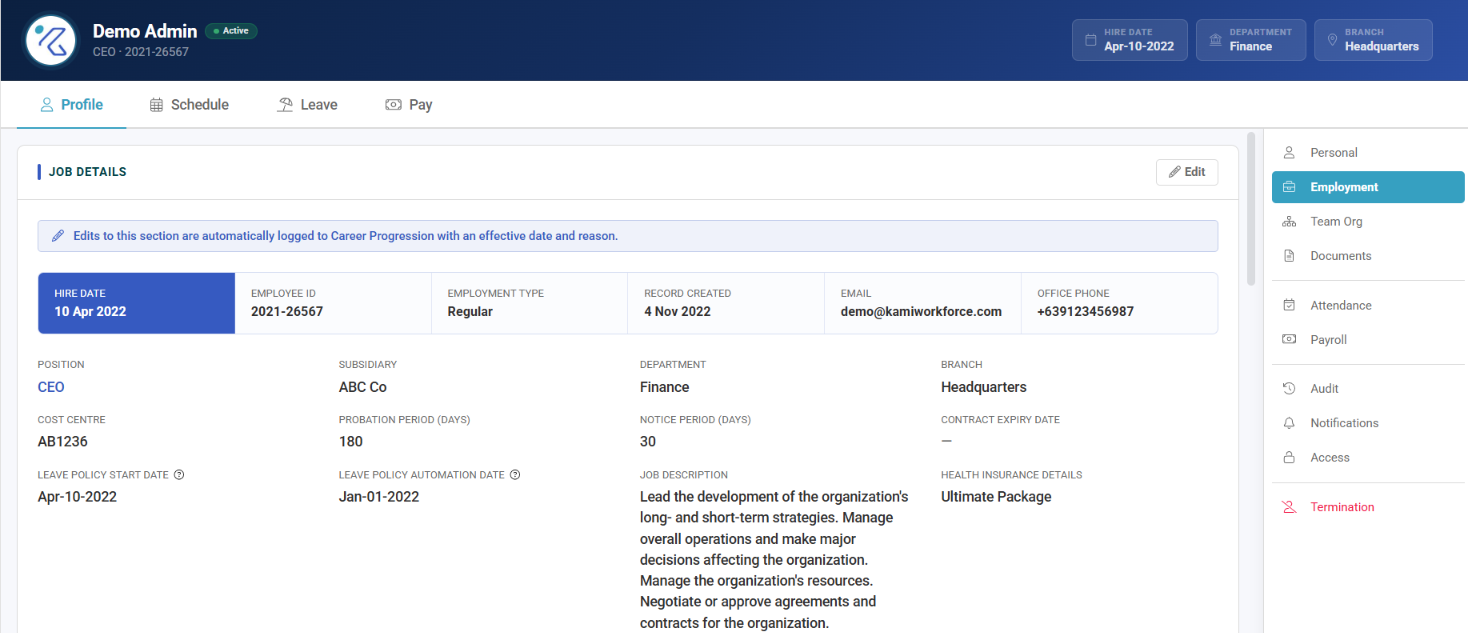
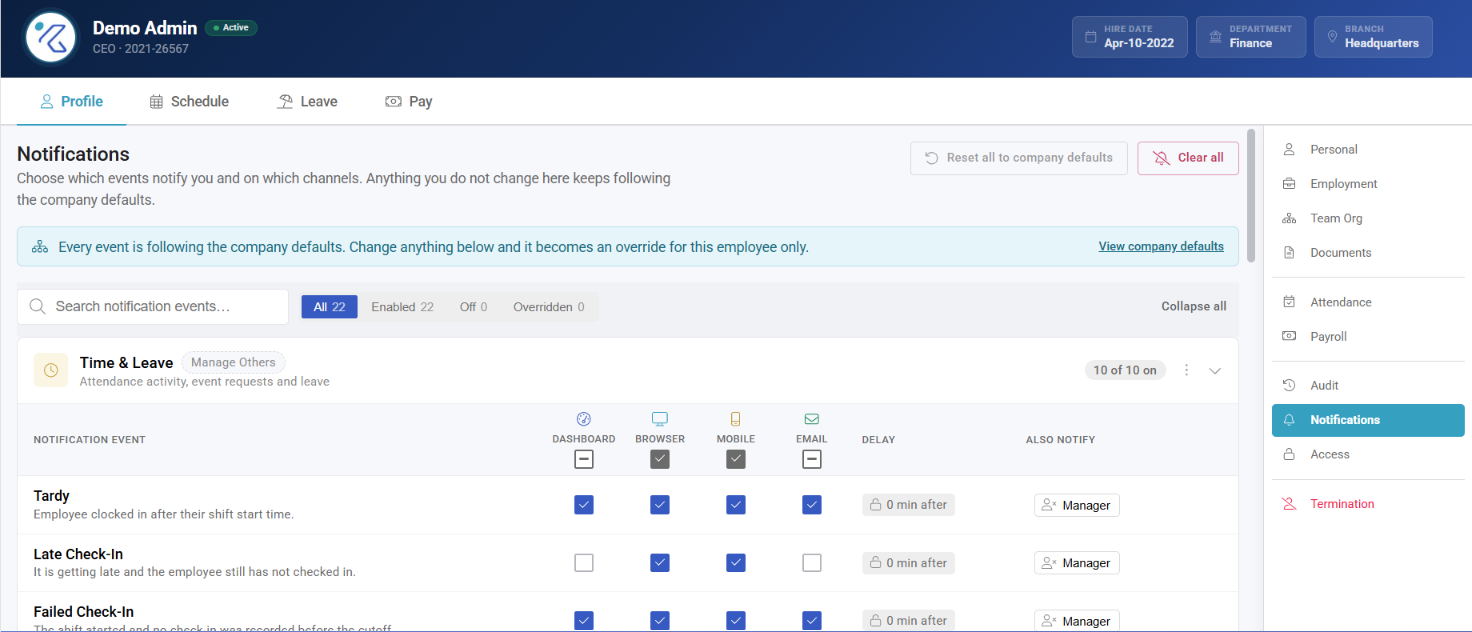
Click anyone to open their profile — personal details, employment info, documents, schedule, and the rest. What you can see and change there is decided by your user rights, field group by field group.
What Happens Next
- Changes made in a profile take effect immediately and are recorded in the Audit Trail.
- Changing someone's placement — branch, department, position — can re-route their approvals and trigger Profile Automations.
- Some profile changes route through approval rather than applying directly, depending on your configuration.
Tips
- Check the status filter before concluding someone is missing. Deactivated and Unapproved are hidden by default, and between them they explain almost every "where did they go".
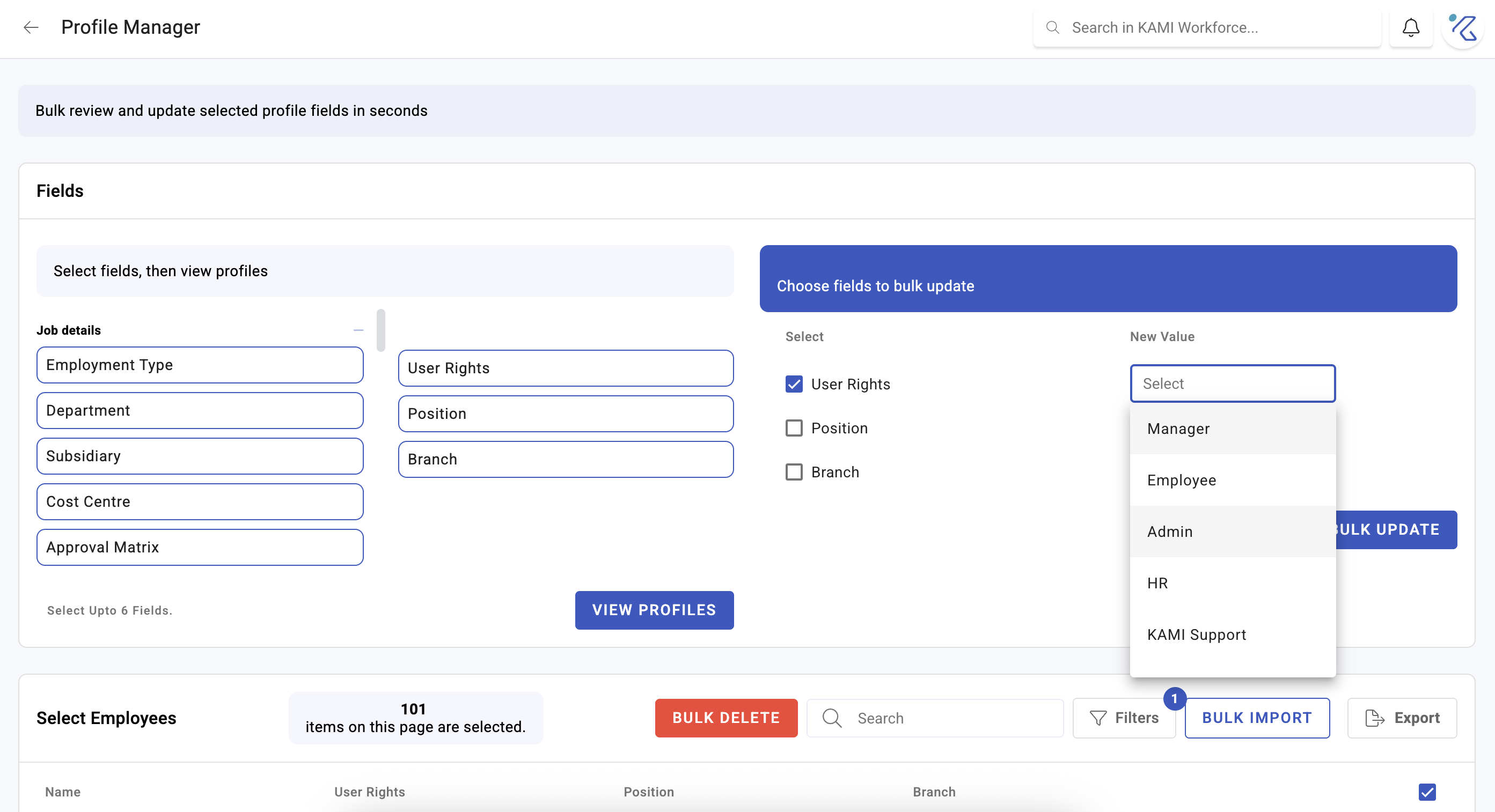
- Use the list, not the profile, for anything repetitive. Changing the same field on ten people is Profile Manager; the Team page is for one person at a time.
- If you cannot see a whole team, that is scope, not filters. See User rights and access control.
Troubleshooting / FAQ
Q: I added an employee and cannot find them. They are probably Unapproved — waiting on new-employee approval — or Deactivated. Both are hidden by default. Check Team Approvals too.
Q: I can see fewer people than a colleague. Your access scope is narrower. Scope decides whose records you can reach at all.
Q: A field on a profile is greyed out or missing. The field group needs its own right.
Screenshots
These screenshots came from our previous help centre and may show an earlier version of the interface.