Bulk Assignments
Bulk Assignments moves many employees between groups at once. It is the tool for reorganisations, new team formations, and the routine tidying that would otherwise mean opening forty profiles.
Where: My Team › Settings › Approvals & Access › Bulk Assignments
You need: the Team organisation right 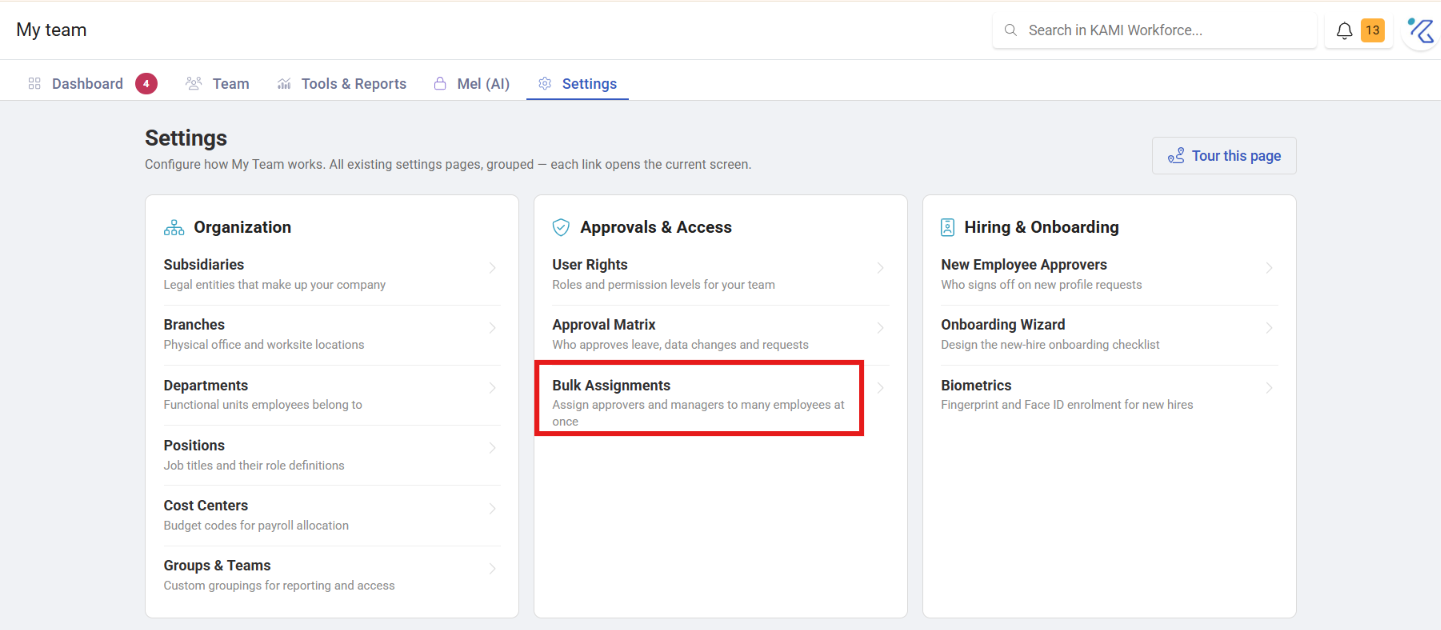
Which tool, when
| You want to | Use |
|---|---|
| Move many people between groups, now | Bulk Assignments |
| Change fields other than groups | Profile Manager |
| Have groups apply automatically on placement | Profile Automations |
| Load group membership from a spreadsheet | Bulk data import |
If you find yourself running the same bulk assignment after every intake, that is an automation waiting to be written.
How to use it
Filter to the employees you want, choose the groups to add or remove, and apply.
Because groups drive access and often approvals, the filter is the part to get right. Check the count before applying — the number of selected employees is the thing worth reading twice.
What Happens Next
- Group membership changes immediately.
- Access follows groups, so adding a group can grant visibility of records or projects, and removing one takes it away — including from people mid-task.
- Approvals that route via groups change with them.
- Changes are recorded per employee in the Audit Trail, attributed to you.
- There is no undo. Reversing means another bulk assignment.
Tips
- Add before removing, when restructuring. Doing it the other way leaves a window where people have no access to anything.
- Check what the group carries before removing it. A group is often the only thing granting someone sight of the records they work on daily.
- Do reorganisations in one sitting, not spread over days. A half-moved structure is harder to reason about than either the old or the new one.
- Tell people. Group changes alter what individuals can see, with no notification — someone who could see their team's records yesterday and cannot today will assume it is a fault.
Troubleshooting / FAQ
Q: People lost access after a reorganisation. The group that granted it was removed. Add them to a group that carries the access they need.
Q: Approvals stopped routing correctly. Approval routes often key off groups or placement. Check the approval matrix after any group restructure.
Q: I assigned the wrong people. Re-filter to exactly those people and reverse it. Both changes appear in the audit trail.