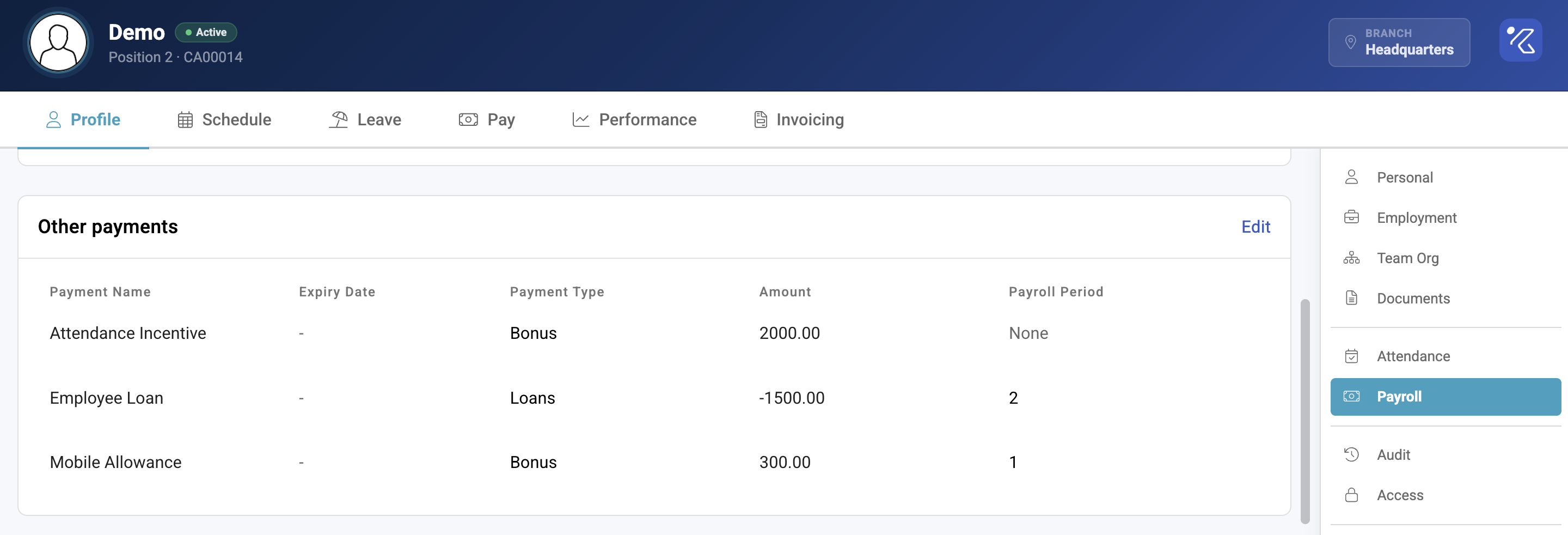
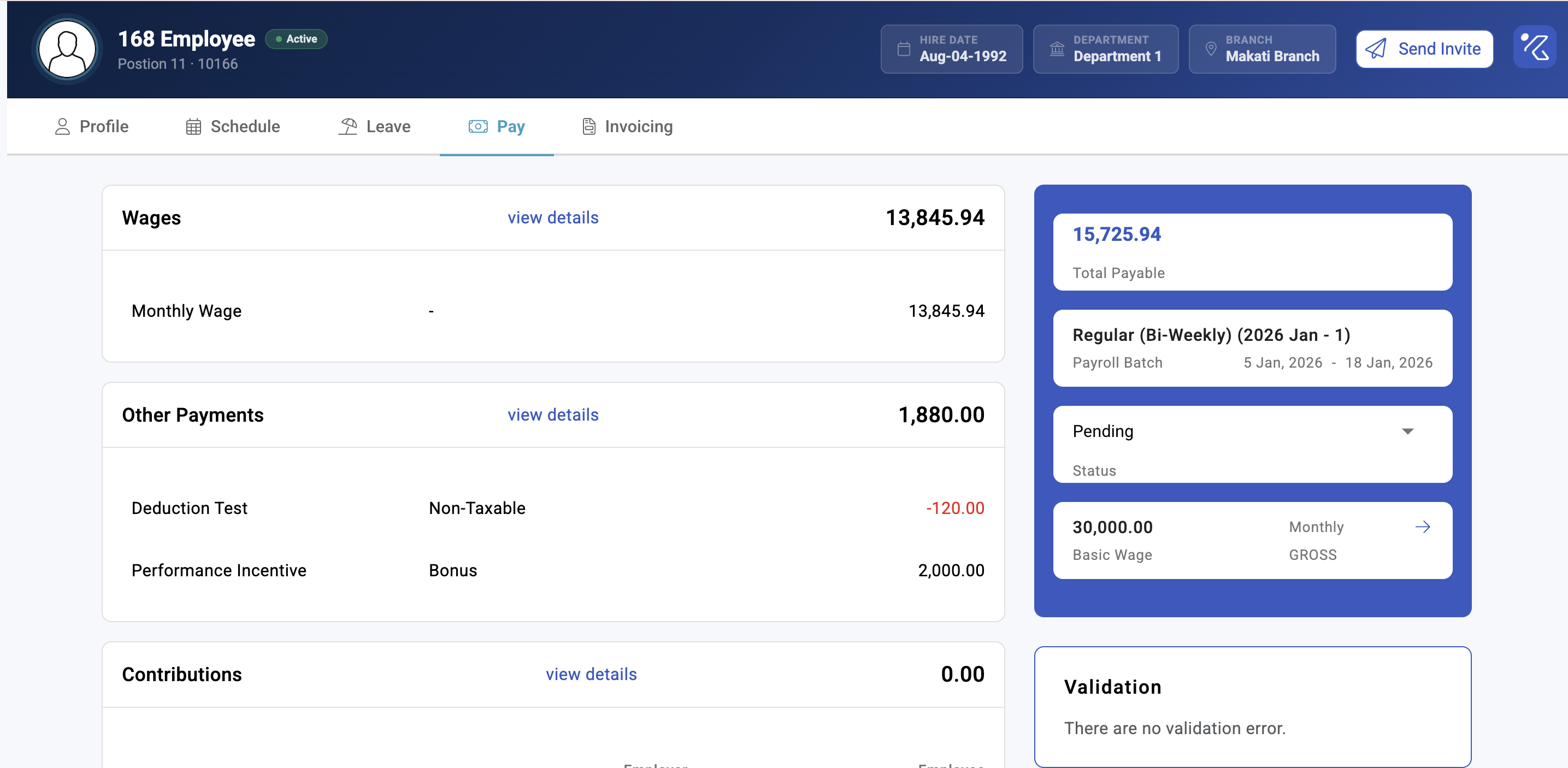
Other payments: allowances, bonuses and deductions
Anything on a payslip that is not derived from attendance is an other payment — allowances, commissions, bonuses, loan repayments, encashment, deductions. Choosing the right type matters more than it looks: the type decides how the amount is taxed and whether it feeds into overtime.
Where: Payroll › the payroll run › Others You need: payroll rights for that batch cycle
The type is not a label
Every other payment type carries four behaviours, and they are set by the type rather than by you entering the amount:
| Behaviour | Decides |
|---|---|
| Tax status | Whether it is taxed as regular income, as a bonus, as termination pay, or not at all |
| Fixed wage basis | Whether it counts toward the fixed wage used for some calculations |
| Gross wage basis | Whether it counts toward gross wage — which can price overtime |
| Prorated | Whether a part-period employee gets a proportion of it |
So filing a monthly transport allowance under the wrong type can change an employee's tax and their overtime rate, without anyone touching either. This is the single most common cause of a payslip that is wrong in a way nobody can explain from the amounts alone.
⚠️ Defaults for these four behaviours differ by country. A type that is non-taxable in one country is not automatically non-taxable in another. If you operate in more than one, check each rather than assuming the configuration travels.
The types
| Group | Types |
|---|---|
| Recurring pay | Fixed Allowances, Allowances, Basic Salary |
| Variable pay | Commissions, Bonus, Bonus (Non-Billable), Holiday Pay |
| Non-taxable | Non-Taxable, De Minimis |
| Deductions | Loans, Union Dues, Attendance Policy |
| Corrections | Wage Adjustment, Tax Gross Up, Contribution Gross Up |
| Leaving | Termination, Encashment |
| Other | Expenses, Others, Others (taxable) |
Fixed Allowances and Allowances are not interchangeable — the fixed variety is the recurring, contractual kind that typically counts toward wage bases. Check which behaviour you want before choosing.
De Minimis exists because small benefits are treated differently for tax. Putting an amount here that does not qualify is a compliance problem, not a formatting choice.
Tax status
| Tax status | Treated as |
|---|---|
| Regular | Ordinary taxable income |
| Bonus | Bonus income, taxed on the bonus basis |
| Termination | Separation pay |
| None | Not taxed |
| None Excluded | Not taxed and excluded from the calculation entirely |
The difference between None and None Excluded is worth knowing: both are untaxed, but excluded amounts are kept out of the working figures rather than counted and then relieved.
How to add an other payment
- Open the payroll run and go to Others.
- Add the payment, choosing the type deliberately — not the closest-sounding name.
- Enter the amount and the employee.
- Calculate or recalculate the payslip. An other payment added after calculation is not in the payslip until you do.
For many employees at once, use the bulk tools rather than repeating this — see Bulk bonuses and bonus tax.
What cannot be edited
⚠️ In KAMI's own words: "Other payments in already verified payslips or that are automated by KAMI cannot be edited."
Two separate cases. A verified payslip is locked because it has been checked — unverify it if it genuinely needs changing. An automated payment was produced by KAMI itself (a loan instalment, an attendance policy deduction, a gross-up), and the way to change it is to change what generates it, not the line.
What Happens Next
- The payment appears on the payslip once it is calculated, and contributes to tax according to its type.
- Types that feed a wage basis change derived rates, so they can move overtime and premium pay.
- Recurring payments configured at profile or group level appear automatically each run; one-off ones do not.
- Removing an other payment from a calculated payslip requires a recalculation to take effect.
Tips
- Decide types once, centrally. Let people choose types ad hoc and you will have three allowances with three different tax treatments within a quarter. See Other payment types and groups.
- Check the wage-basis flags before adding a new recurring allowance. If it feeds the gross wage basis, you have just changed overtime pay for everyone who receives it.
- Use groups for anything that recurs. Adding the same allowance by hand every cycle is how one person gets missed.
- Never fix a wrong other payment by adjusting the net. Correct the payment; the net is derived and will be recomputed.
- Review De Minimis annually. The thresholds are statutory and they move.
Troubleshooting / FAQ
Q: I added a payment but it is not on the payslip. The payslip has not been recalculated since. Recalculate it.
Q: The field is greyed out and I cannot edit the amount. The payslip is verified, or the payment is one KAMI generates. Unverify, or change the thing that generates it.
Q: Adding an allowance changed someone's overtime. That type feeds a wage basis that overtime is priced from. It is behaving as configured — check whether that is the treatment you intended.
Q: The same allowance is taxed differently for two employees. Check they are on the same type. Two similarly named types can carry different tax statuses.
Q: Which type should a rice or transport allowance be? It depends on your jurisdiction's treatment and whether it is contractual. Confirm the tax treatment with whoever owns compliance, then pick the type whose behaviours match — do not choose by name.
Screenshots
These screenshots came from our previous help centre and may show an earlier version of the interface.