Company and subsidiary details
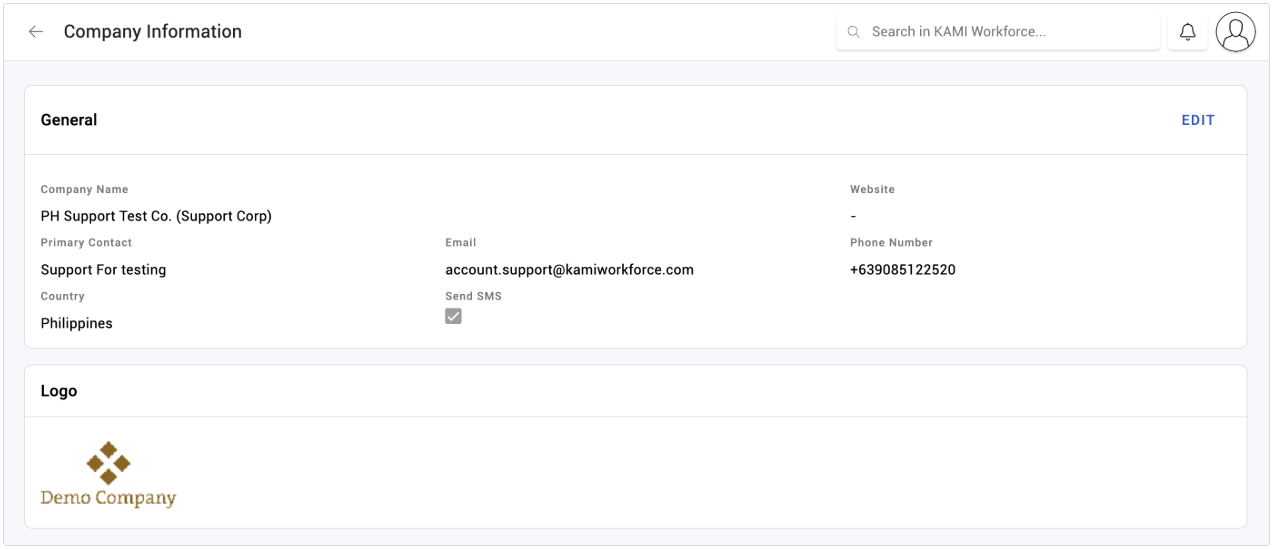
Your company details are the legal identity KAMI uses on the documents it generates and the returns it supports — registered name, address and tax registration. They are set once and then quietly relied on by payroll and every generated document, which is why an error here surfaces somewhere unexpected months later.
Where: My Team › Settings › Company You need: the settings right
Before You Start
Have the legal details to hand rather than approximating them: the registered company name as it appears on your incorporation documents, the registered business address, and the tax registration number. These are not display labels — they appear on documents that may need to stand up.
What to configure
Company and subsidiary names — the registered names, not trading names or abbreviations.
Business address — the registered address, which is what appears on generated documents.
Tax information — the registration number payroll uses.
Multiple subsidiaries
Where your organisation genuinely comprises several registered legal entities, each is a subsidiary with its own address and tax registration. That is precisely what distinguishes a subsidiary from a branch.
⚠️ Create a subsidiary only where you have a separate legal entity. Divisions are departments; offices are branches. A subsidiary created to represent a division gives that group its own tax registration for payroll purposes, which is not a cosmetic difference — see Setting up your organisation structure.
What Happens Next
- Company details flow into generated documents, so contracts and letters carry your registered identity.
- Tax registration is used by payroll and by statutory reporting.
- Subsidiary details apply to the employees assigned to that subsidiary, which is how a multi-entity organisation pays and reports correctly.
- Changes apply going forward. Documents already generated keep the details they were generated with — correct for a contract, and worth knowing if you have just corrected an error.
Tips
- Get this right before your first payroll run and your first generated contract. Both consume it, and both are awkward to reissue.
- Check the registered name character by character against your incorporation certificate. "Ltd" versus "Limited" is the kind of difference that matters on a legal document and nowhere else.
- Review after any corporate change — a rename, a new registration, a restructure. Nothing in KAMI will tell you these have gone stale.
- Note that branches carry their own tax registration too. For multi-location payroll, the branch settings matter as much as the company ones.
Troubleshooting / FAQ
Q: A generated contract shows the wrong company name. Check the company details, and check which subsidiary that employee is assigned to. Then re-generate — existing documents keep what they were generated with.
Q: Payroll is using the wrong tax registration. Check the employee's subsidiary and branch. Tax registration can sit at both levels.
Q: Should this location be a subsidiary or a branch? A subsidiary only if it is a separate registered legal entity. Otherwise a branch.