Module activation and two-factor authentication
Two company-level controls that decide what KAMI does and who can get into it: which modules are switched on, and whether two-factor authentication is required.
Where: More (lower left) › Settings › Company
You need: the settings right 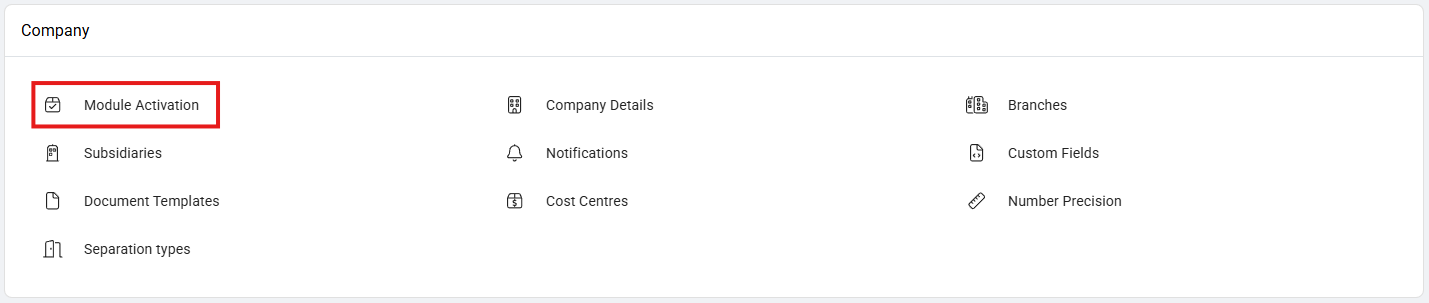
Module activation
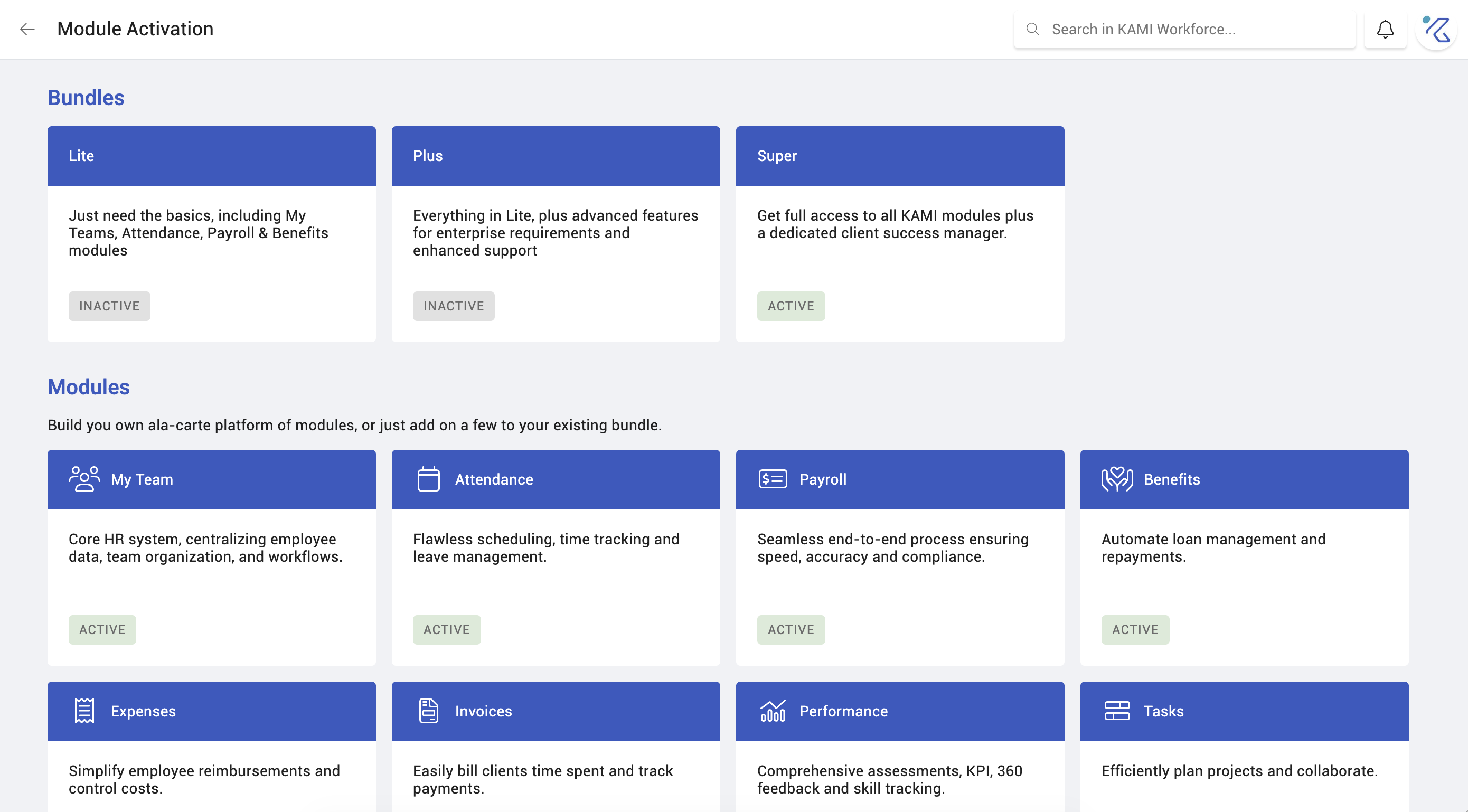
KAMI is several modules — payroll, attendance, leave, expenses, performance, tasks, recruitment and others — and your company activates the ones it uses. A module that is off is not visible to anyone, whatever rights they hold.
That is worth knowing when diagnosing access: a right cannot grant access to a module your company has not enabled. It is the third thing to check when someone cannot see something, after the right and the scope — see User rights and access control.
Free trials are available for modules you have not bought, which is the sensible way to evaluate one before committing.
Deactivating a module removes it from view. Do it deliberately: people mid-process in that module lose access to it, and any automations or reports that depend on it stop producing.
Two-factor authentication
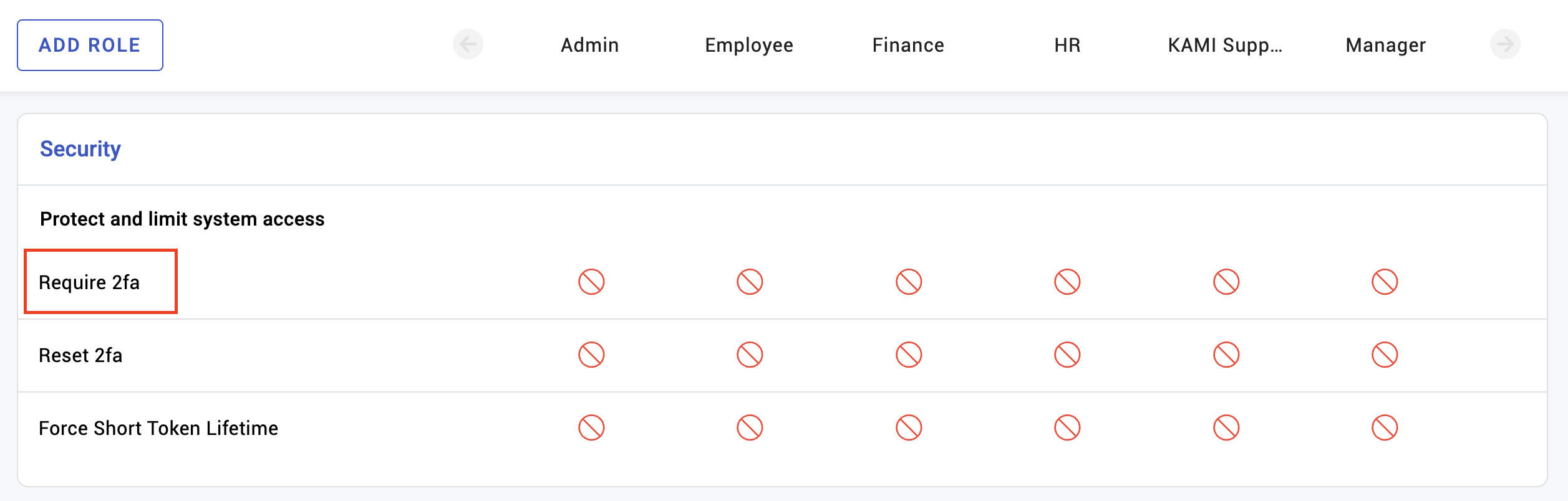
2FA requires a second proof of identity at login, beyond the password. It is enabled per role, so you can require it of the people whose access would do most damage — anyone who can see salaries, bank details or the whole employee table — without imposing it on everyone from day one.
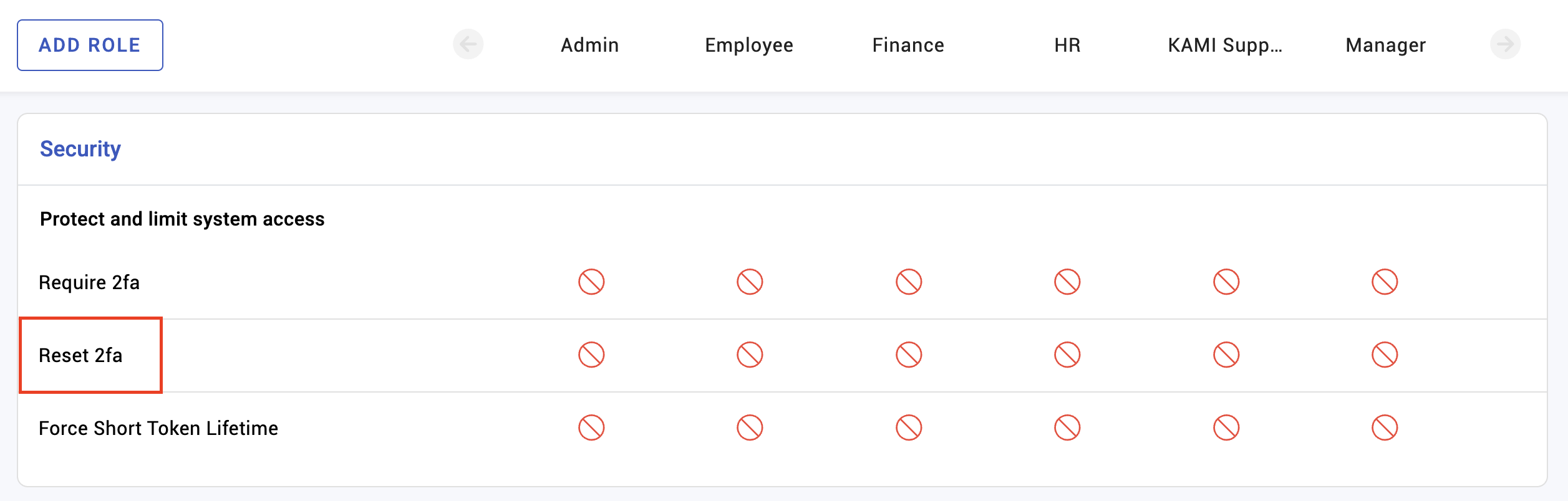
Several 2FA methods are available, and an employee's 2FA can be reset where they have lost access to their method. 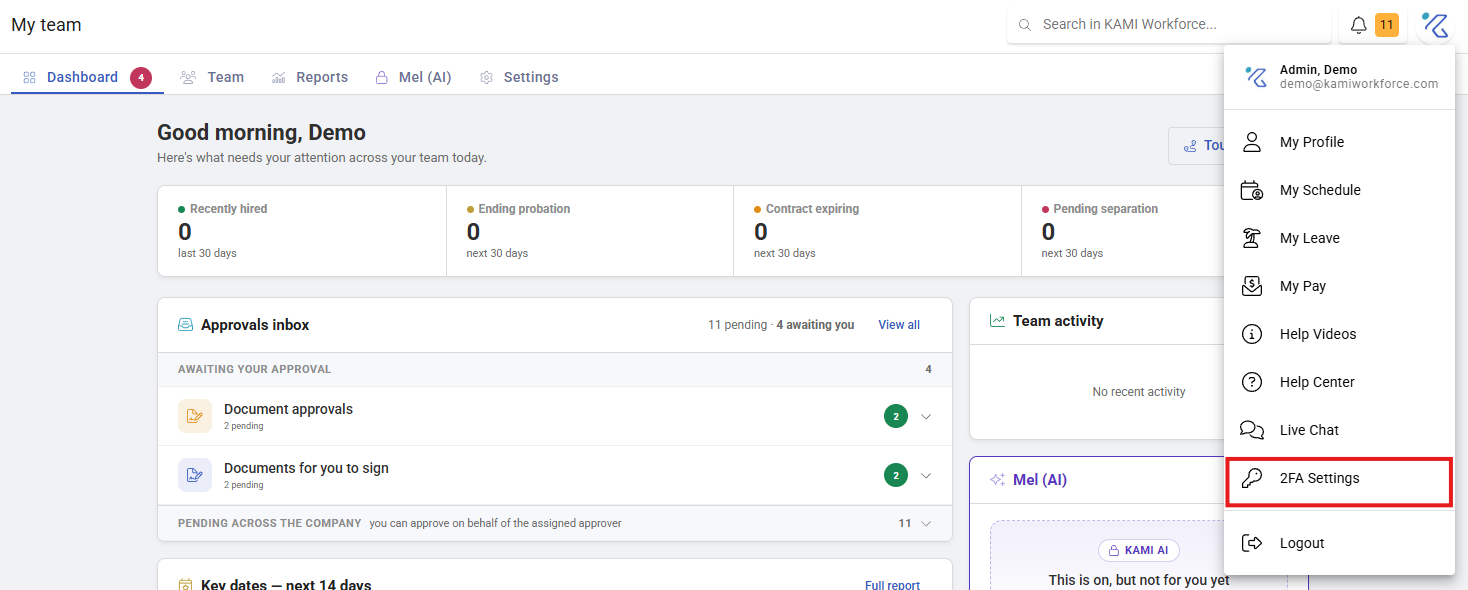
What Happens Next
- Activating a module makes it available immediately to people whose rights include it.
- Enabling 2FA for a role applies at those users' next login — they are prompted to enrol.
- Resetting someone's 2FA lets them enrol again, which is the recovery path when someone changes phone or loses their device.
- Deactivating a module hides it; it does not delete the data behind it.
Tips
- Turn 2FA on for administrative roles first, then widen. Starting with the accounts that hold everyone's bank details gets most of the protection for a fraction of the friction.
- Have a reset path before you enable it. People change phones, and an admin locked out of the system that resets 2FA is a genuinely bad afternoon. Make sure more than one person can perform resets.
- Tell people before you enable it, with a day's notice. Being unexpectedly asked to enrol at 8am is how a rollout becomes a support queue.
- Check module activation before diagnosing a permissions problem. It is quick, and it explains the cases where the rights look correct and the feature still is not there.
- Do not leave trials running unnoticed. A trial that lapses removes a module people have started depending on.
Troubleshooting / FAQ
Q: Someone has the right but cannot see a module. The module may not be activated for your company. Rights cannot grant access to something that is off.
Q: An employee cannot complete 2FA. Reset their 2FA so they can enrol again — commonly needed after a phone change.
Q: We deactivated a module and reports stopped. Reports that draw on that module stop producing. The data is not deleted; reactivating restores access.
Screenshots
These screenshots came from our previous help centre and may show an earlier version of the interface.