Batch cycles
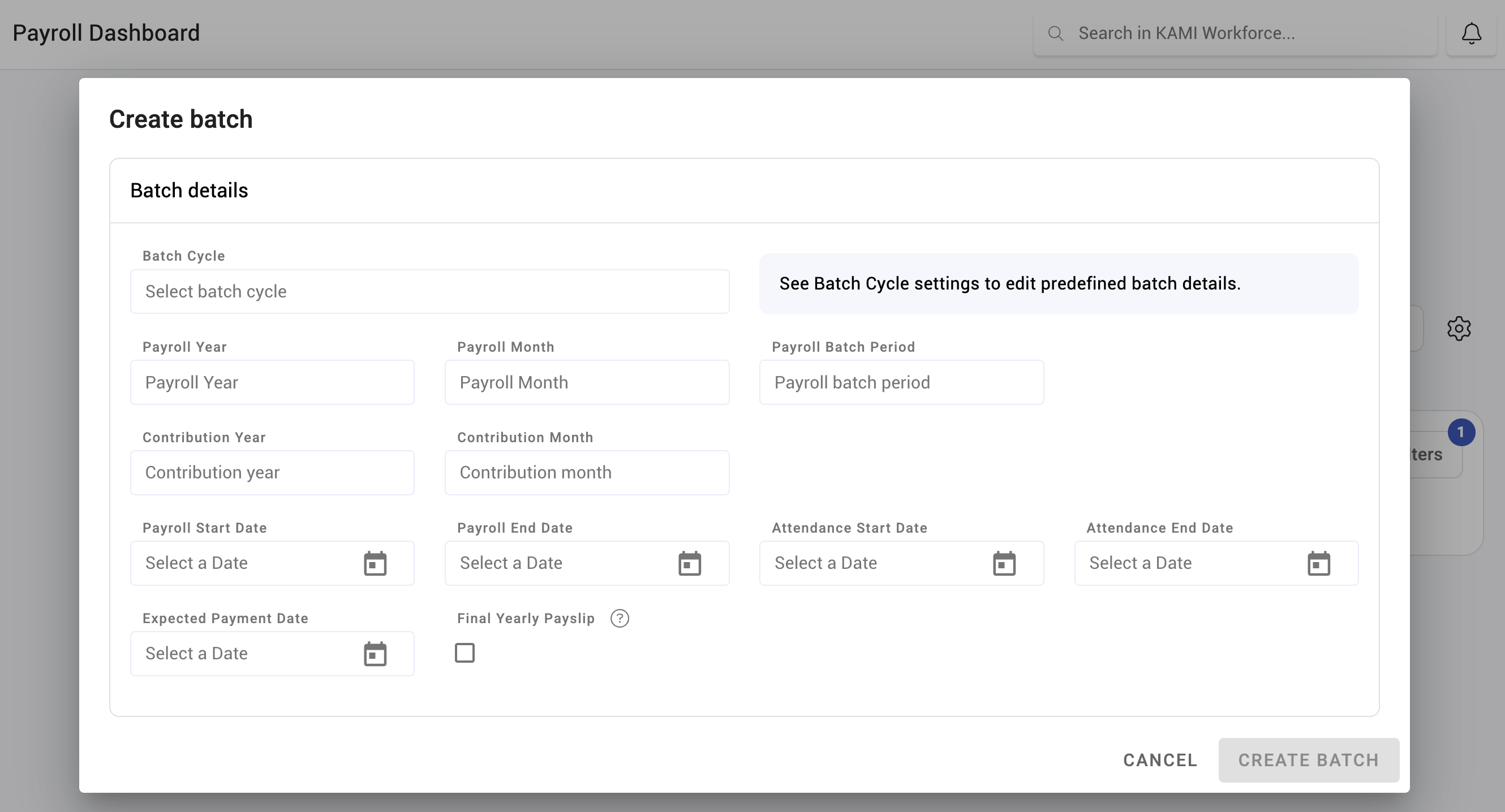
A batch cycle is the recurring definition of a payroll: who is paid, how often, for which period, and who approves it. Every payroll run is an instance of one. Setting them up correctly is the single largest piece of payroll configuration.
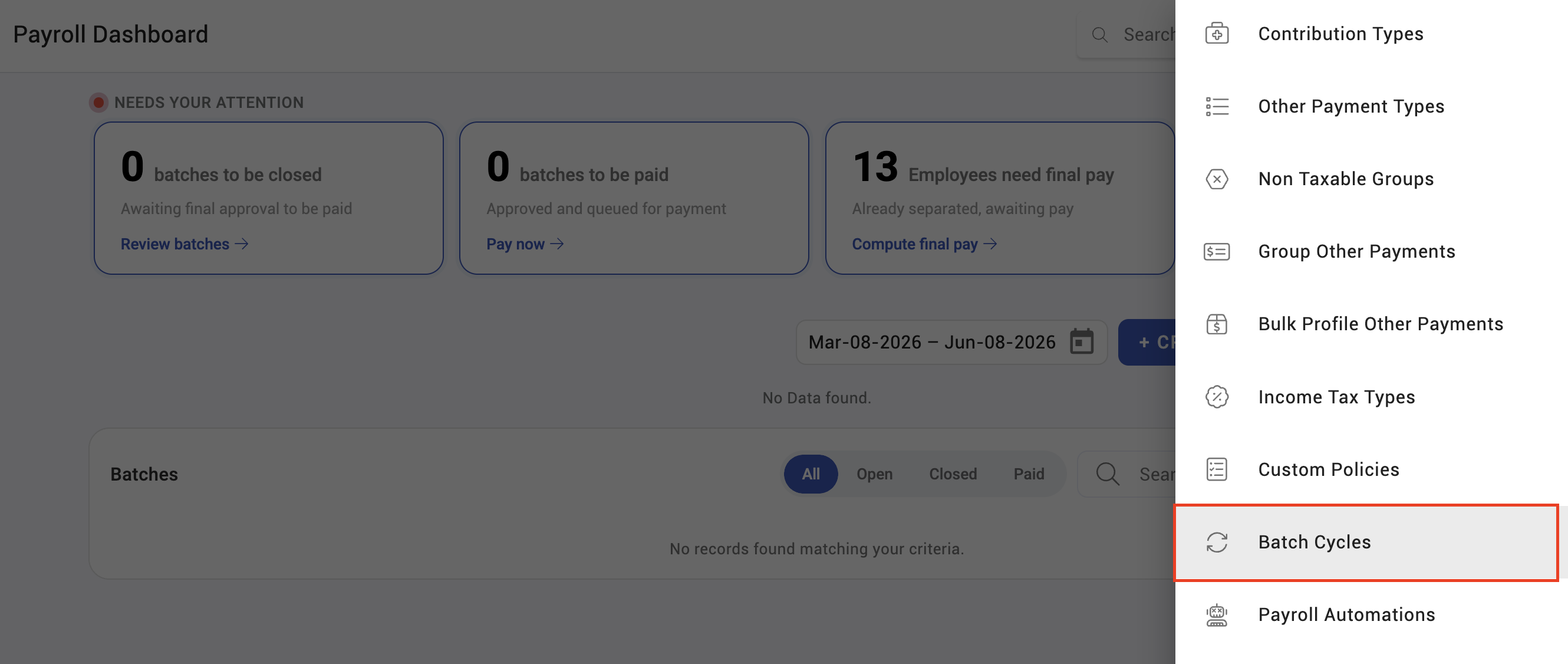
Where: Settings › Payroll › Batch cycles You need: the payroll settings right
The two cut-offs are different
A batch cycle carries two cut-offs, and confusing them is the most common configuration error:
| Cut-off | Defines |
|---|---|
| Attendance cut-off | The period of work being paid |
| Payroll cut-off | The period the payroll run itself covers |
They are often the same, and deliberately not always. A company that pays on the 15th for work up to the 10th needs a gap between them so attendance can be approved before payroll is calculated. If you set them identically, you are asking people to approve attendance on the same day payroll runs.
What a batch cycle defines
| Setting | Decides |
|---|---|
| Type | Weekly, bi-weekly, semi-monthly, monthly, quarterly, yearly or one-time |
| Attendance cut-off | The work period paid |
| Payroll cut-off | The payroll period |
| Advance payment day | The day an advance is paid, where used |
| Batch approvers | Who approves runs on this cycle |
| Currency | The currency of the cycle |
| Primary | Whether this is the company's main cycle |
| Include only active employees | Whether inactive employees are excluded |
| Stamp payslip | Whether payslips carry a stamp |
| Show accumulated 13th month | Whether the accrual appears, and whether employees see it |
| Show YTD summary | Whether year-to-date figures appear on payslips |
The cycle type decides the pay divisor
How often you pay decides how much of a monthly salary lands in each payslip:
| Cycle | Share of monthly wage per payslip |
|---|---|
| Weekly | Monthly wage ÷ 4.3452 |
| Bi-weekly | Monthly wage ÷ 2.1667 |
| Semi-monthly | Half |
| Monthly | All of it |
Weekly and bi-weekly divisors are not round because a year has 52.14 weeks, not 52. That is correct and it is why weekly pay does not divide the month evenly.
How to set up a batch cycle
- Open Settings › Payroll › Batch cycles.
- Create the cycle and choose its type.
- Set the attendance cut-off and the payroll cut-off, leaving enough gap to approve attendance.
- Assign batch approvers.
- Set the currency and whether the cycle is primary.
- Decide the payslip options — stamp, 13th month accrual, YTD summary.
What Happens Next
- Payroll runs are created against the cycle and inherit its cut-offs and approvers.
- Employees are assigned to a cycle; someone on no cycle gets no payslip.
- Changing a cut-off affects future runs. It does not restate runs already created.
- Approver changes apply to runs not yet approved.
Tips
- Leave working days between the attendance cut-off and the payroll cut-off. This one decision determines whether every month is calm or a scramble.
- Use as few cycles as you can. Each is a separate configuration to maintain and a separate run to remember at month end — and reports have to cover all of them.
- Name cycles for who is on them, not for their frequency. "Monthly" tells you nothing when you have three.
- Check the approver list is more than one person. A single approver on leave stops payroll.
- Decide the 13th month accrual visibility deliberately. Showing employees an accruing figure sets an expectation about what they will be paid.
Troubleshooting / FAQ
Q: An employee has no payslip in the run. Check they are assigned to that batch cycle, and whether the cycle excludes inactive employees.
Q: Attendance keeps arriving after payroll is calculated. The gap between the attendance cut-off and the payroll cut-off is too small. That is a configuration problem, not a discipline problem.
Q: We changed a cut-off but the current run is unchanged. Cut-off changes apply to runs created afterwards.
Q: Can employees be on two cycles? No. An employee belongs to one cycle, which is what makes their pay unambiguous.
Q: Weekly pay is not exactly a quarter of the monthly salary. Correct — the divisor is 4.3452, because a year is 52.14 weeks.
Screenshots
These screenshots came from our previous help centre and may show an earlier version of the interface.