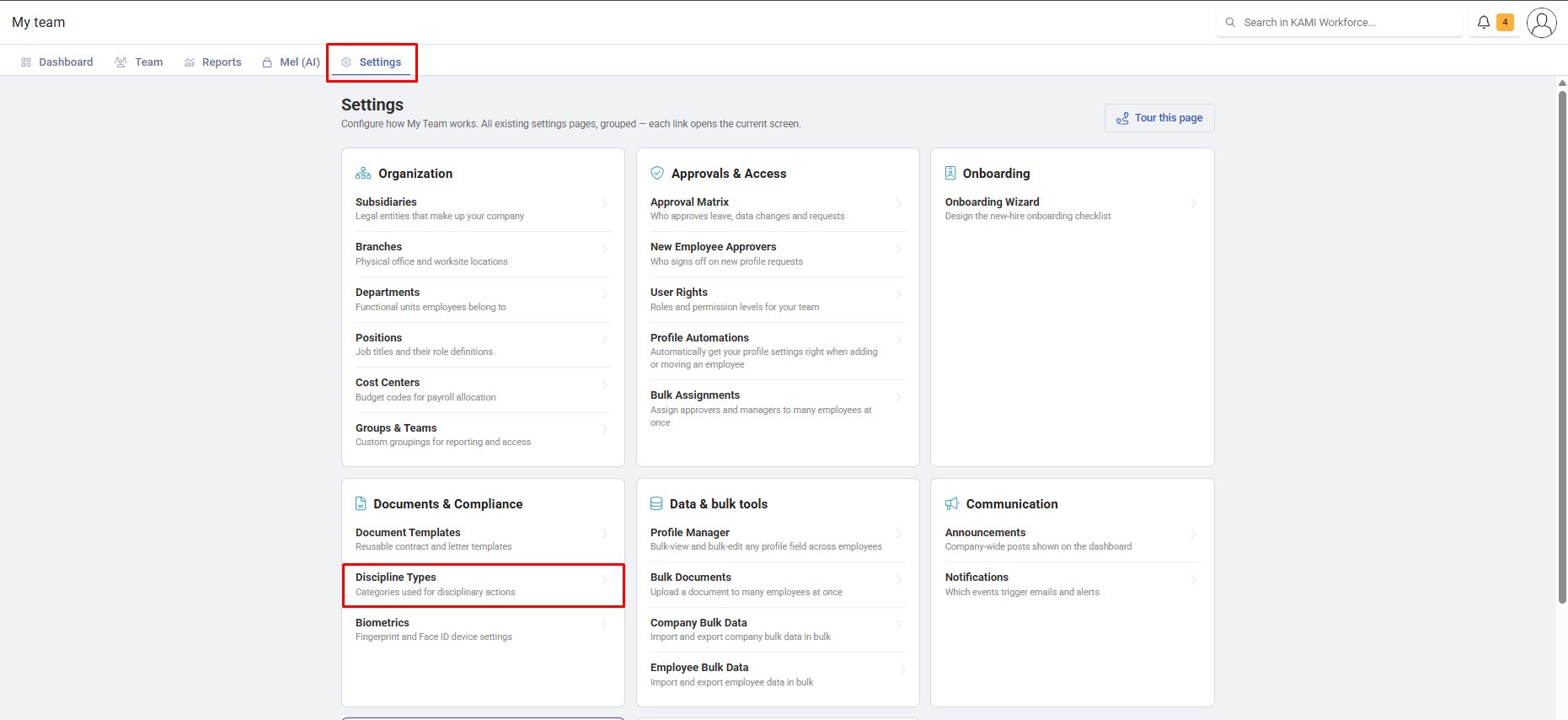
Discipline Types
Discipline types are the categories of disciplinary action your company can issue — tardiness, absence without leave, misconduct. They exist before any action can be recorded, and they decide how long an action stays live against someone.
Where: My Team › Settings › Discipline Types
You need: SETTINGS_DISCIPLINE_TYPE
Before You Start
Nothing can be issued until types exist, so this is the first step in setting up disciplinary records at all. See Logging and managing disciplinary actions for what happens afterwards.
Creating a type
Choose Add New and set:
| Field | What it does |
|---|---|
| Name | What people will see — match your handbook's wording |
| Type | The category, from your company's configured disciplinary types |
| Validity (days) | How long the action stays active against the employee |
| Template | An optional document template, so issuing generates a standard document |
Validity is the setting that matters
Validity decides how long an action counts. While it is live, the employee shows an "Under disciplinary" badge and the action sits in their active record; once it lapses, the badge clears automatically — though the record remains and stays visible in the Disciplinary Actions report.

That period is a real policy decision, not a technical setting. It determines whether a second offence eight months later is a first warning or a second, which changes what happens to the person. Set it to whatever your handbook says, and if your handbook does not say, that is the conversation to have before configuring this.
What Happens Next
- The type becomes available in the issue dialog immediately.
- Linking a template means issuing that type generates the document automatically — worth doing for anything that needs a formal notice.
- Actions already issued keep the validity they were issued under; changing a type does not retrospectively extend or shorten existing actions.
Tips
- Mirror your employee handbook exactly. The record should map cleanly onto the policy it enforces; a category that exists in KAMI and not in the handbook is difficult to defend.
- Attach templates to the serious types. Generating a consistent notice removes the risk of an informally-worded letter becoming the evidence.
- Keep the list short. Too many overlapping categories means inconsistent classification, which makes the report meaningless.
- Review validity annually alongside the handbook. It is the setting most likely to drift out of line with policy without anyone noticing.
Troubleshooting / FAQ
Q: The "Under disciplinary" badge disappeared. The validity period lapsed. The record is intact — check the employee's history or the report.
Q: Issuing a type does not generate a document. No template is linked to that type.
Q: We changed a type's validity and existing actions did not change. Correct — existing actions keep the terms they were issued under.