How timekeeping is calculated
This is the article to read when a number looks wrong. It explains how KAMI turns check-ins into paid hours: what counts as work, how tardiness is measured, when a day becomes an absence, and — the part that catches nearly everyone — why changing a setting does not change days already recorded.
The one thing to understand: events snapshot their settings
When KAMI calculates an attendance event, it copies the settings it used onto the event itself — the employee's expected working hours, the activity's tardy rounding and duration type, whether tardy is deducted, whether check-in was required. The event carries its own frozen copy.
That is deliberate: a historical record should not silently change when someone edits a shift two months later. But it has a consequence people meet the hard way:
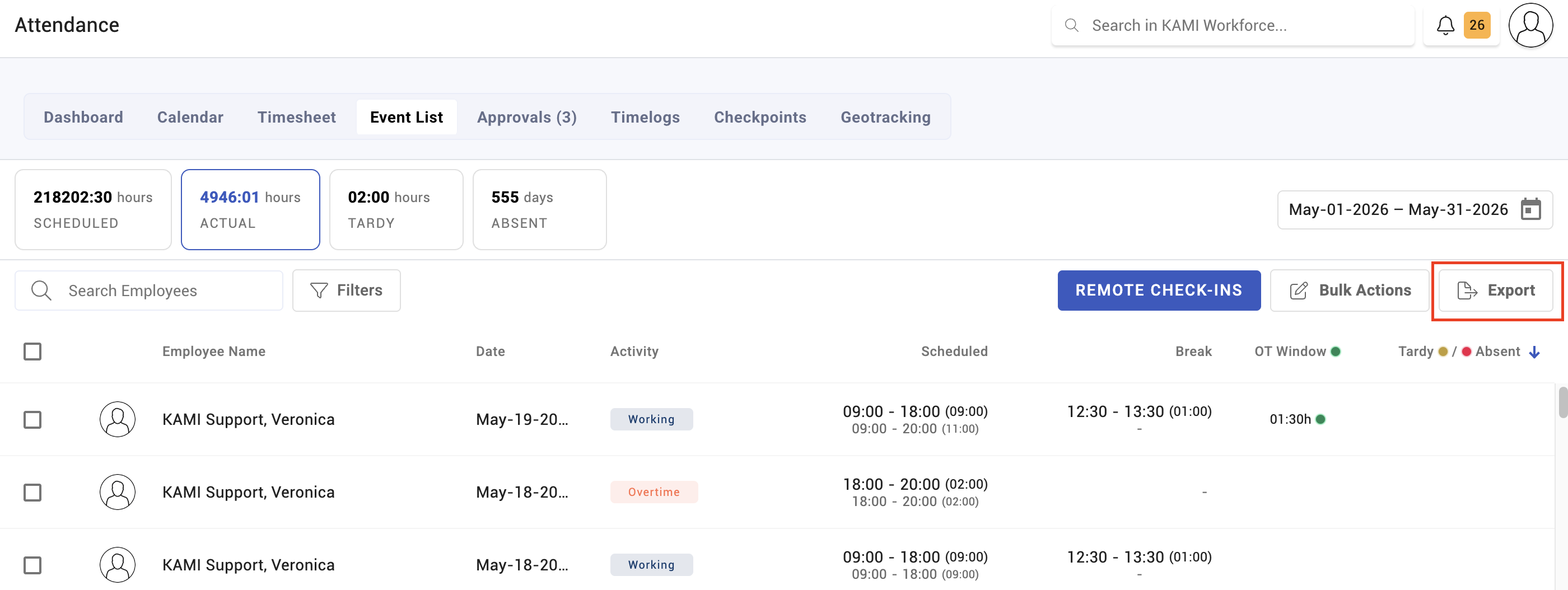
⚠️ Changing a shift, activity or rule does not change existing events. They keep the numbers they were calculated with. To apply a change to days already recorded, you must refresh those events — see Events.
If a setting is clearly right and the timesheet still disagrees, this is almost always why.
Expected working hours
Every event carries an expected working hours figure (EWH) — how long the person was supposed to work that day, defaulting to 8 hours. Everything else is measured against it.
An employee with no EWH has nothing to be measured against: they cannot be tardy, cannot be under time, and cannot be marked absent. They also quietly flatter every attendance rate they appear in. The Events page counts these as profiles with no EWH, and it is the first number to fix before trusting any attendance report.
How tardiness is measured
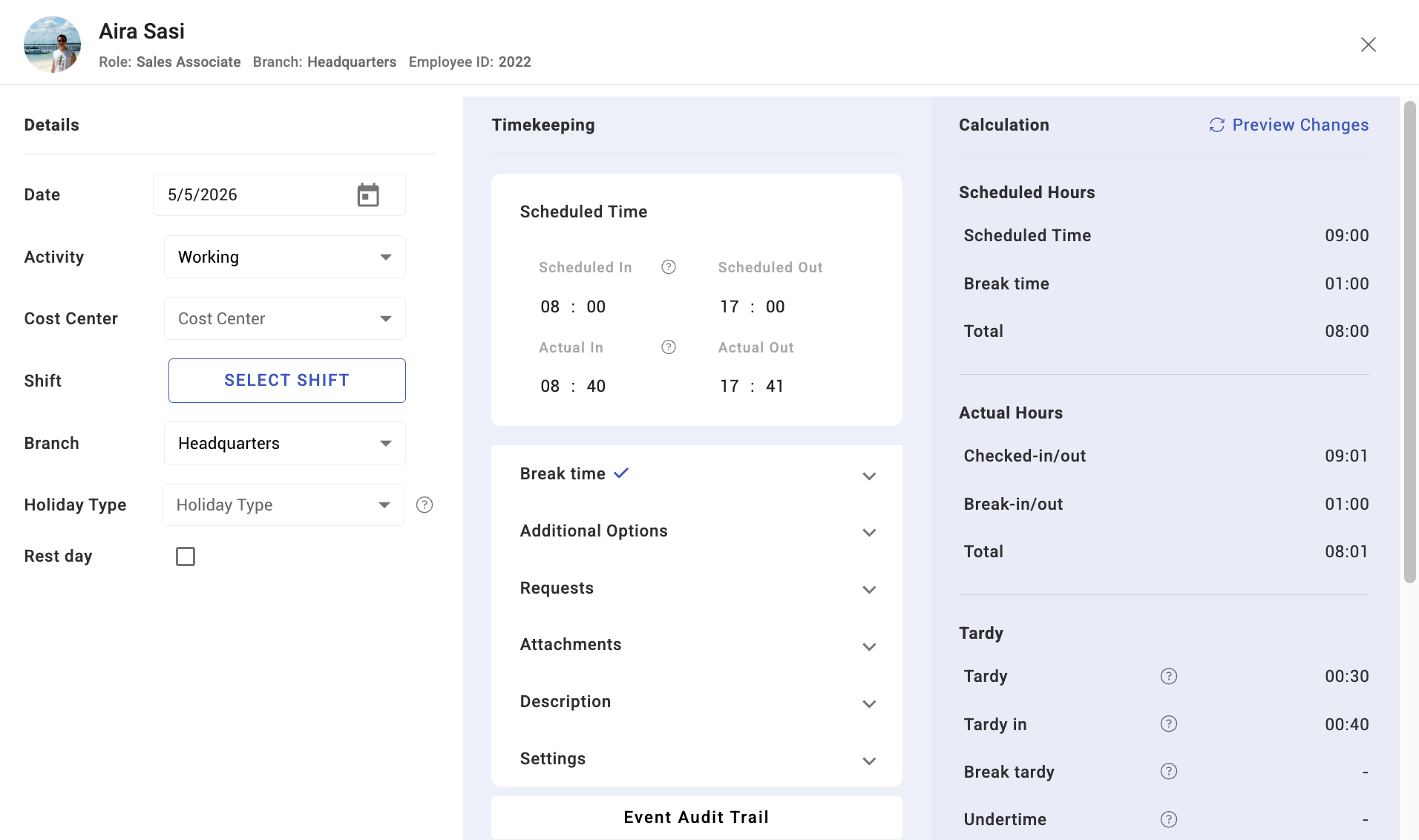
Tardiness is lateness against the scheduled start, but three settings sit between the tap and the number:
- Tardy grace period — how late someone may check in before being counted tardy. Where both the employee's profile and the activity define one, KAMI uses the larger of the two, not the stricter.
- Grace period deduction — whether the grace minutes are themselves deducted once the person is tardy. With this on, arriving one minute past a 15-minute grace deducts the full 16, not 1.
- Tardy rounding — how far tardy values are rounded before they reach the calendar and payslip.
There is also break tardy — returning late from a break — recorded separately from arrival tardiness.
Whether any of this costs money is a fourth setting: tardy deduction decides whether tardiness is deducted from wages at all.
How absence is decided
This is the most misunderstood behaviour in KAMI, so it is worth stating plainly:
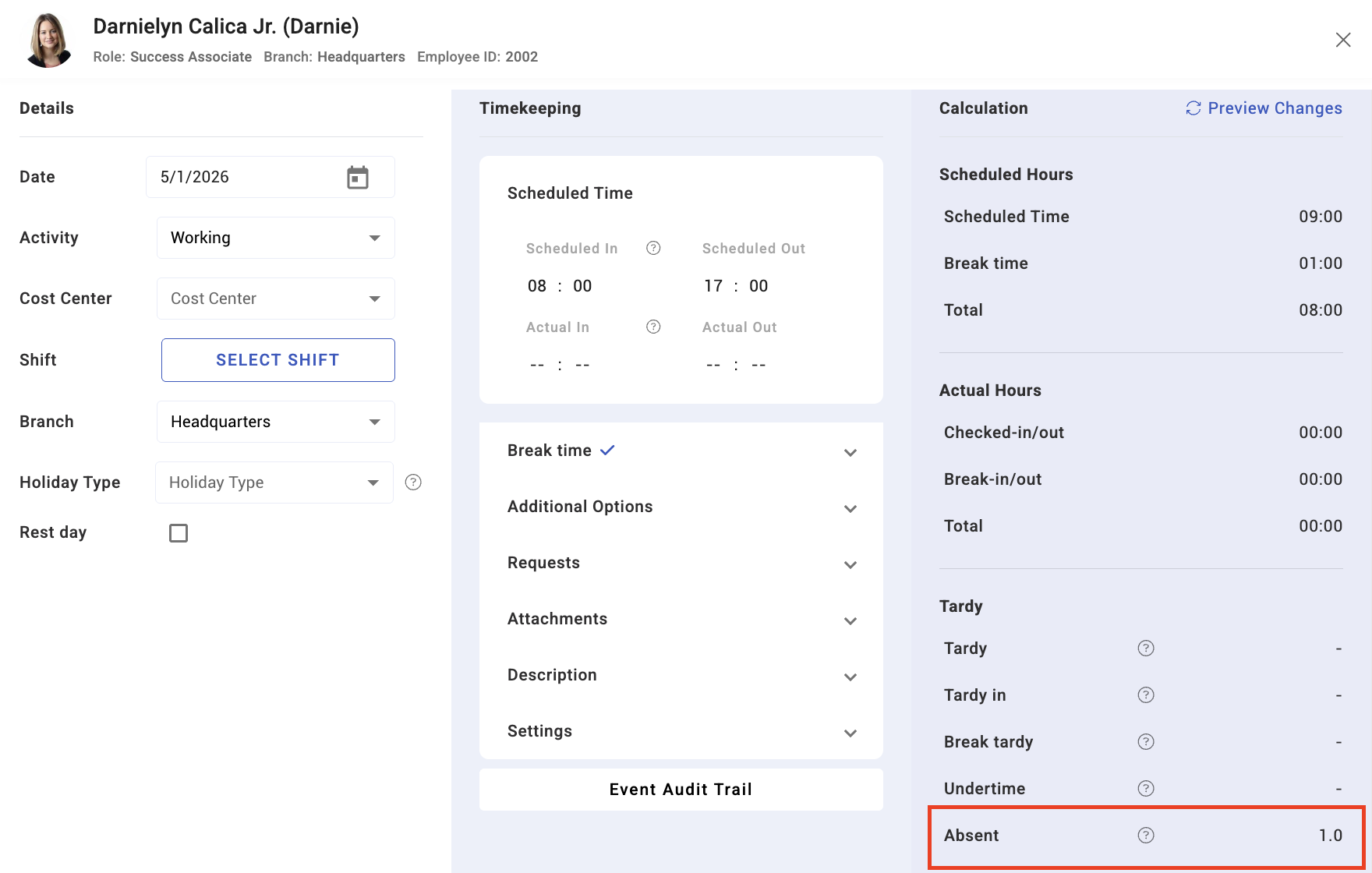
A day can be marked absent even though the employee checked in and checked out.
Absence is judged on hours short of expectation, not on whether someone tapped a device. Shifts and event templates define:
- Mark half-day tardy if more than X hours under time
- Mark absent if more than X hours under time
Work three hours of an eight-hour day and, depending on those thresholds, the day is an absence — with a complete pair of check-ins to prove someone was there. The record is not wrong; the threshold is doing what it was set to do.
Attendance events land in one of four states:
| Status | Meaning |
|---|---|
| Valid | Complete and sound |
| Missed start | No check-in recorded |
| Missed end | No check-out recorded |
| Absent | Counted absent, including with both taps present |
How paid time is worked out
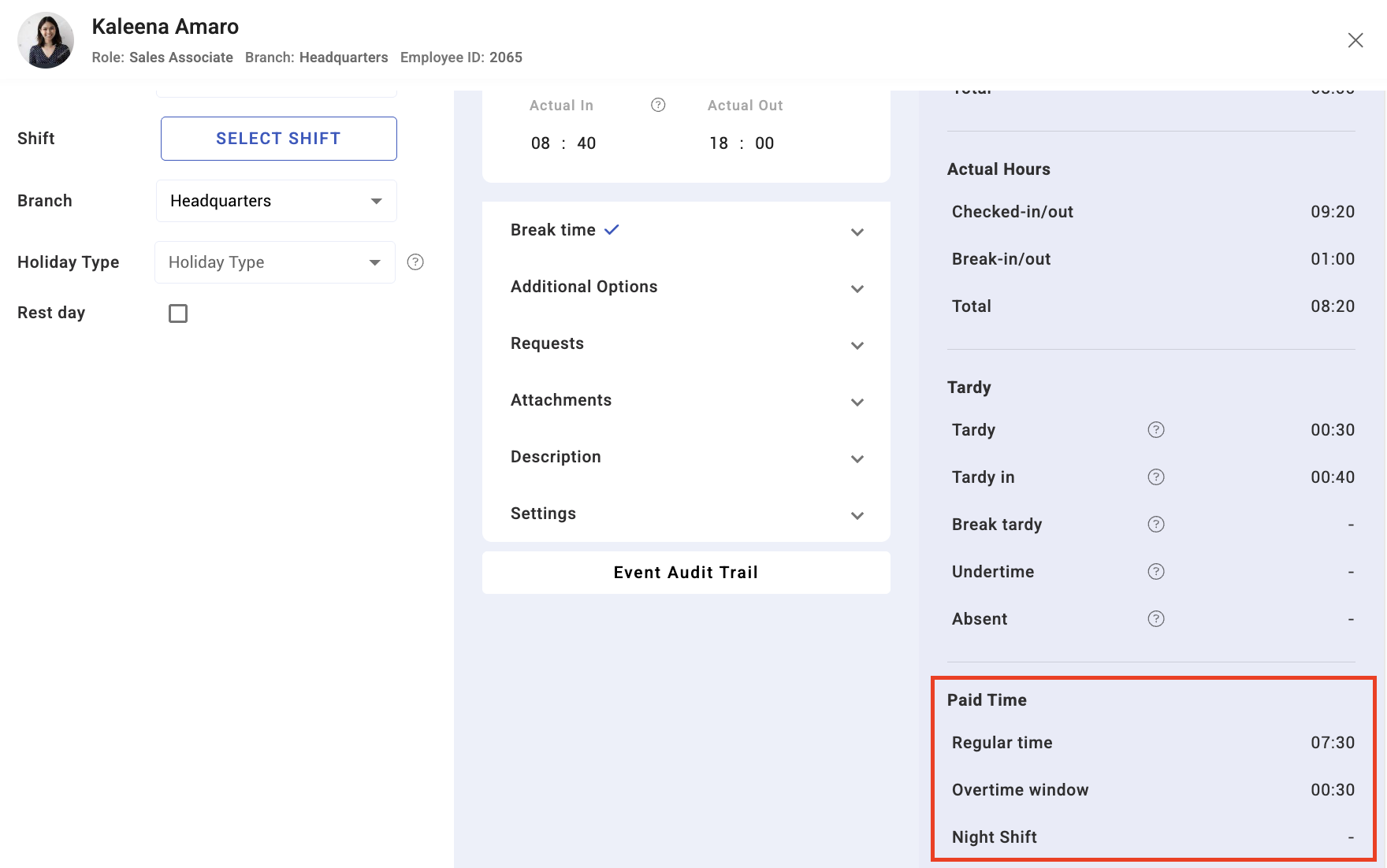
Each event stores a wage duration — the time the employee is actually paid for, which is not the same as the time between their taps. What counts is decided by the activity's duration type:
- Limited — up to a cap
- Excess — only hours beyond the scheduled amount
- Excess less scheduled break — the same, with the scheduled break removed
- Actual hours (no tardy) — hours worked, ignoring tardiness
Overtime is only counted where the activity or shift allows it, and only inside the overtime window if one is defined. Overtime outside the window is not automatically paid — the single most common cause of "my overtime is missing".
Night differential applies automatically to hours inside the defined night period, which starts at 22:00 by default. Events store night-differential and overtime time together as a precalculated figure.
Where to look when a number is wrong
In this order:
- The time logs — are the raw taps right? If a tap is missing or wrong, fix that and let KAMI recalculate. See Time logs.
- The event's status — missed start, missed end, or absent tells you which part failed.
- Expected working hours — is there a schedule at all?
- The thresholds — is the absence a threshold decision rather than a no-show?
- Whether the event is stale — has a setting changed since it was calculated? Refresh it.
Tips
- Fix the evidence, not the conclusion. Amending the time log lets KAMI recalculate correctly; overriding the event hides the cause and will happen again next month.
- Refresh after every settings change, for the affected period. A change that is live in settings but absent from the timesheet is the normal outcome, not a bug.
- Audit "profiles with no EWH" monthly. Those people are invisible to attendance reporting.
- Check the grace-deduction setting before blaming payroll. "I was 2 minutes late and lost 20 minutes" is usually this, working as configured.
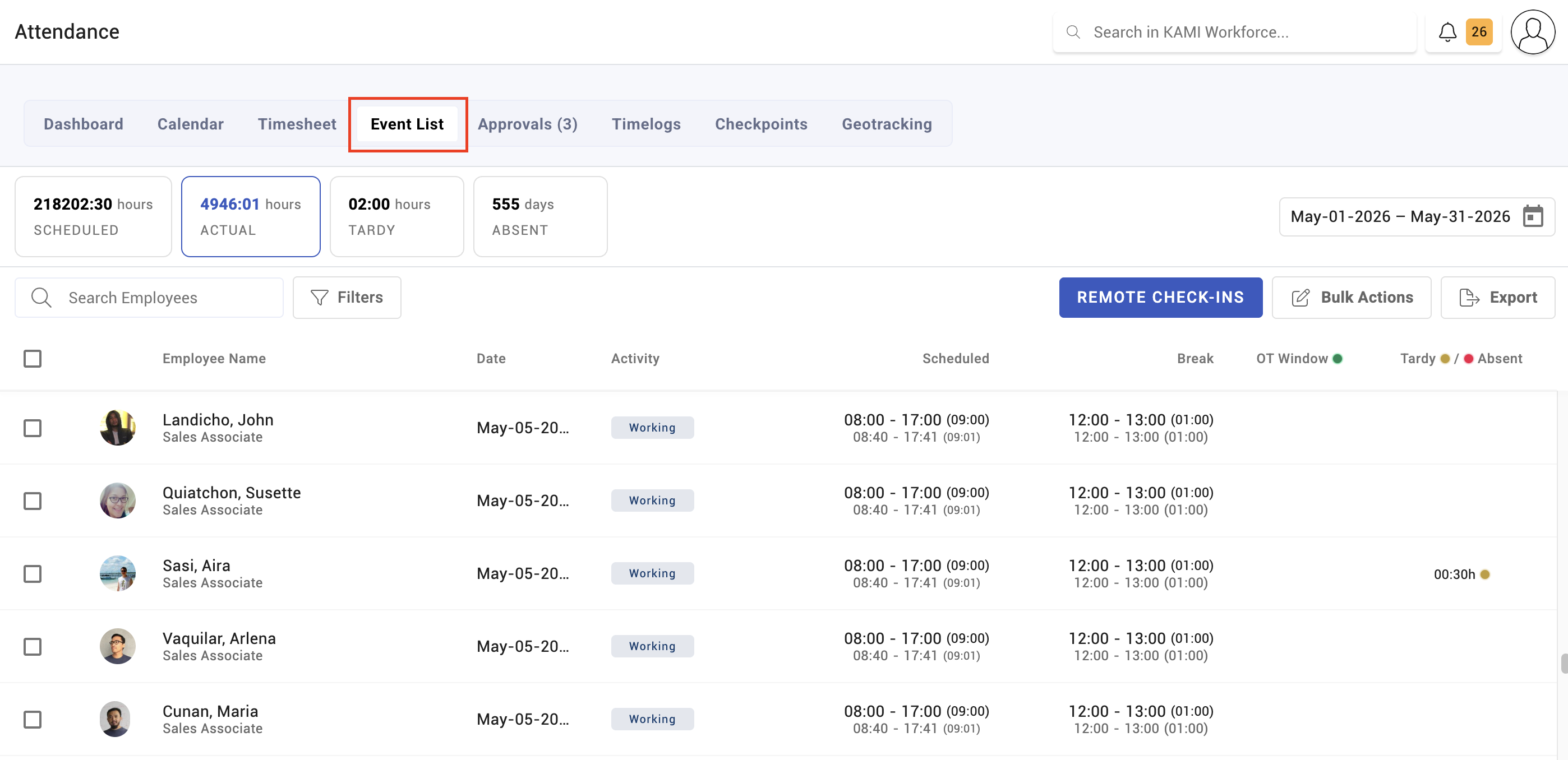
Screenshots
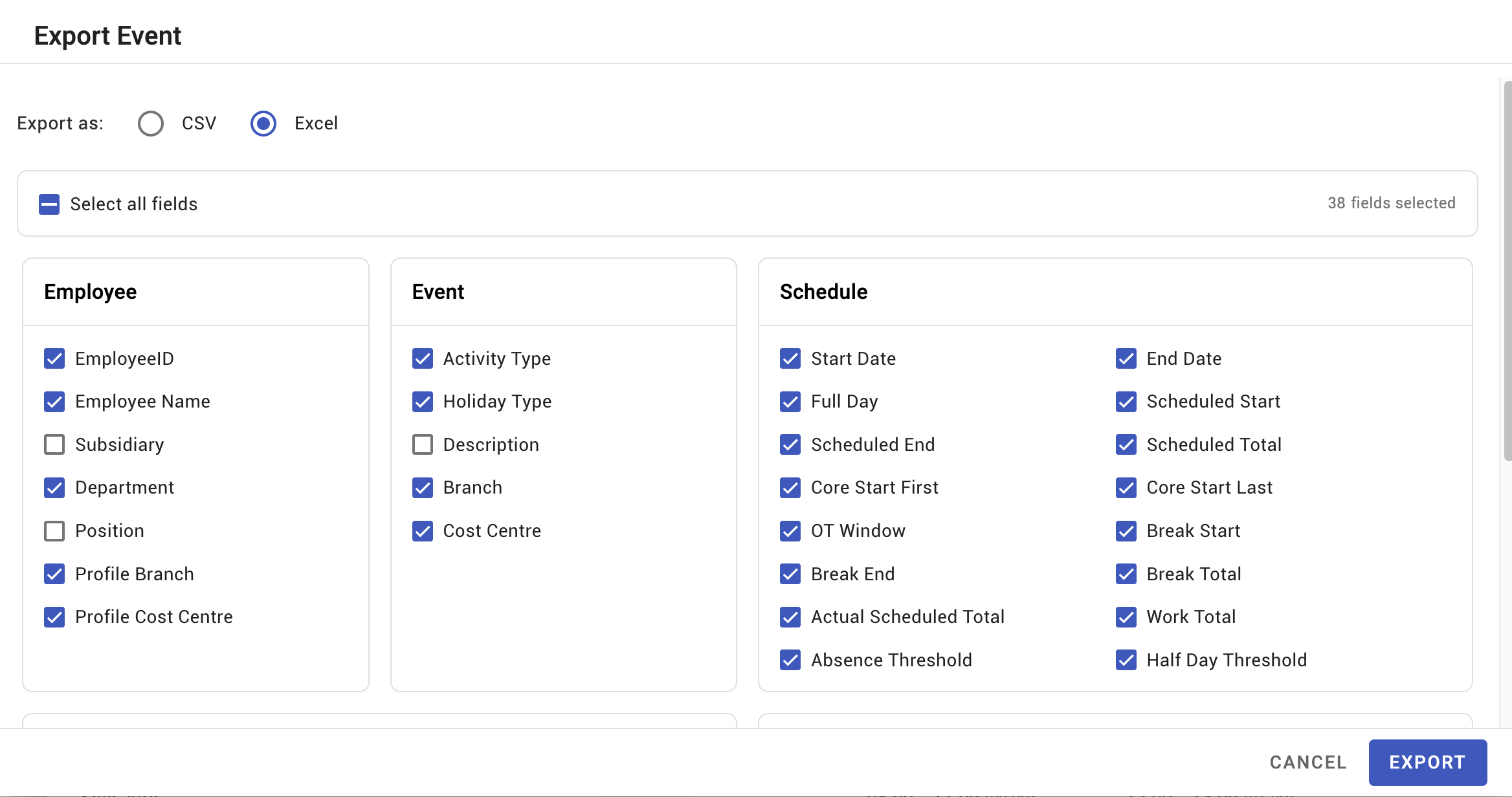
These screenshots came from our previous help centre and may show an earlier version of the interface.