Announcements
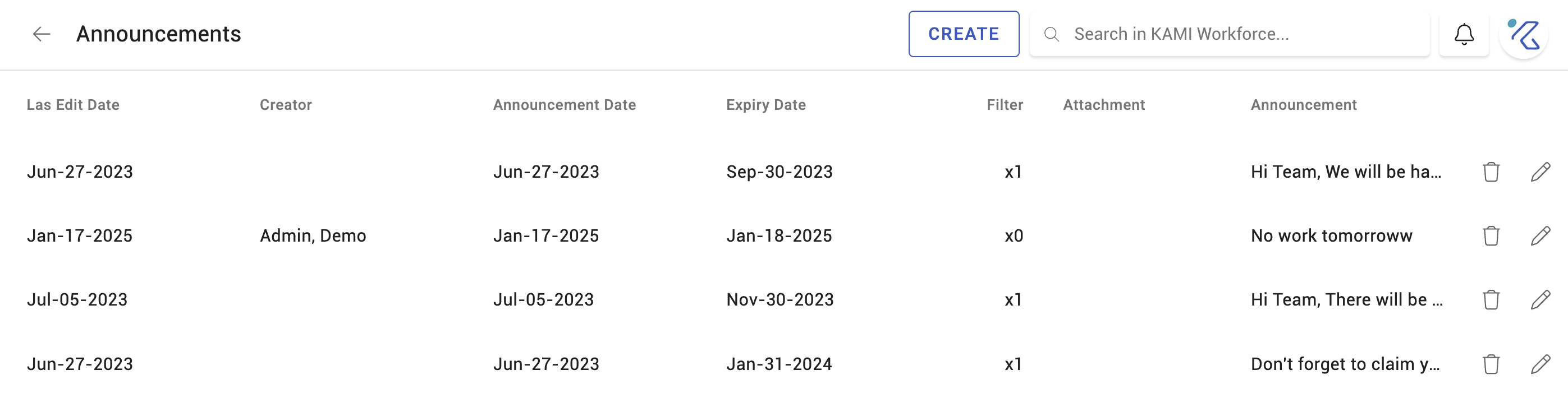
Announcements put a message in front of your people inside KAMI — a policy change, an office closure, a reminder that payroll cut-off has moved. They reach everyone who logs in, without depending on email being read.
Where: My Team › Settings › Announcements
You need: the announcements right 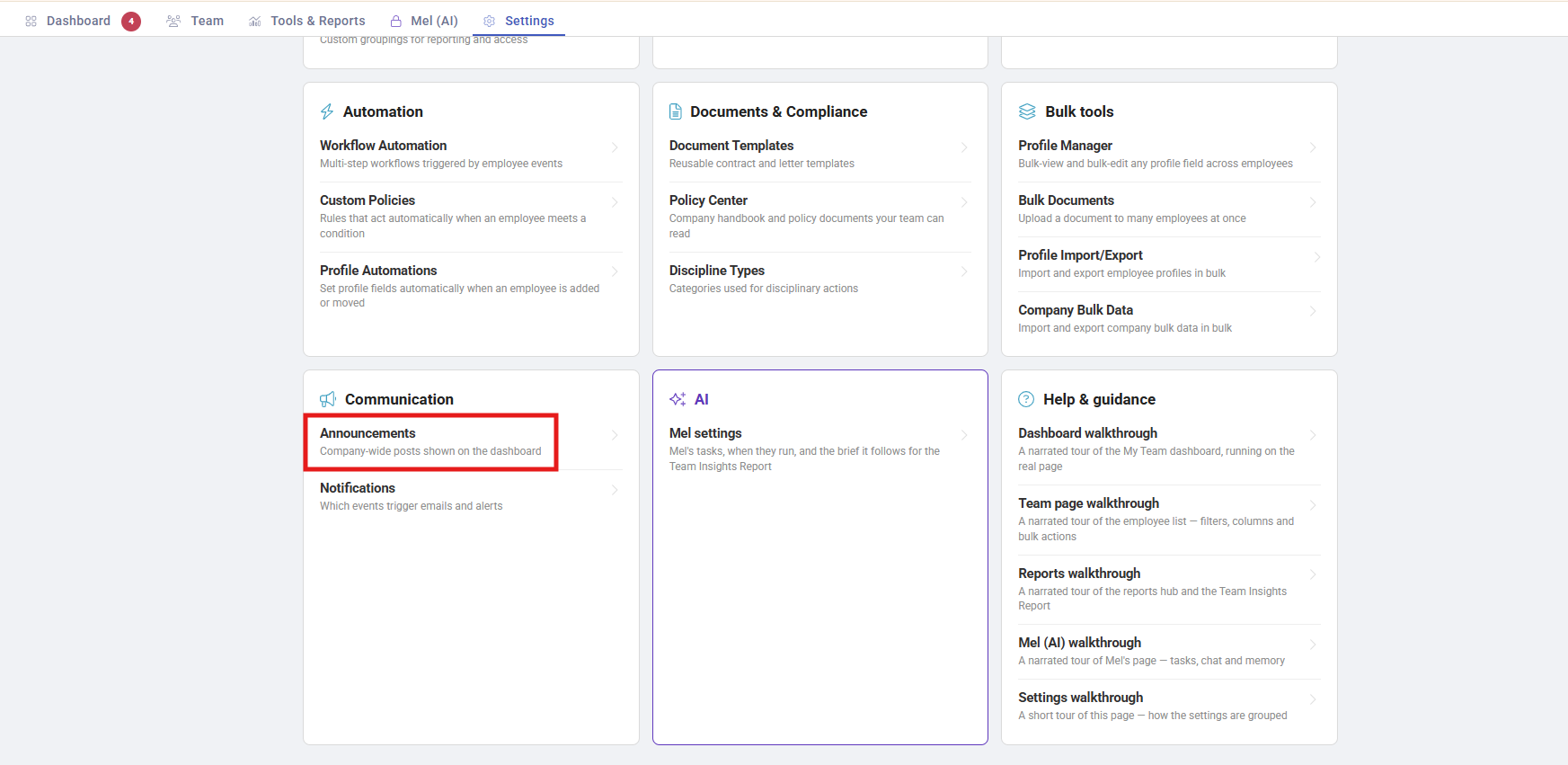
When to use this, and when not to
| You want | Use |
|---|---|
| Everyone to see a message when they log in | Announcements |
| A record that people accepted something | Custom Policies |
| Reference material people look up | Policy Center |
| To tell one person about one thing | Notification settings drive those automatically |
An announcement is broadcast, not evidence. It shows a message; it does not record who read it. Anything you may need to prove someone was told belongs in Custom Policies.
Creating one
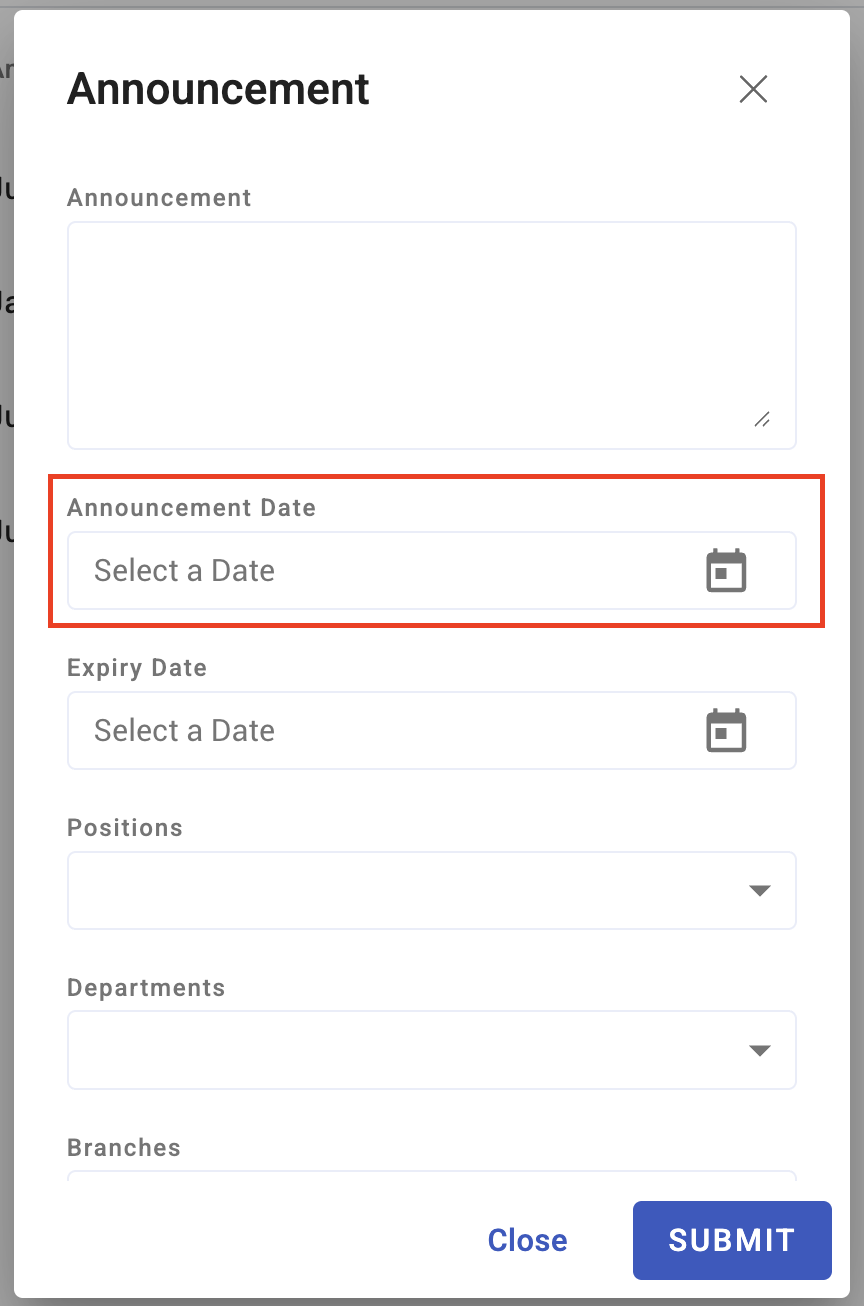
Write the announcement and choose who it applies to. Announcements can be scheduled, so a message about a closure can be written now and appear when it is relevant.
New employees are auto-linked to your company's active announcements when they are added, so a joiner sees what is current rather than missing everything published before they arrived.
What it is actually good for
- Time-bound operational messages — office closed Friday, payroll cut-off moved, system maintenance
- Reminders that recur — schedule them rather than remembering
- Pointing at something else — "the new expenses policy is in the Policy Center" is a good announcement; the policy itself is not
What Happens Next
- Active announcements appear to the people in scope when they use KAMI.
- Scheduled ones appear at their scheduled time without further action.
- Nothing is recorded about who saw it. There is no read receipt and no acknowledgement.
- New joiners pick up active announcements automatically.
Tips
- Keep them short and dated. An announcement people scroll past is worse than none, because it trains them to scroll past the next one.
- Retire them. An announcement about a closure three months ago is clutter, and clutter is what makes announcements invisible.
- Schedule rather than remember. Anything predictable — year-end, cut-off changes, annual closures — can be written once and scheduled.
- Do not use them for policy. A policy announced and not acknowledged gives you the appearance of having told people without the evidence.
Troubleshooting / FAQ
Q: How do I know who has seen an announcement? You cannot. Use Custom Policies if you need acknowledgement.
Q: A new employee did not see an announcement. They are auto-linked to active announcements. One that had already expired will not appear.
Q: Nobody seems to read them. Usually volume. Retire old announcements and keep no more than two or three live at once.
Screenshots
These screenshots came from our previous help centre and may show an earlier version of the interface.