Bulk Data Import and Export
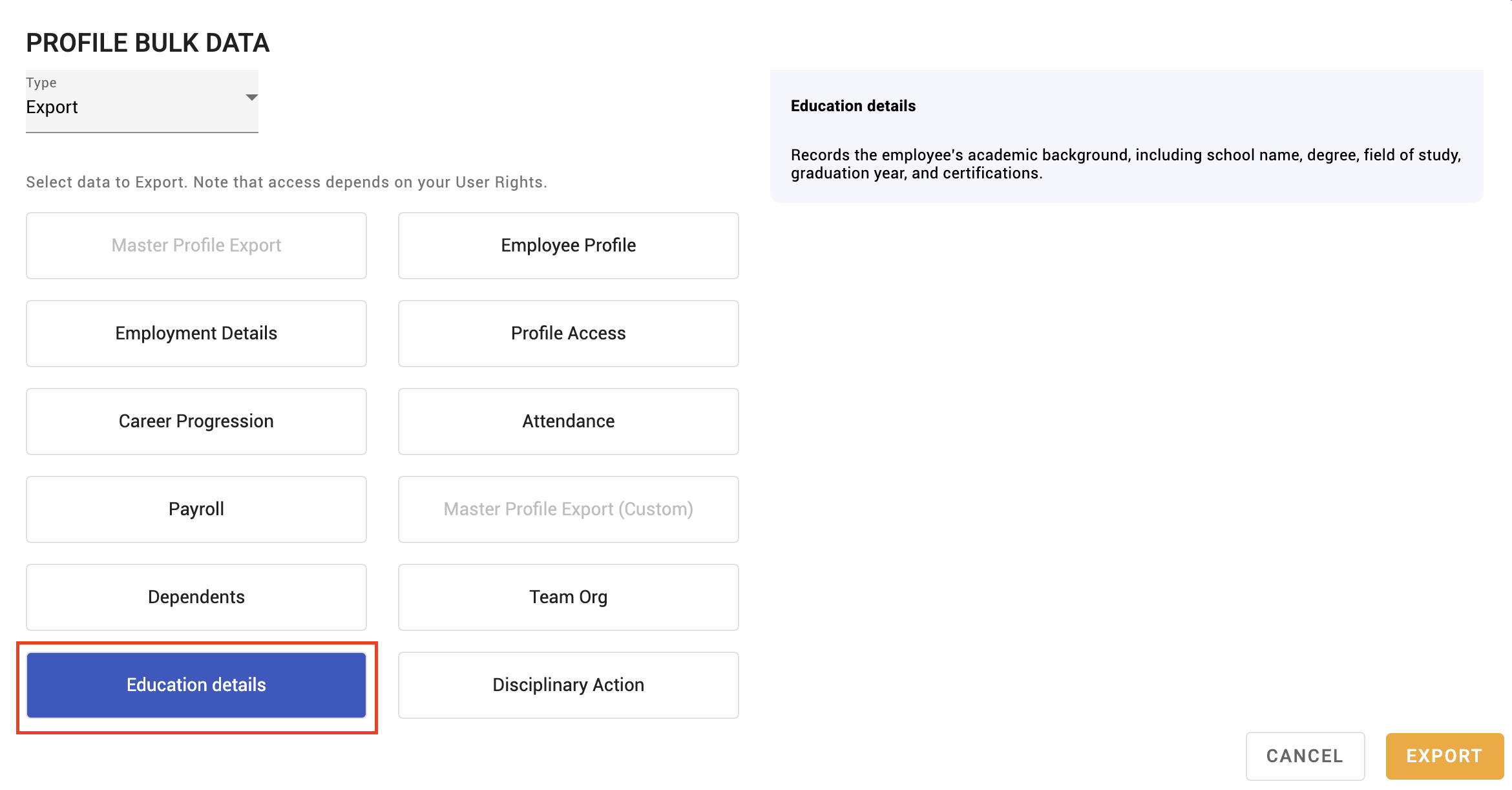
Bulk data moves employee information in and out of KAMI by spreadsheet. It is how you load a company at go-live, apply a large change, or take data out for analysis — and it is the tool with the most destructive failure mode in My Team, so the mode you choose matters more than anything else on the page.
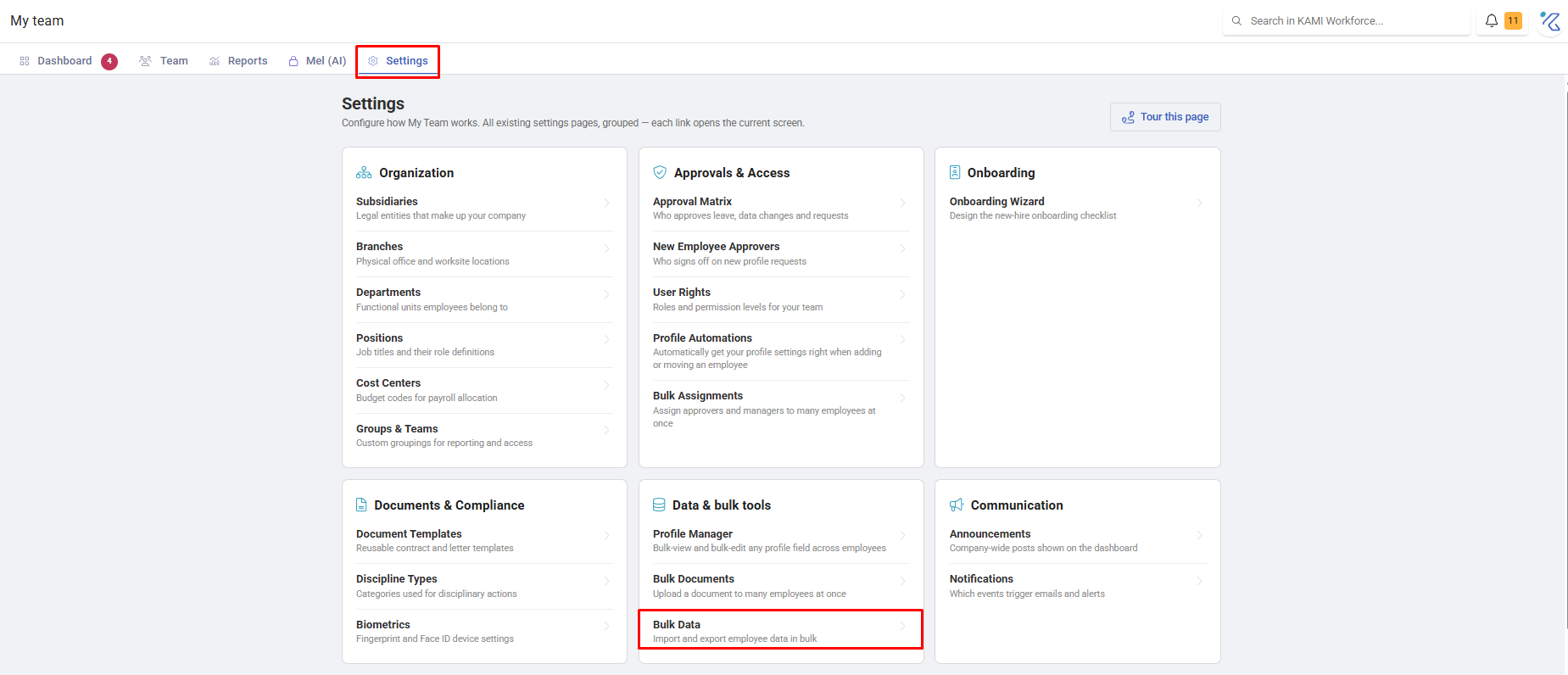
Where: My Team › Settings › Bulk Data
You need: the bulk data right, plus the right for each data type you import
When to use this, and when not to
| You want to | Use |
|---|---|
| Load or replace a lot of data from a file | Bulk data import |
| Change a few fields on people you can see on screen | Profile Manager |
| Move people between groups | Bulk Assignments |
| Add one person | The Add Employee wizard |
Append versus Overwrite — read this before importing
This is the single most important thing on the page.
- Append adds and updates what your file contains, and leaves everything else alone.
- Overwrite treats a blank cell as "delete this value". If a column is empty in your sheet, that data is wiped on every matching employee.
⚠️ Overwrite with a partial spreadsheet is how companies delete bank details, emergency contacts and employment histories in one click. Use Append unless you specifically intend to clear fields, and if you do intend it, test on one person first.
How to import
- Open My Team › Settings › Bulk Data.
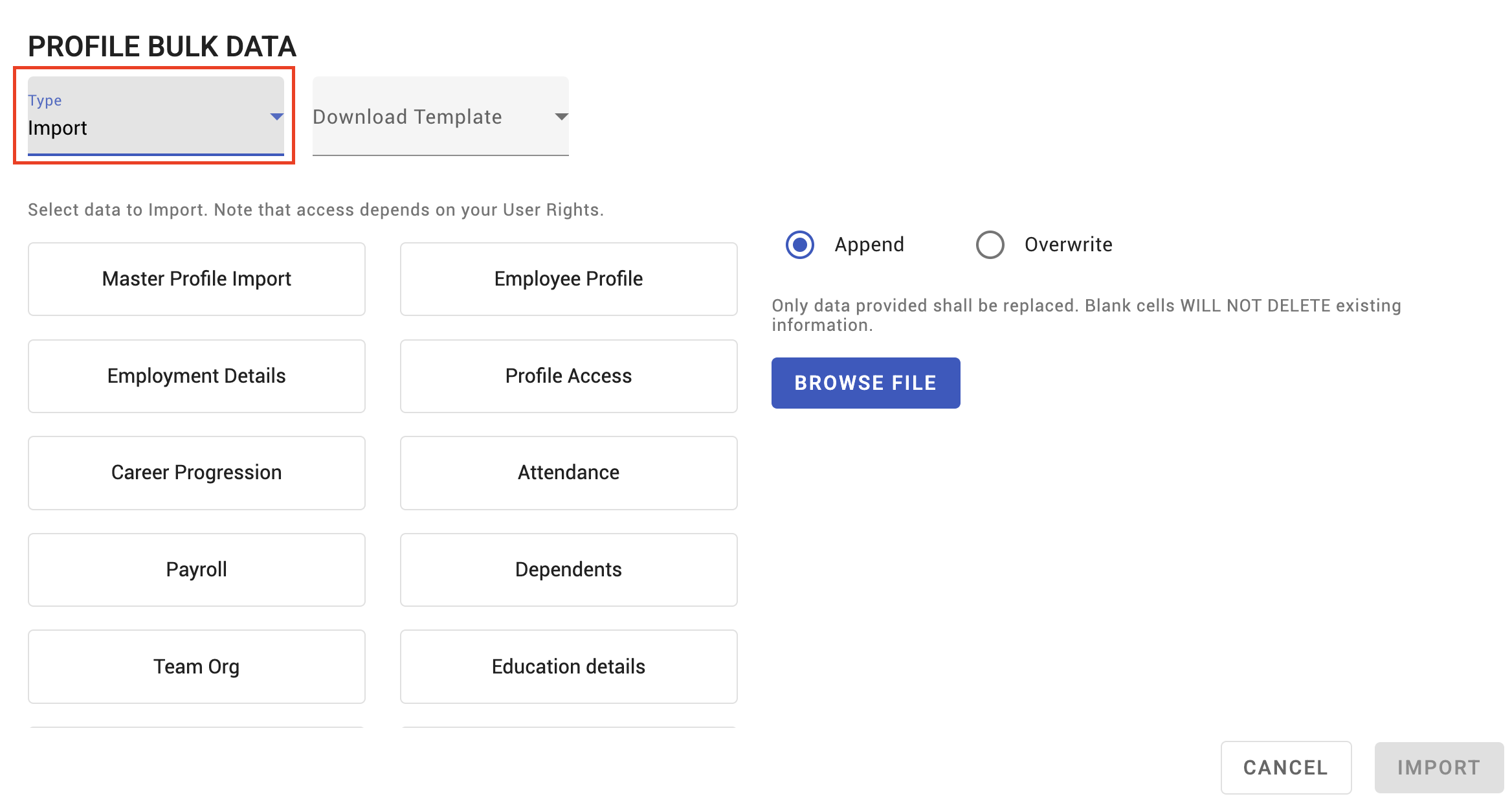
- Download the template for the data type you want.
- Fill it in, following the template's columns exactly.
- Upload, choose Append or Overwrite, and import.
- Review the import results — do not assume success from the absence of an error.
Import history records what was run, by whom and when, which is where you look when data changed and nobody knows why.
What can be imported
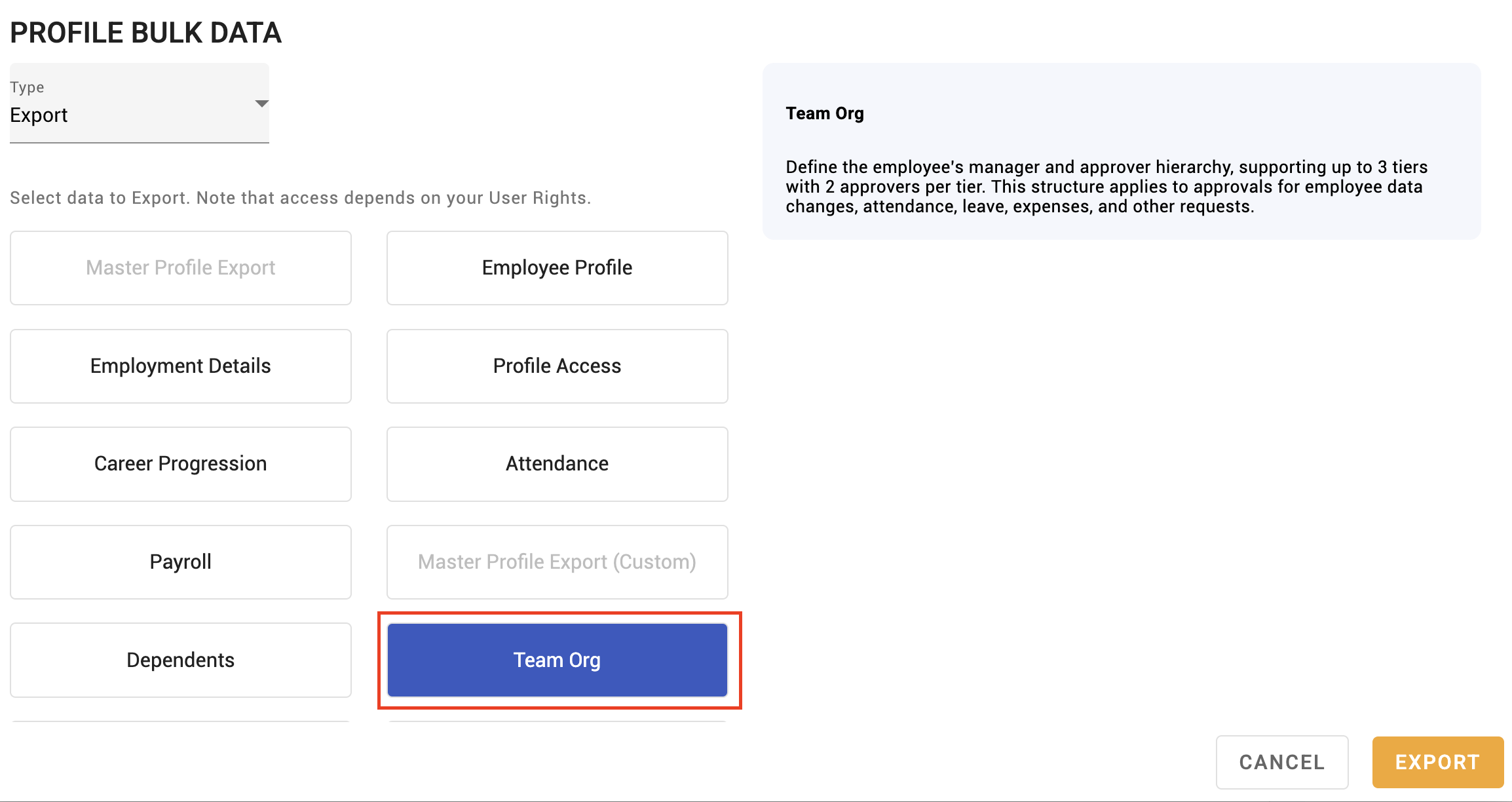
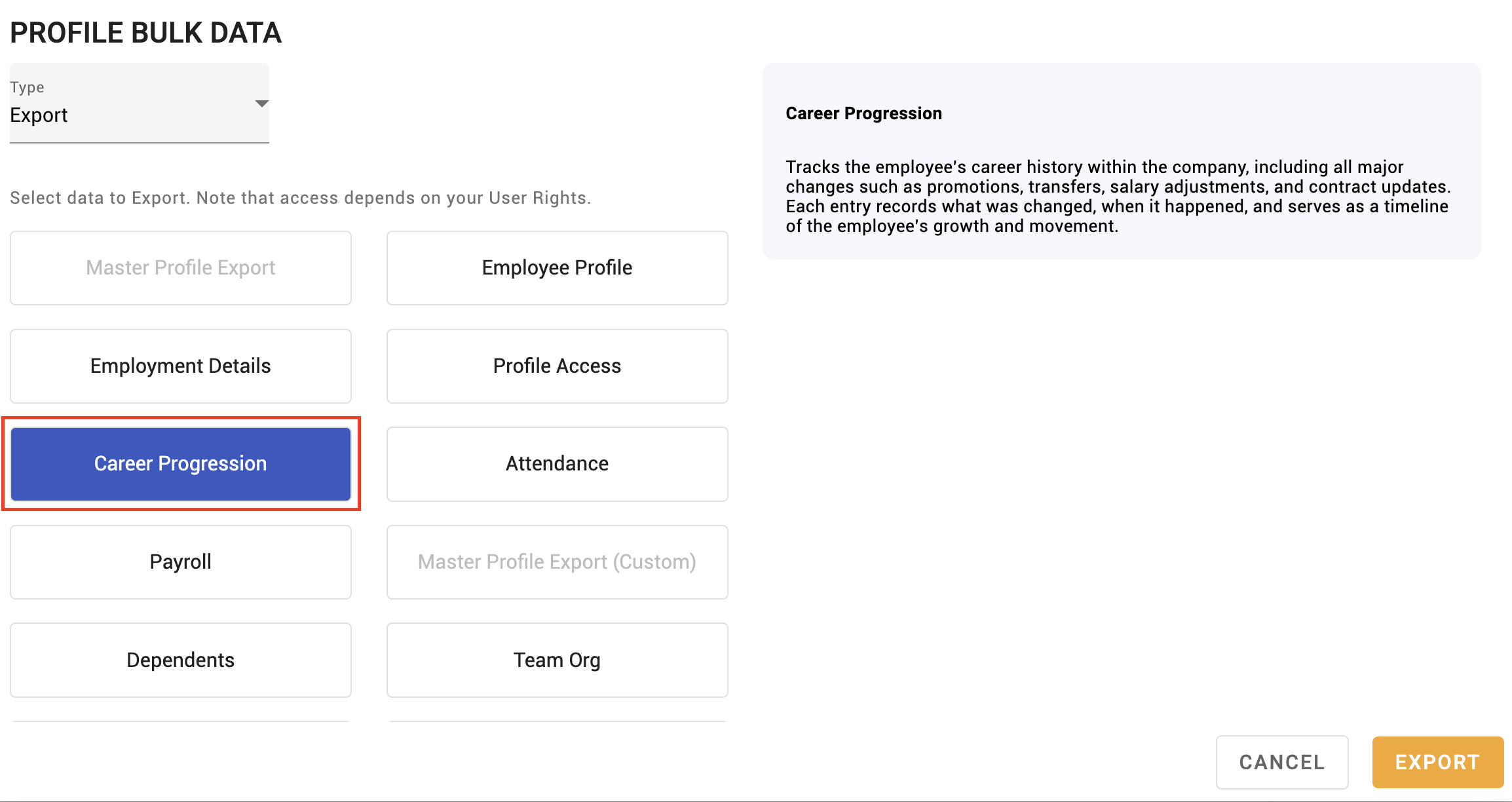
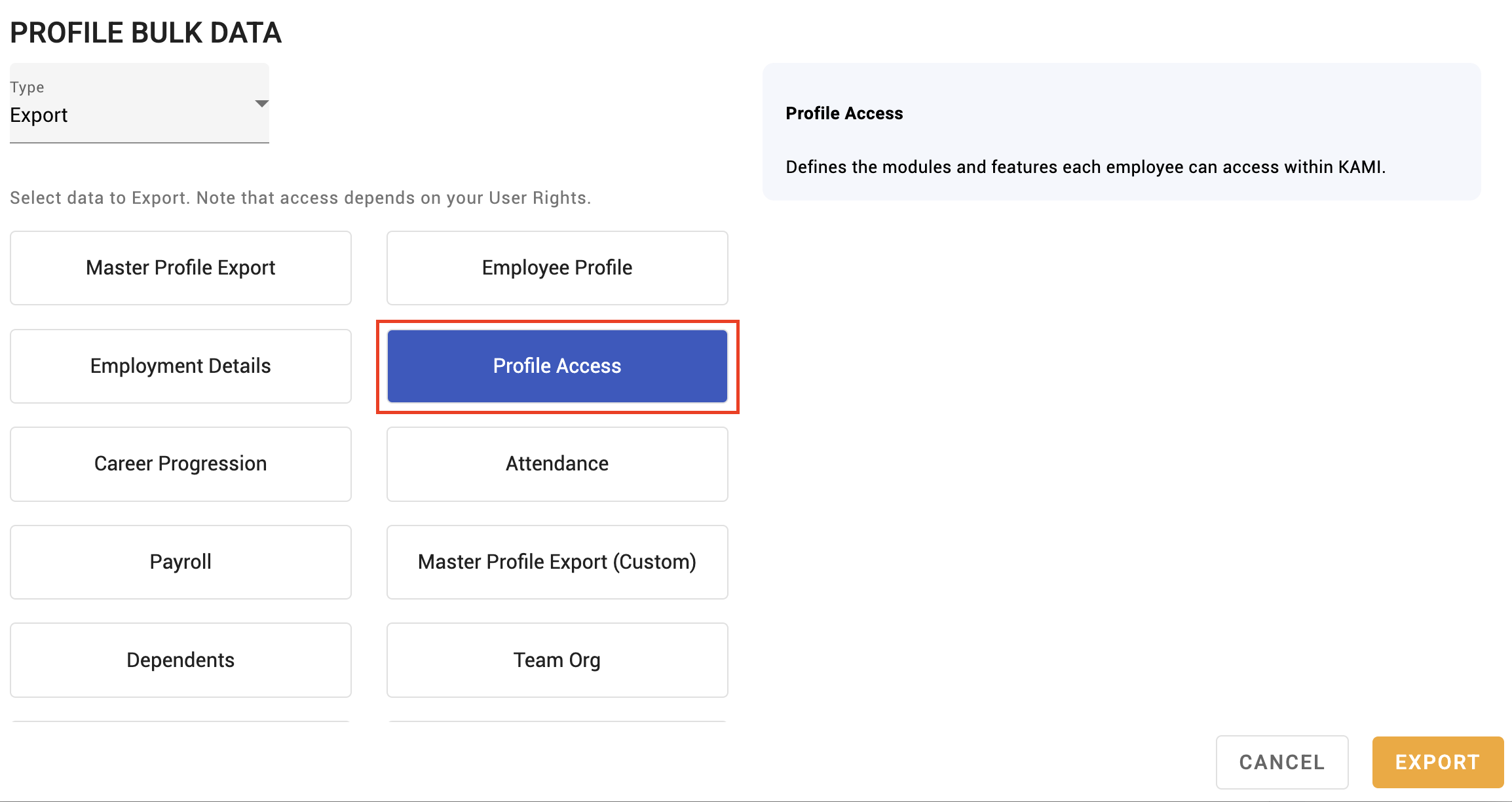
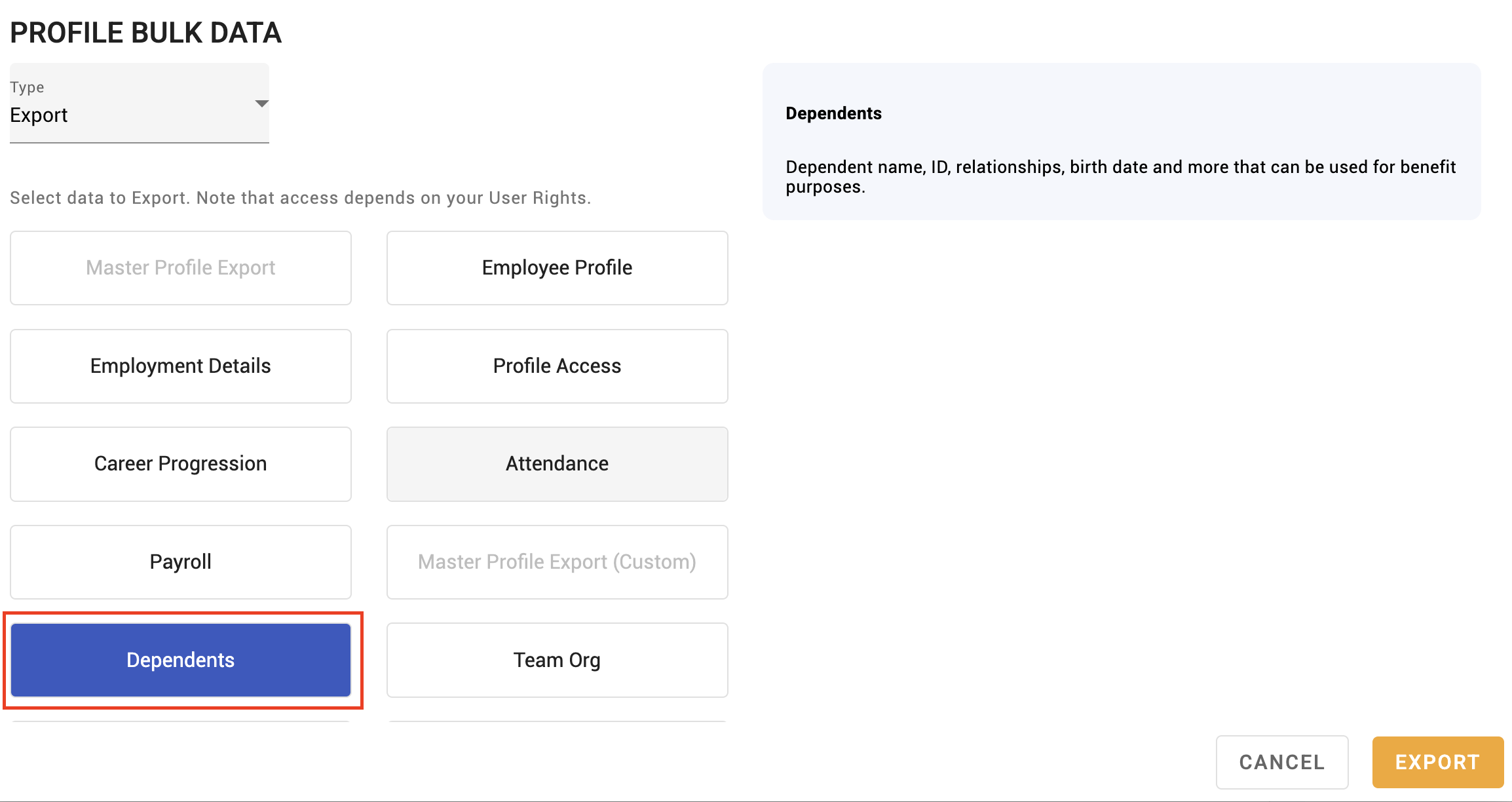
Far more than basic profiles: employment details, managers and approvers, dependents, education, documents, career progression, leave, attendance and more — each needing the matching permission.
That breadth is why the right per data type matters: someone who should import education records should not thereby be able to overwrite salaries.
What Happens Next
- Matching employees are updated immediately; rows whose identifier does not match are skipped.
- Changes appear in the Audit Trail attributed to you.
- Downstream effects follow the data: placement changes re-route approvals and can trigger Profile Automations; payroll fields reach the next run.
- There is no undo. Reversing an import means importing corrected data.
Tips
- Always import a sample of ten first. Ten people you can verify by hand will surface a column or identifier problem that four hundred will hide.
- Compare the result count against your row count. Skipped rows are the quiet failure — the import reports success while a third of it did nothing.
- Keep the source file. When someone disputes a value months later, the import sheet is the only record of where it came from.
- Never import into production on payroll day. Give yourself a run to check.
- Export before a large import. A current export is the closest thing to a backup you have.
Troubleshooting / FAQ
Q: The import succeeded but some employees are unchanged. Their identifiers did not match, so those rows were skipped. Check the result count against the file.
Q: Data has disappeared from profiles. An Overwrite import with blank columns. Restore from your pre-import export, or re-import the correct values.
Q: Who changed this field? The Audit Trail and the import history both record it.
Screenshots
These screenshots came from our previous help centre and may show an earlier version of the interface.
Run a Bulk Data Import
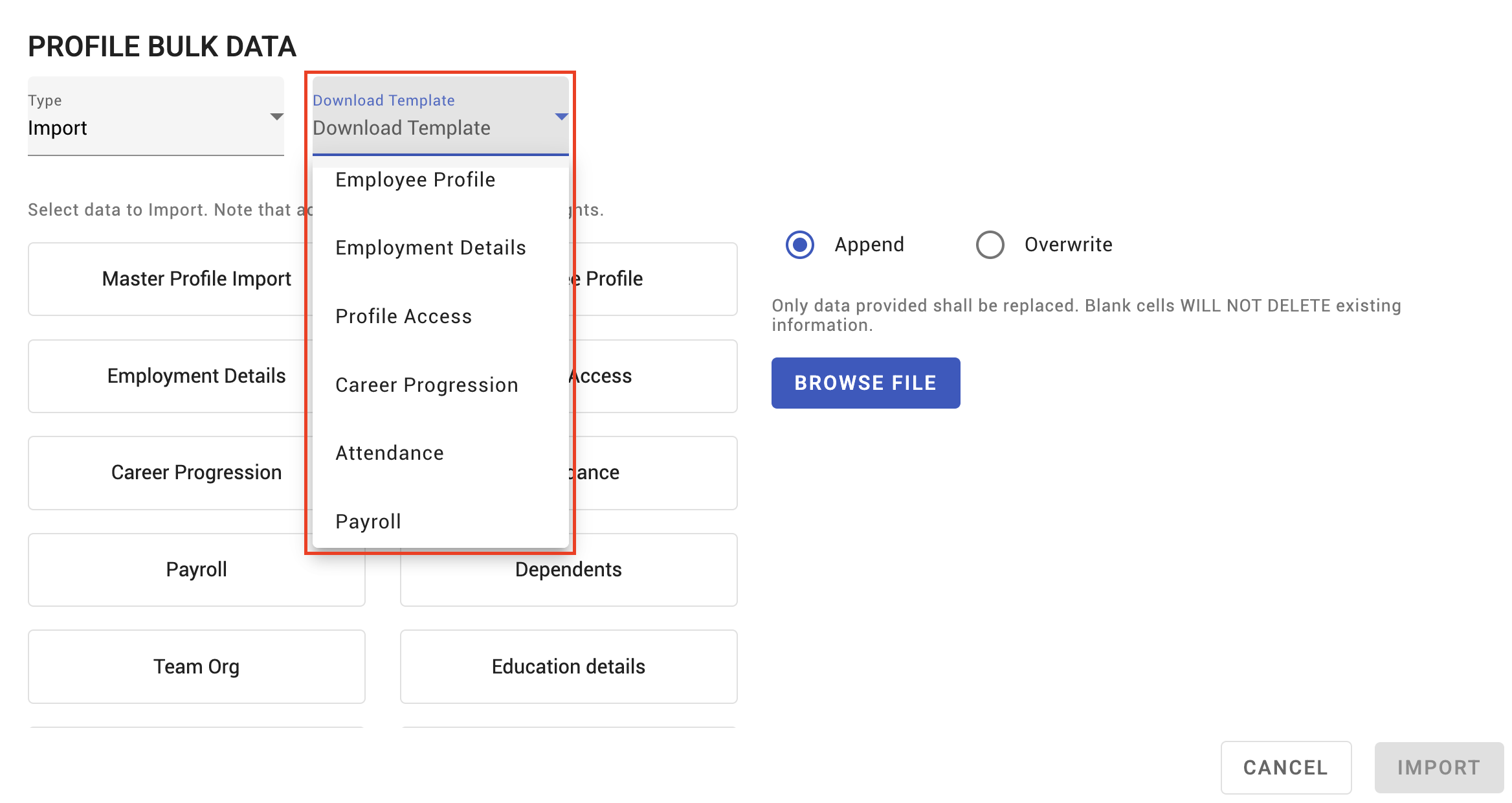

Import Specific Data Types