Payroll payment and disbursement
Paying is the last step of a run and the one with the least room for error: the figures are settled, the approvals are done, and what remains is getting money to the right accounts. Most failures here are bank details, and they surface at the worst moment.
Where: Payroll › the payroll run › Payment You need: payroll rights for that batch cycle, including the right to disburse
Before You Start
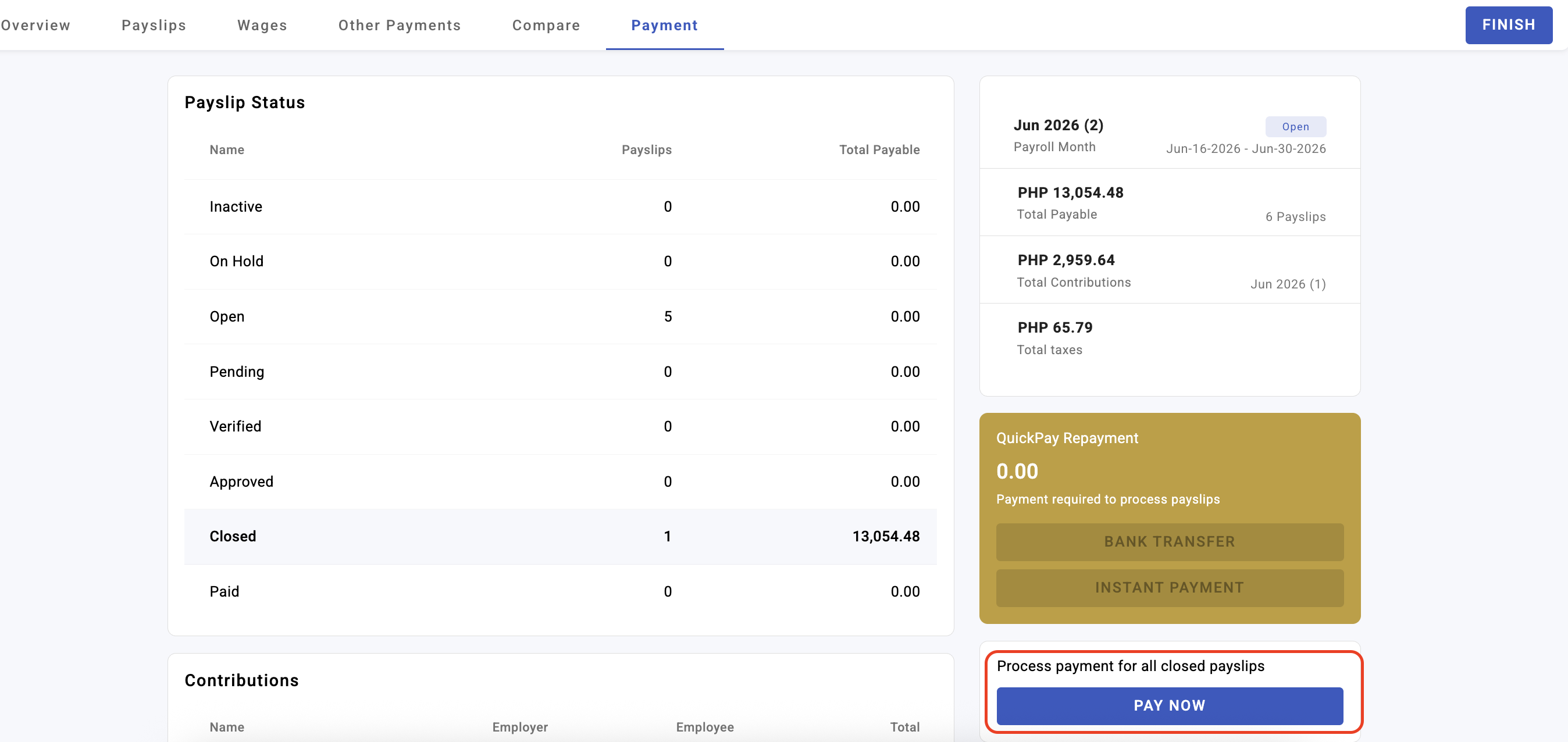
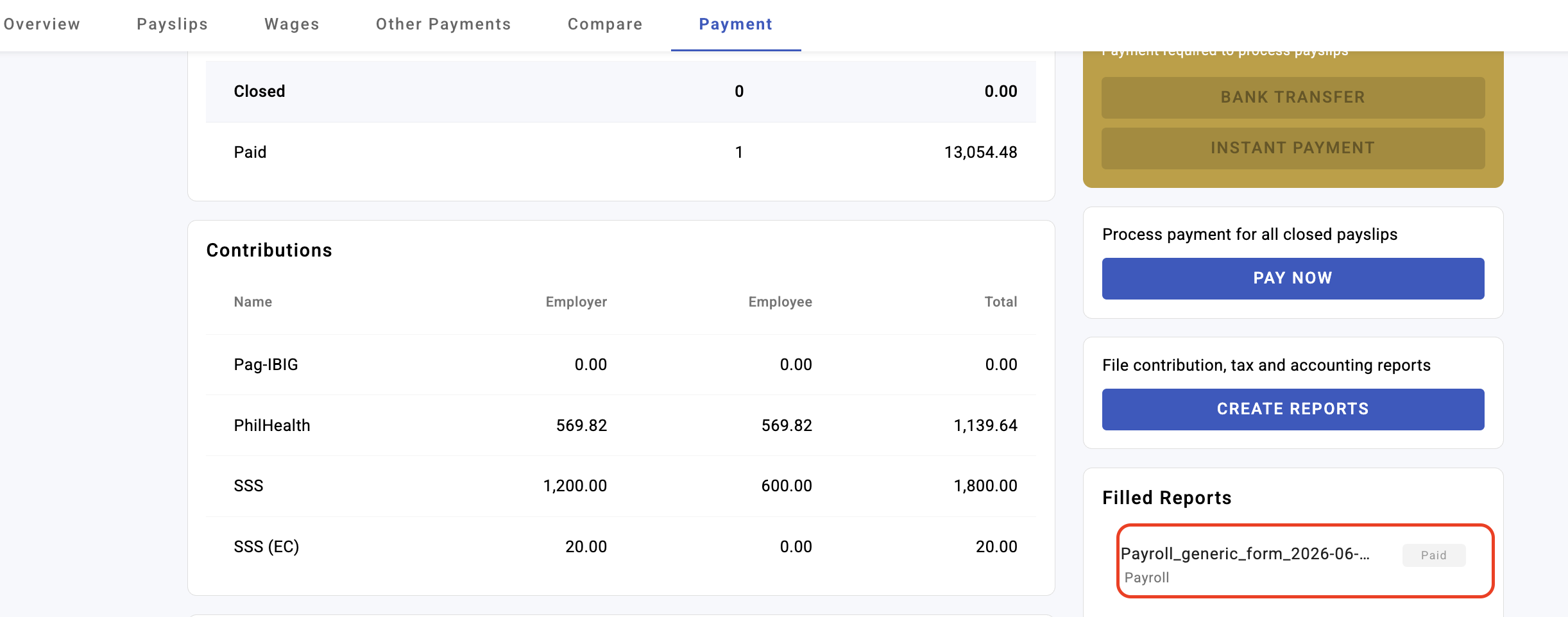
Only closed payslips can be paid. In KAMI's own words: "Only Closed payslips can processed as Paid via the Payment tab." Anything still open, verified or approved will not appear.
Check for disbursement errors before payday, not on it. A payslip whose banking details are missing or incorrect is flagged as a disbursement error. The figures are fine; the payment cannot go. This is the one payroll problem that is invisible until the moment it matters.
Confirm the funding. Disbursement moves real money and, once released, is not a KAMI-side undo.
Two ways to pay
| Method | How it works | Suits |
|---|---|---|
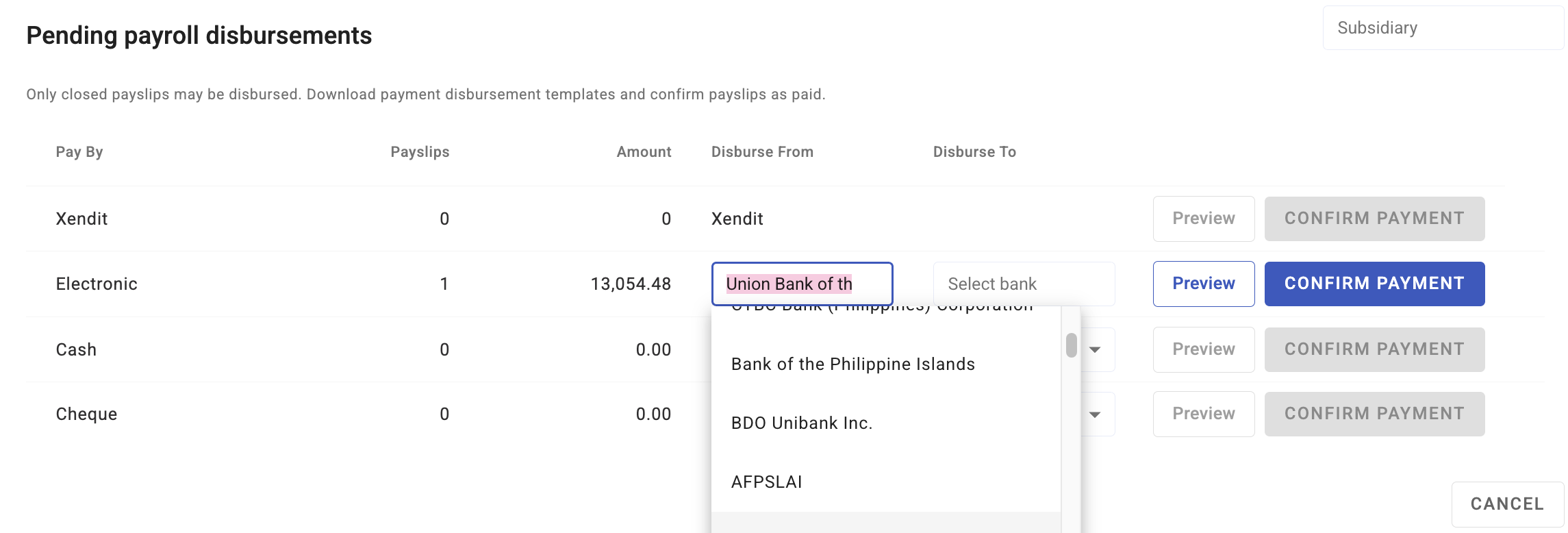
| Integrated disbursement | KAMI sends the payment instruction to a connected platform | Recurring payroll where the platform is set up |
| Manual / bank file | You mark payslips paid and pay through your own banking | Anyone not using an integrated platform |
Integrated disbursement currently supports Maya and Xendit. Where neither applies, marking payslips paid in KAMI records the payment; moving the money remains your process.
How the status comes back
For integrated disbursements, KAMI learns the outcome in one of three ways:
| Method | Means |
|---|---|
| Callback | The platform notifies KAMI as it happens |
| Periodic check | KAMI polls the platform for the current state |
| Manual | Someone updates the status in KAMI |
This matters when a payment looks stuck: on a periodic check there is a legitimate delay between the money moving and KAMI knowing about it.
How to pay a run
- Finish the run — every payslip you intend to pay must be Closed.
- Open the Payment tab.
- Resolve any disbursement errors first. They will not resolve themselves.
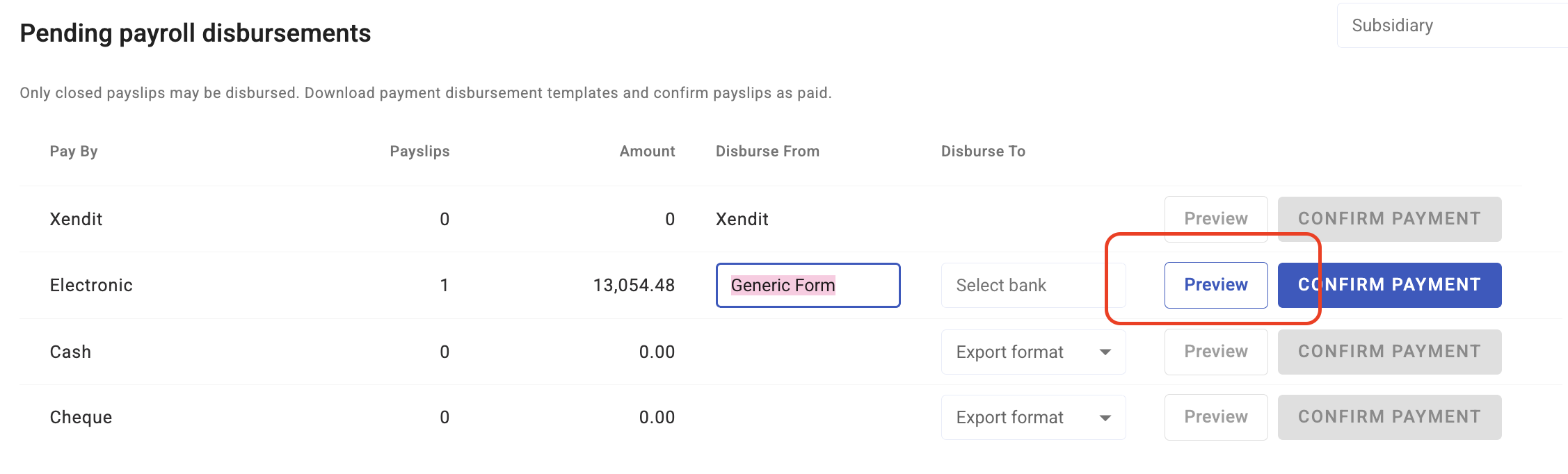
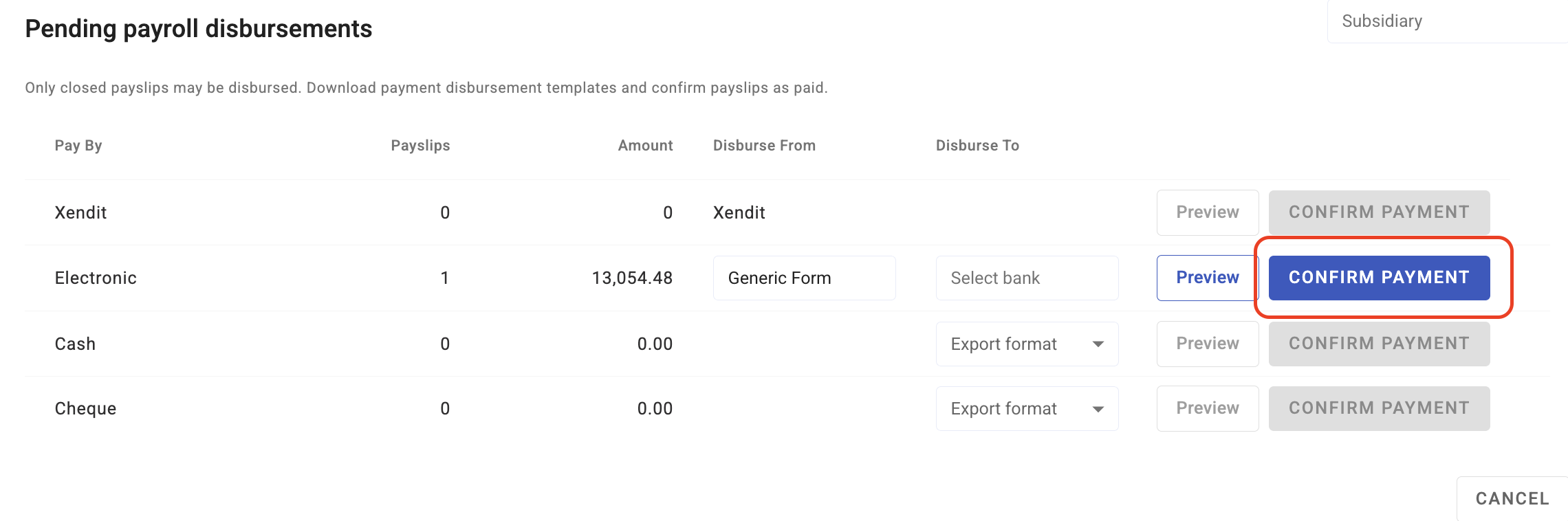
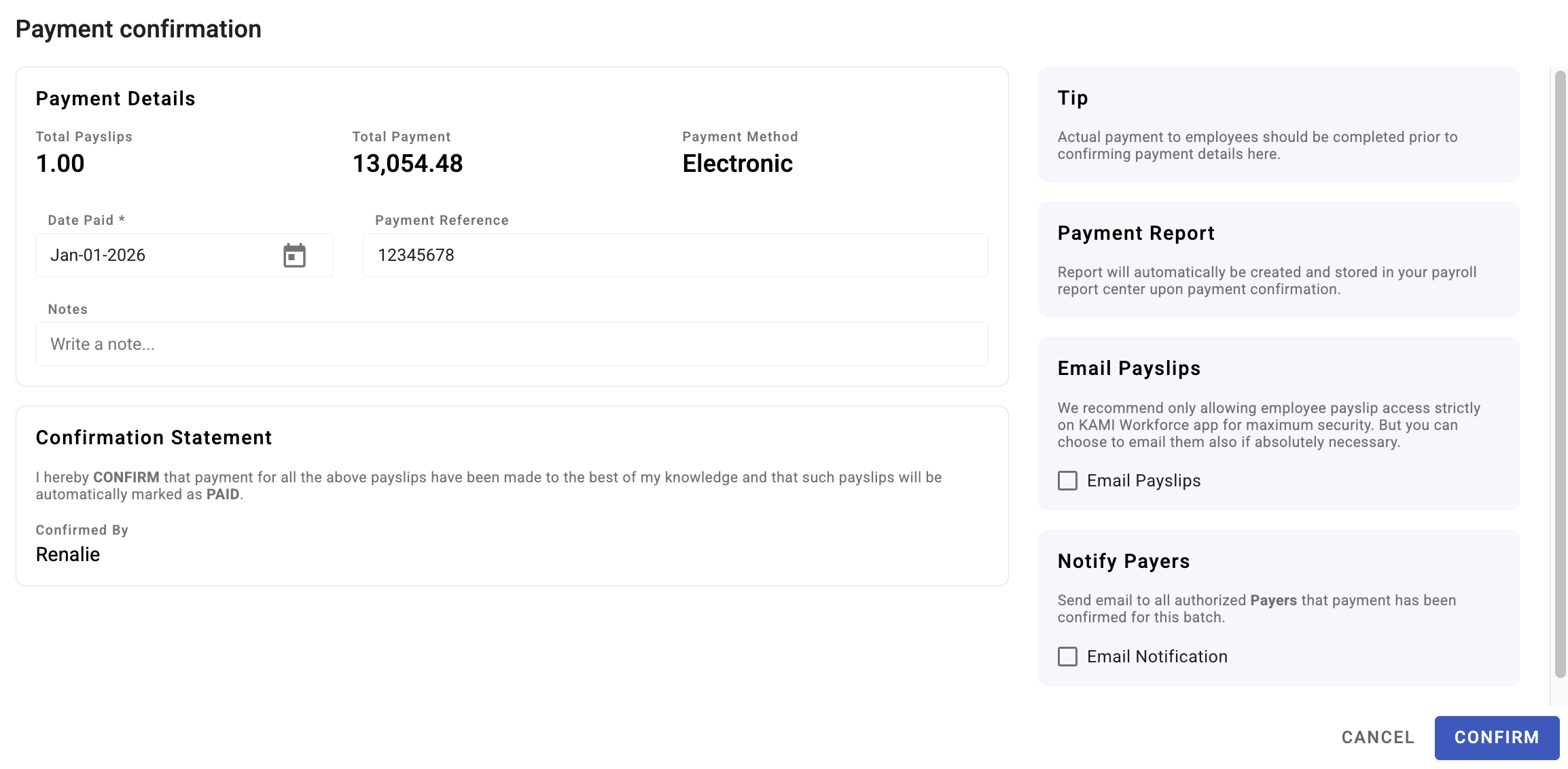
- Select the payslips and disburse, or mark them paid if you are paying outside KAMI.
- Confirm the resulting statuses before closing the batch.
Remember that the batch only closes once all active payslips are paid — including any sitting on hold.
What Happens Next
- Paid payslips are recorded with a disbursement, and each payslip gets its own disbursement item, so a single employee's payment can be traced.
- Employees can be notified that their payslip is available, if that is enabled.
- The run's figures feed the statutory and year-end reports for the period.
- A paid payslip should be treated as final. Correcting one after payment is a correction in the next run, not an edit of this one.
Tips
- Run a bank-details check a week before payday. Every disbursement error you find then is a non-event; every one you find on payday is an escalation.
- Pay new joiners' first payslips with extra care. They are the most likely to have incomplete or unverified account details.
- Do not use payment status as the record of what was paid. The disbursement record is; payment status is a state, and states change.
- Reconcile the disbursement total against your bank the same day. A mismatch found immediately is a puzzle; one found in a month is an investigation.
- Keep the ability to disburse narrow. It is the one payroll right that moves money.
Troubleshooting / FAQ
Q: A payslip is not showing on the Payment tab. It is not Closed. Only closed payslips can be paid.
Q: A payslip is flagged with a disbursement error. Its banking information is missing or incorrect. Fix the employee's bank details, then retry — the figures on the payslip are unaffected.
Q: We disbursed but KAMI still shows it as unpaid. Check how status updates arrive. On periodic check there is a delay; on manual, someone has to update it.
Q: The batch will not close although everything is paid. Look for payslips on hold. They are active and unpaid, and they hold the batch open.
Q: We paid an employee the wrong amount. Correct it in the next run rather than editing a paid payslip — a wage adjustment or other payment is the honest way to show it.
Q: Can we pay part of a run now and the rest later? Yes. Close and pay the payslips that are ready; the batch stays open for the rest.
Screenshots
These screenshots came from our previous help centre and may show an earlier version of the interface.